Data entry clerk resume examples are the fastest way to see what a strong, hire-ready resume looks like before you write your own. Hiring managers scan these resumes in seconds. They want proof of accuracy, software proficiency, and fast processing speed right away. Get those three things right on paper, and you move to the next round.
This guide breaks down what makes a data entry resume work, what formats perform best, and how to write each section without guessing.
What Hiring Managers Look For in a Data Entry Clerk Resume
Before writing a single word, you need to know what recruiters actually check first. Most data entry postings sit on platforms like Indeed and LinkedIn. That means your resume passes through an applicant tracking system (ATS) before a human ever reads it. A well-structured data entry clerk resume clears that filter automatically.
Here is what gets attention right away:
- Typing speed listed in WPM (words per minute)
- Named software skills like Microsoft Excel, Google Sheets, SAP, or Salesforce
- Measurable accuracy rates (99% or higher is standard for competitive roles)
- Clean, scannable formatting with no images or fancy graphics
- A summary that mirrors keywords from the job posting
Recruiters spend about six seconds on an initial resume scan. Front-load your strongest details. Do not bury typing speed at the bottom of a skills list.
Data Entry Clerk Resume Examples by Format
The format you choose shapes how recruiters perceive your experience. Data entry roles fit three resume formats depending on your background.
Chronological Format
This is the standard choice for job seekers with at least one year of data entry or administrative experience. It lists your work history from most recent to oldest. Hiring managers prefer it because it shows career progression clearly.
Use this format when you have consistent, related experience with no major employment gaps.
Functional Format
A functional resume groups skills and abilities before listing employment dates. It works well for candidates switching from another field or re-entering the workforce. However, many ATS systems rank functional resumes lower, so use this only when chronological order works against you.
Combination Format
This hybrid puts a strong skills section at the top, then lists work history below it. It works best for data entry applicants with both strong skills and solid job history. It satisfies ATS keyword scanning while still showing your background clearly.
How to Write Each Section of a Data Entry Clerk Resume
Each section of your resume carries specific weight. Skipping or rushing any one of them costs you callbacks. Here is how to handle each one right.
Professional Summary
The summary sits at the top and sets the tone. Keep it to two or three sentences. Name your years of experience, your top skills, and one measurable result. Avoid vague openers. Start with your role and your biggest strength.
Example: Detail-oriented data entry clerk with 3 years of experience processing high-volume records in healthcare and logistics. Maintains 99.8% accuracy rate at 75 WPM. Proficient in Microsoft Excel, SAP, and Salesforce data platforms.
Work Experience
This section is where most candidates lose or win the position. Each bullet point should follow this formula: action verb + task + measurable result.
Here are strong data entry work experience bullet examples:
- Processed 500+ patient records daily in Epic EMR with 99.9% accuracy rate
- Reduced data entry error rate by 22% after implementing a double-verification workflow
- Migrated 10,000+ legacy records into Salesforce CRM within a 3-week deadline
- Reconciled inventory data across three warehouse locations using advanced Excel formulas
How many bullet points per job on a resume is a common question. Aim for three to five per role. More than six starts to look padded. Fewer than three looks thin.
Skills Section
List your skills in two columns for readability. Separate hard skills from soft skills, or blend them if space is tight. Pull exact keywords from the job description. ATS systems match keywords literally, so “Microsoft Excel” performs better than just “spreadsheets.”
Hard skills to include:
- Data entry (WPM and accuracy rate)
- Microsoft Office Suite (Excel, Word, Access)
- Google Workspace (Sheets, Docs, Drive)
- CRM platforms: Salesforce, HubSpot, Zoho
- ERP systems: SAP, Oracle, QuickBooks
- 10-key typing
- Database management
- Data verification and quality control
Soft skills worth listing:
- Attention to detail
- Time management
- Confidentiality and discretion
- Multi-tasking under deadlines
- Communication and collaboration
Education
Most data entry positions require a high school diploma or GED. If you have completed any certifications, list them here too. Relevant credentials include Microsoft Office Specialist (MOS), Certified Administrative Professional (CAP), or any EHR software certifications for healthcare data entry.

Data Entry Clerk Resume Examples for Specific Industries
Data entry work looks different depending on the industry. Each sector uses different software, terminology, and compliance requirements. Your resume should reflect the specific environment you are targeting.
Healthcare Data Entry Resume
Healthcare positions require knowledge of HIPAA compliance and electronic health record (EHR) platforms. Common systems include Epic, Cerner, and Meditech. Highlight any experience with medical billing codes or patient data confidentiality protocols.
Key terms to include: HIPAA compliance, EHR/EMR software, ICD-10 coding familiarity, patient records management, medical terminology.
Financial Data Entry Resume
Finance-focused roles lean on accuracy in numbers, spreadsheet expertise, and familiarity with accounting software. Errors here carry serious consequences, so accuracy rate carries more weight in this sector than in most others.
Key terms to include: accounts payable/receivable, QuickBooks, SAP, bank reconciliation, financial data verification, Excel pivot tables.
Logistics and Supply Chain Data Entry Resume
Warehouse and logistics positions involve inventory tracking, shipment data, and order management systems. Speed and volume processing become top priorities here.
Key terms to include: inventory management, WMS (Warehouse Management System), order processing, barcode scanning, Oracle SCM, shipment tracking.
Common Data Entry Resume Mistakes to Avoid
Even strong candidates lose interviews because of avoidable resume errors. These are the most common ones.
The first mistake is omitting typing speed. WPM is a concrete metric recruiters look for. If you type 65 WPM or faster, list it. Anything above 50 WPM is worth showing.
The second mistake is using vague descriptions. Saying “entered data accurately” tells a recruiter nothing. Saying “processed 300+ invoices daily with 99.5% accuracy using QuickBooks” tells them everything they need.
The third mistake is skipping ATS optimization. Generic resumes fail ATS filters before a human reads them. Mirror the language in each job posting. If the listing says “database administration,” use that phrase, not “managing databases.”
The fourth mistake is poor formatting. Tables, text boxes, and graphics break ATS parsing. Stick to clean, single-column layouts with standard section headers.
The fifth mistake is forgetting to add references on a resume as a separate document. Do not clutter your resume with reference information. Keep it on a separate sheet and have it ready when asked.
Tailoring Your Data Entry Clerk Resume for Each Application
One resume rarely fits all job postings well. Each company uses different software and has different workflow expectations. Spending five minutes customizing your resume for each role significantly improves response rates.
According to SHRM research on hiring practices, resumes that align closely with job description language are rated significantly higher by recruiters. This is because many companies use keyword-scoring systems before a human reviewer ever sees the document.
Here is a quick customization process:
- Copy three to five key phrases directly from the job posting
- Work those phrases naturally into your summary and skills section
- Reorder your bullet points so the most relevant experience appears first
- Check that your listed software matches what the employer uses
- Verify the job title on your resume matches or closely mirrors the posting title
This is the difference between a resume that gets called after applying and one that goes silent.
Using AI Tools to Build a Stronger Data Entry Resume
Most job seekers still write their resume once and send it everywhere. That approach costs them interviews. Modern tools can build and adjust your resume in seconds instead of hours.
The Bureau of Labor Statistics projects steady demand for data entry and information clerks through 2032. That means competition stays consistent, and a well-optimized resume carries more weight, not less.
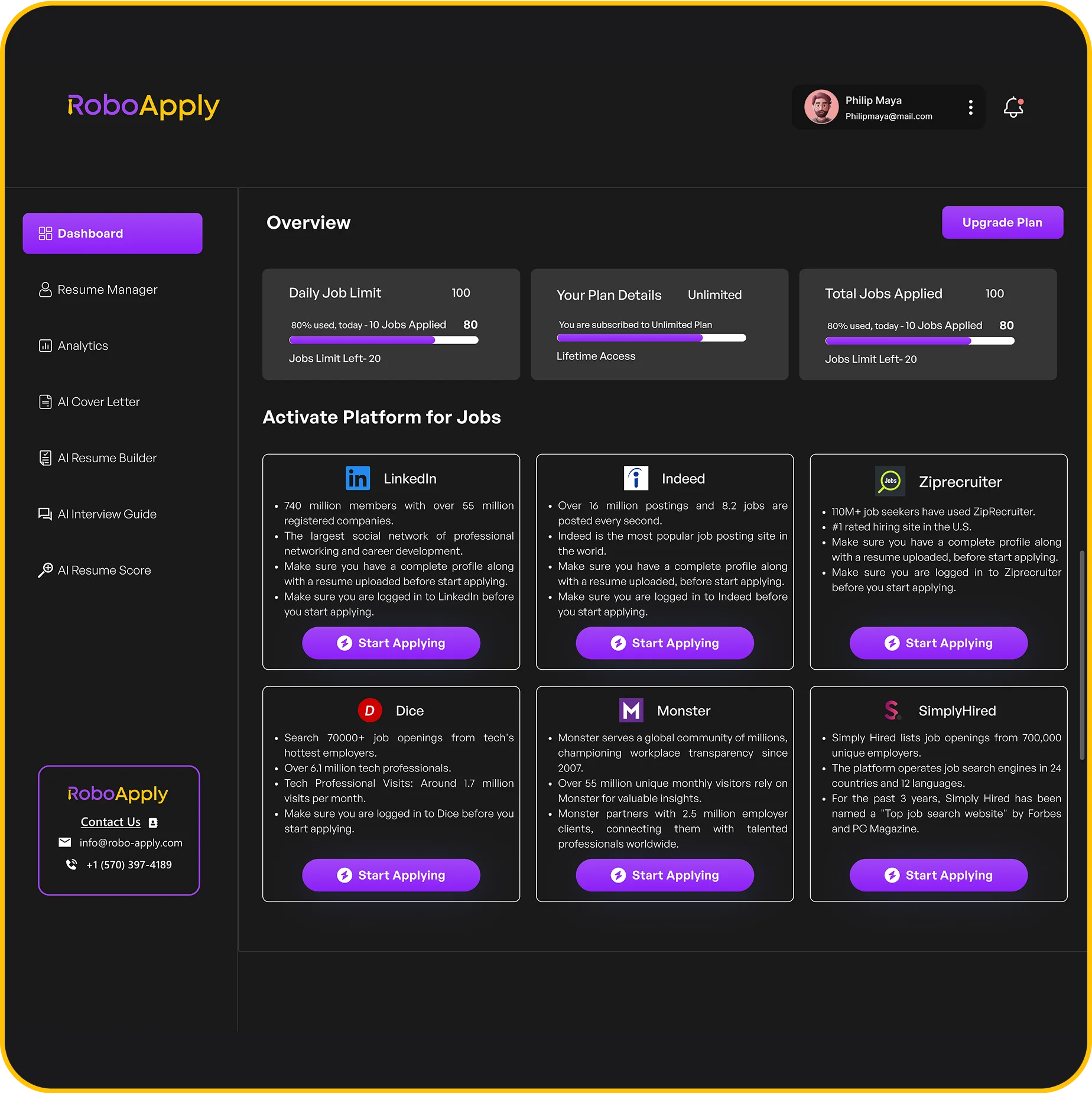
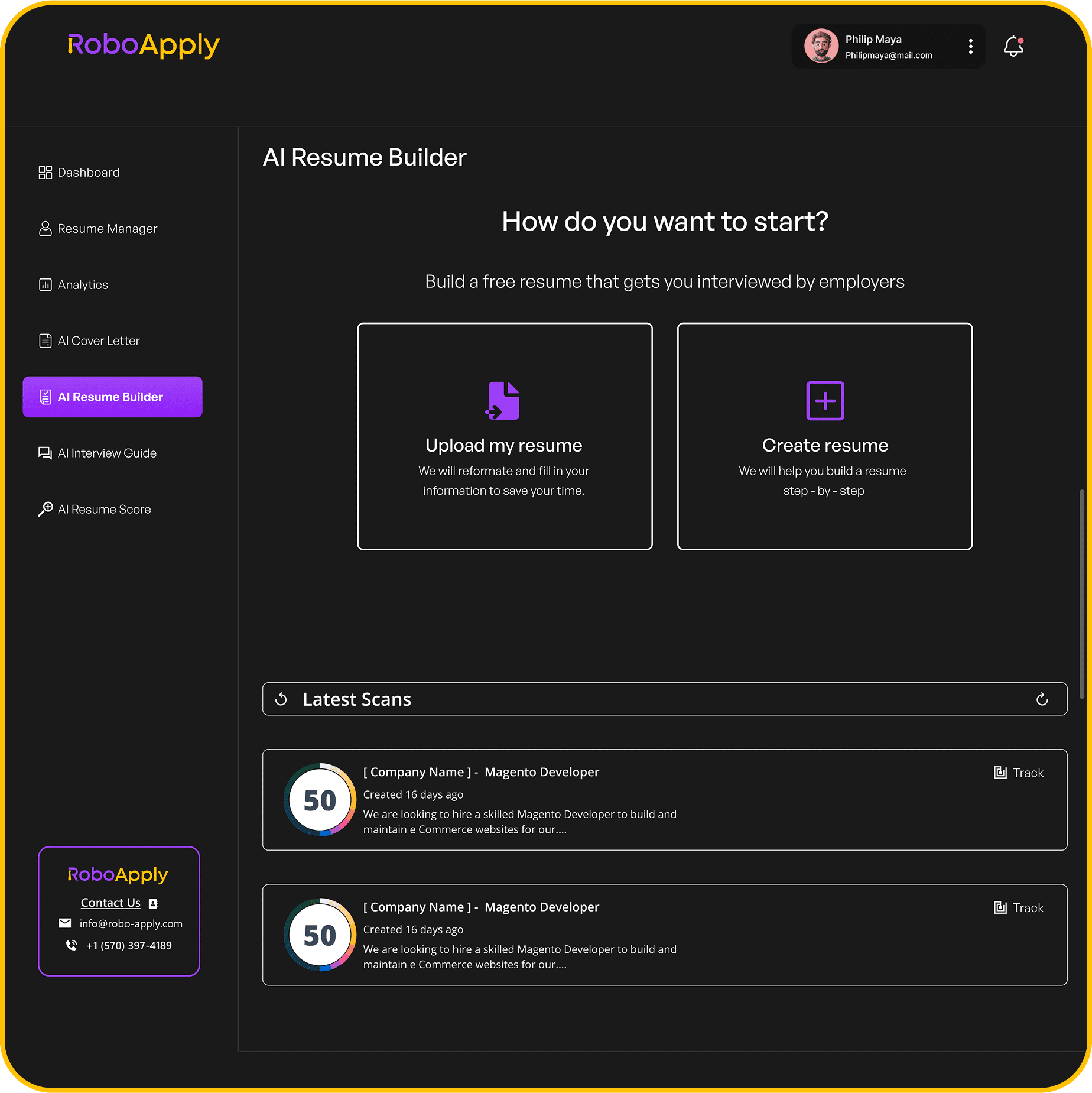
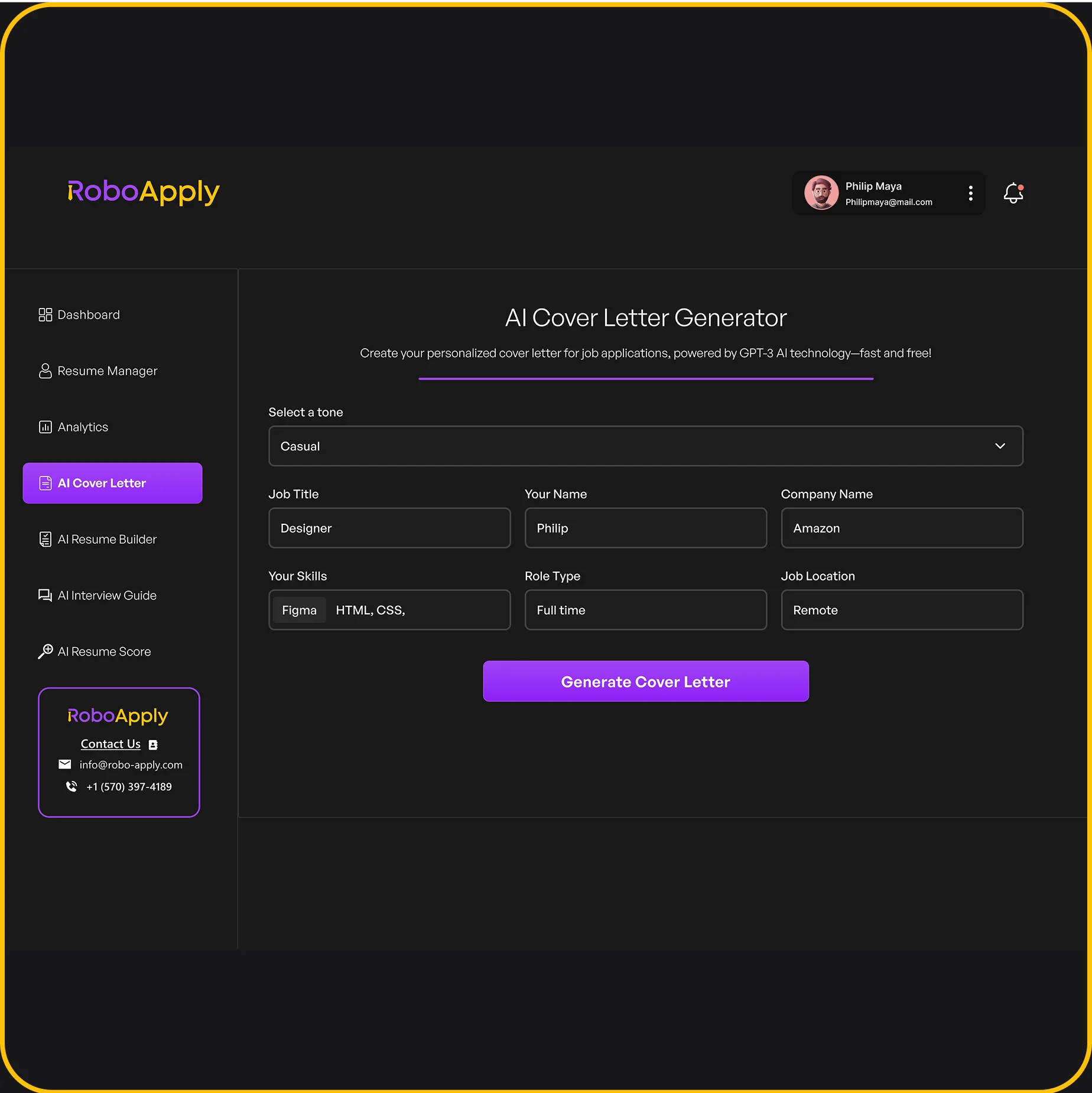
RoboApply’s AI Resume Builder generates ATS-optimized resumes based on the job description you paste in. The AI Tailored Apply tool then customizes it for every application automatically. You get a resume matched to each role in seconds, not hours.
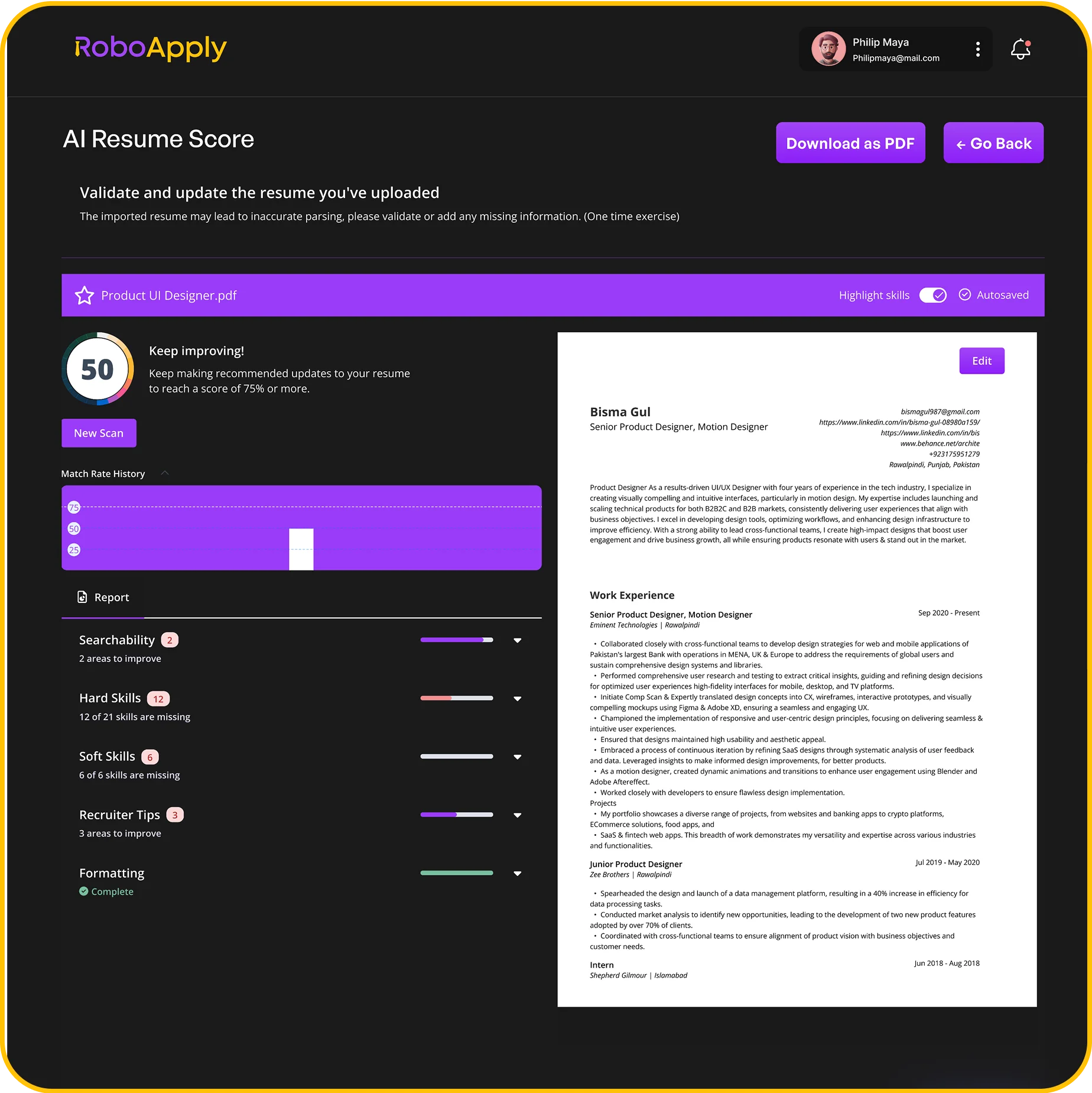
If you want to check how your current resume scores before applying, the AI Resume Score tool gives you instant feedback on ATS readability, keyword alignment, and skill gaps. Combine that with AI Auto Apply to submit applications across LinkedIn, Indeed, and ZipRecruiter with one click.
Many job seekers applying to jobs available across basic industries use automation to stay competitive across multiple sectors. Data entry spans nearly every industry, which makes resume versatility important. You can also see how other career paths handle these challenges — from underwater welders to finance managers — the principle of a targeted, results-focused resume holds across every role.
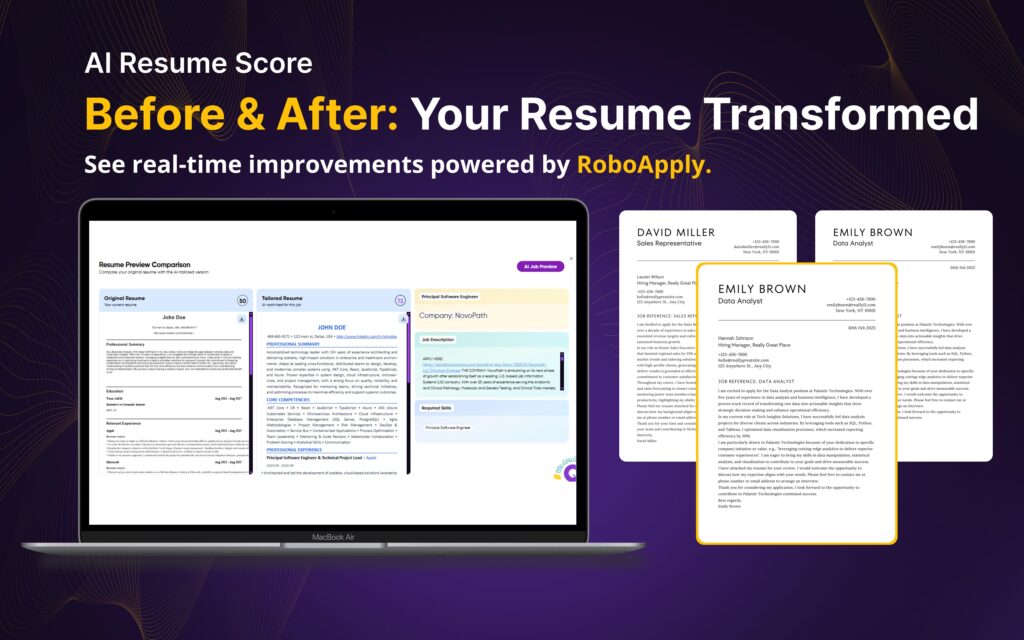
Download Data Entry Clerk Resume Templates
Frequently Asked Questions
What skills should I put on a data entry clerk resume?
List typing speed, accuracy rate, and software tools like Excel, SAP, or Salesforce. Add soft skills like attention to detail and time management.
How do I list typing speed on a resume?
Include WPM in your summary or skills section. Write it as “75 WPM with 99.8% accuracy” for maximum impact.
What is a good accuracy rate for a data entry resume?
Most employers expect 98% or higher. A rate of 99% or above puts you ahead of most applicants for competitive positions.
Should a data entry resume be one page?
Yes, for most candidates. One page is standard unless you have over 10 years of directly relevant experience to include.
How do I write a data entry resume with no experience?
Focus on transferable skills, typing speed, software certifications, and any volunteer or academic work involving data management or spreadsheets.