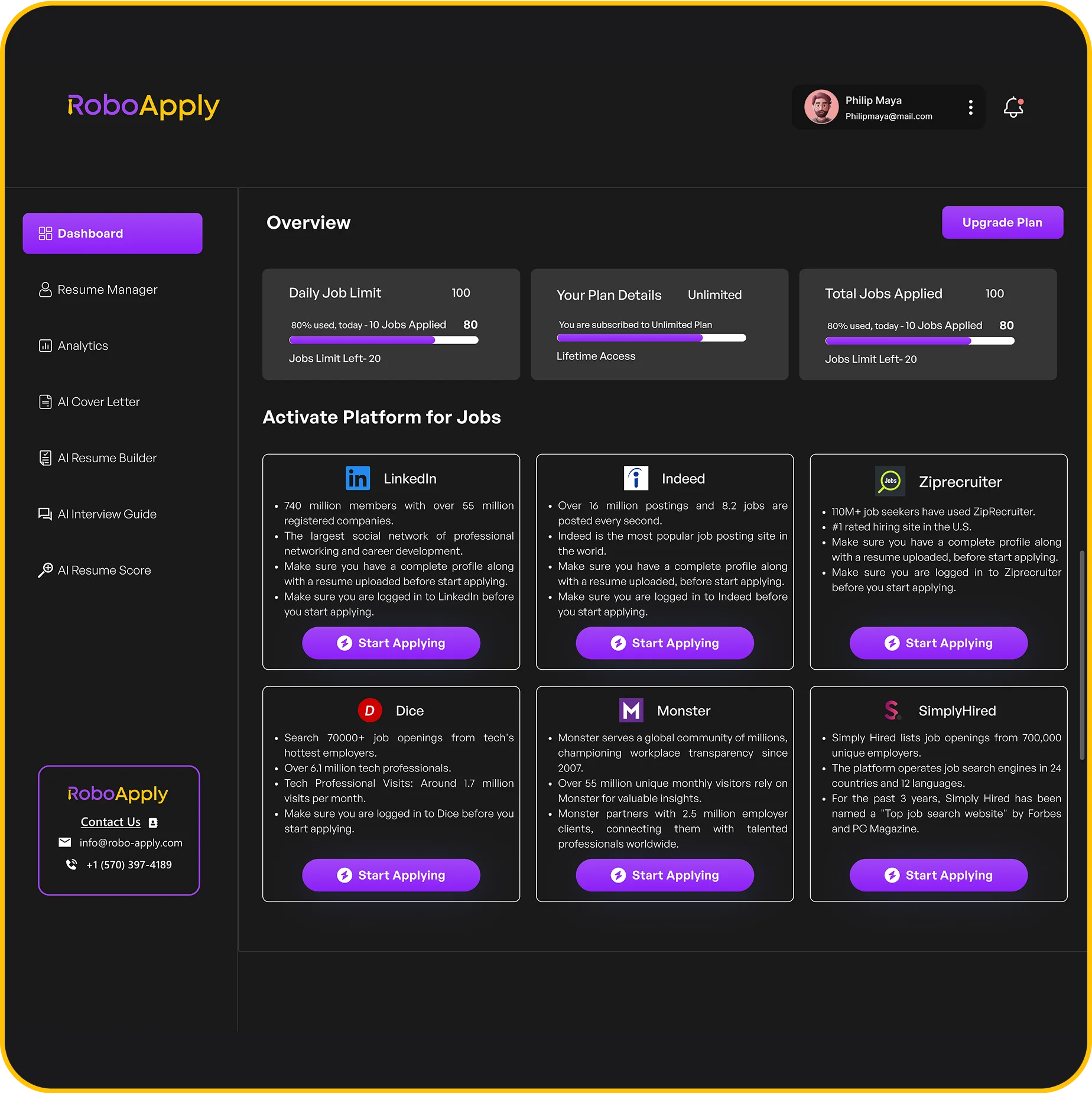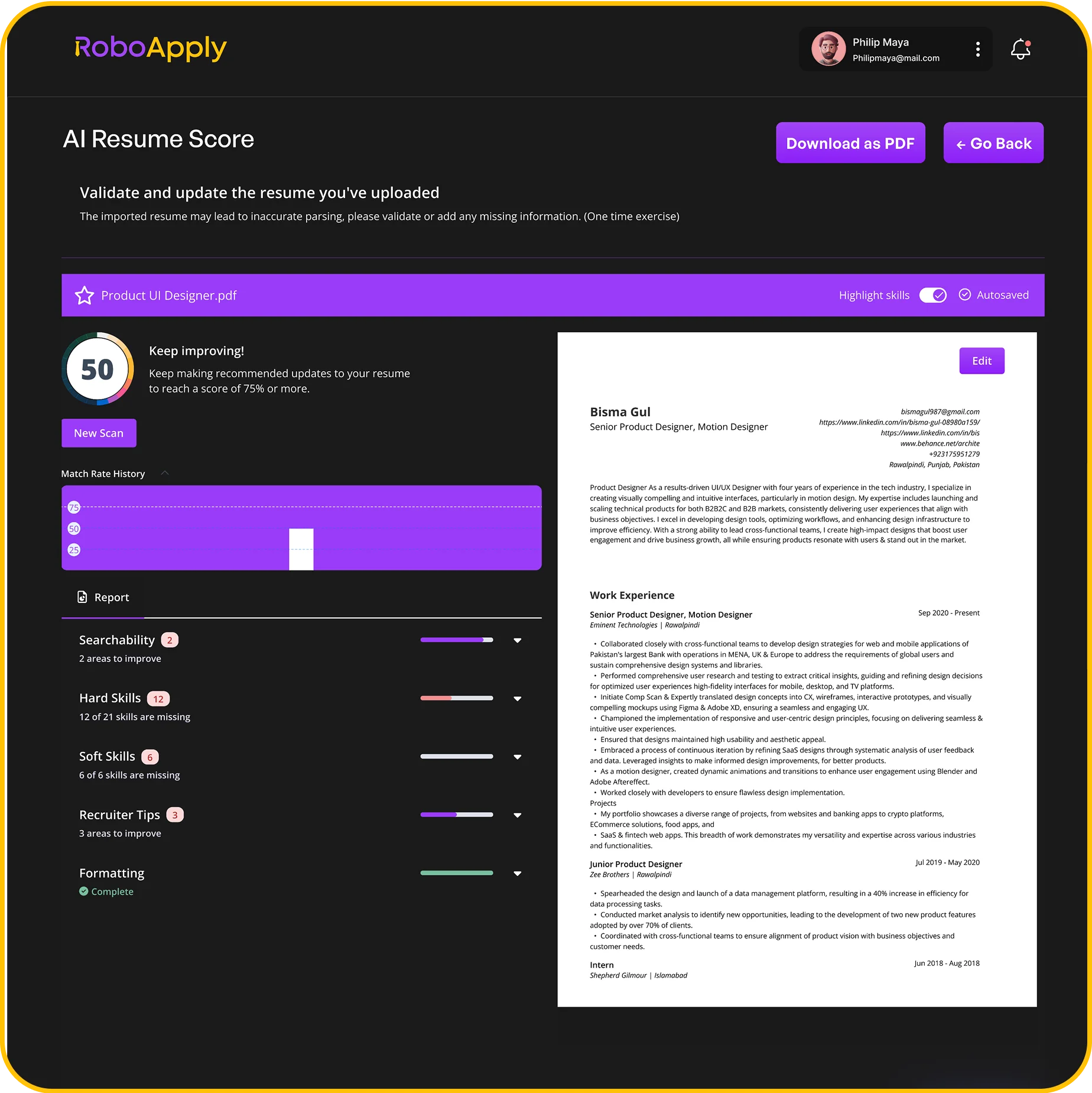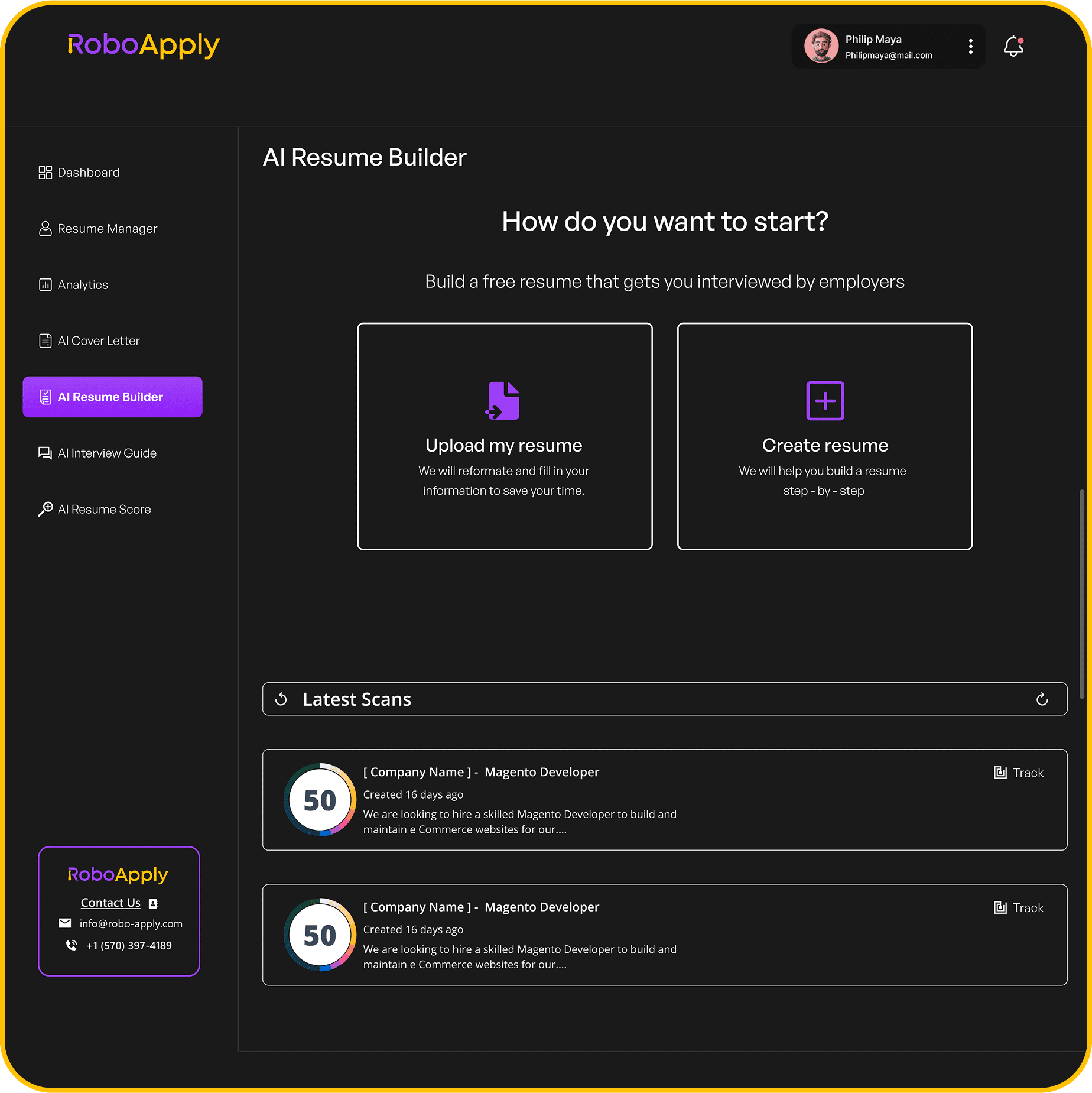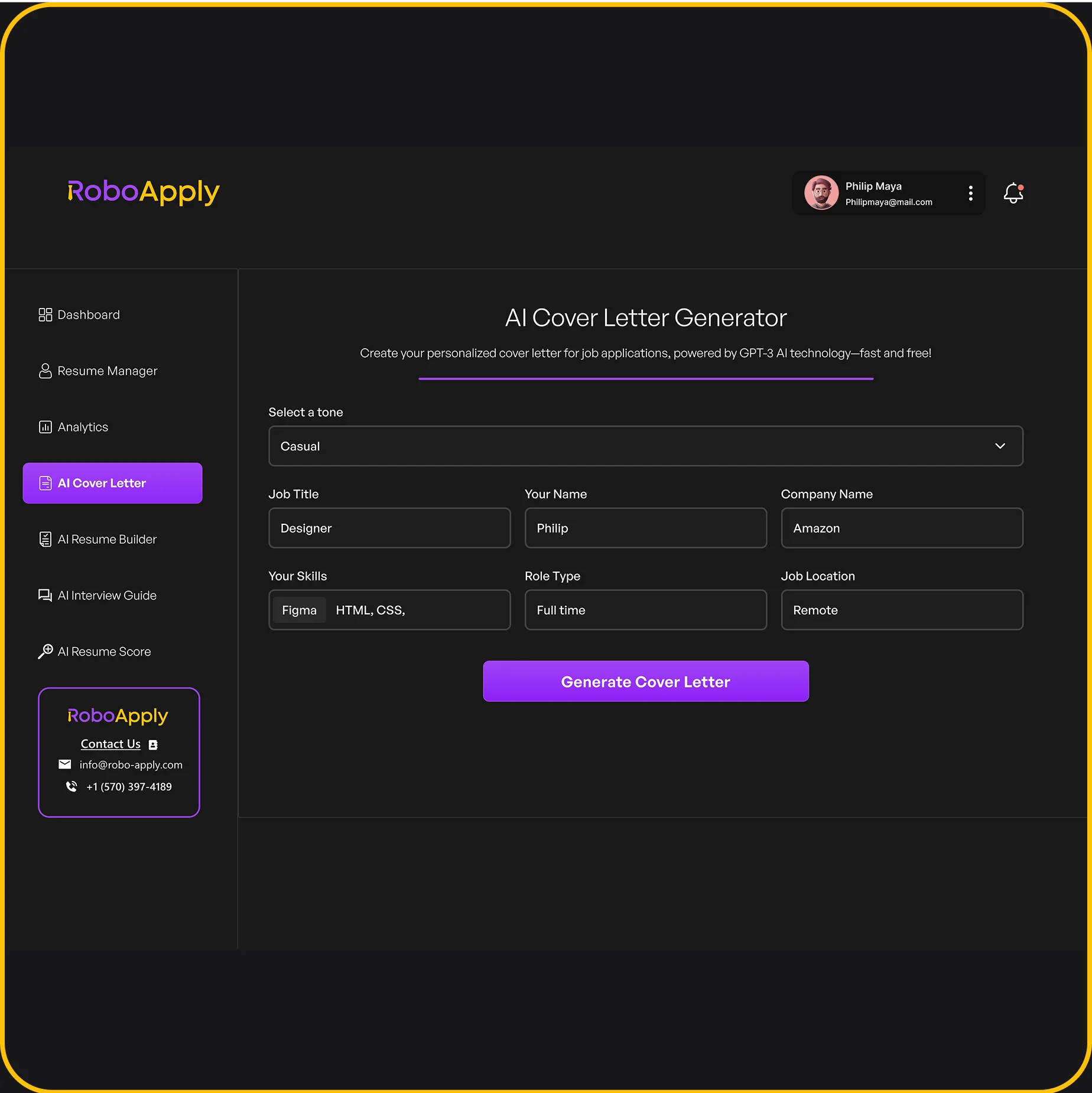

AI-Tailored Apply
Get a Resume That Matches Every Job Perfectly.
Feature Overview
Single Tailored Resume
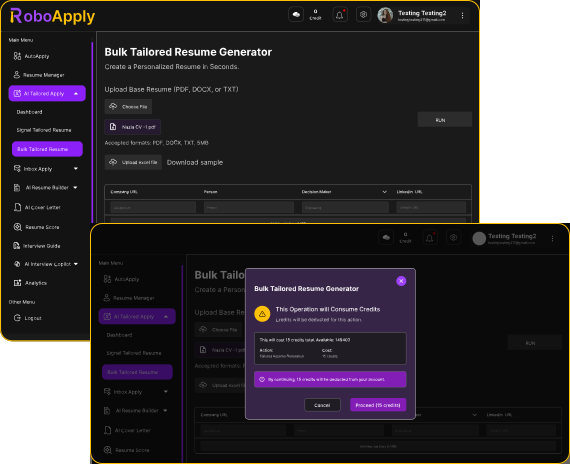
Bulk Tailored Resume
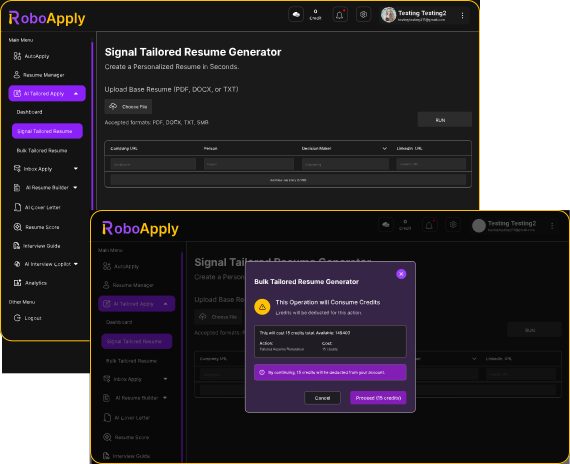
Single Tailored Resume
Upload Your Resume
Upload your existing resume in PDF or Docx format.
Add Job Description
Paste the job posting or link the job directly from a job board.
AI Tailoring Engine:
Use the built‑in editor to fine‑tune wording or tone if needed.
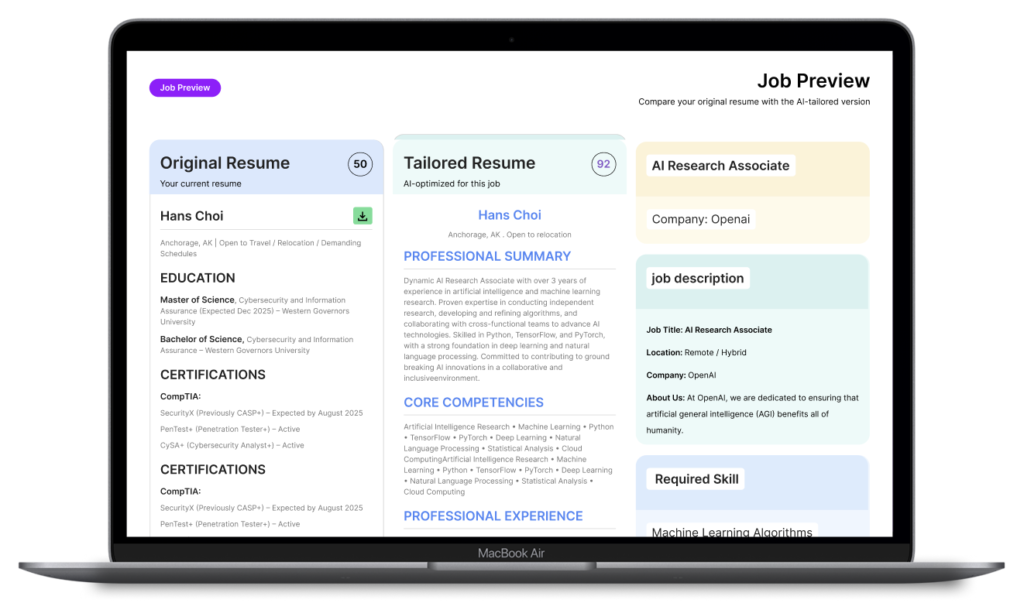
Review & Adjust
Our AI rewrites your resume to fit the role.
Download Optimized Resume
Download or save it directly to your RoboApply application board.
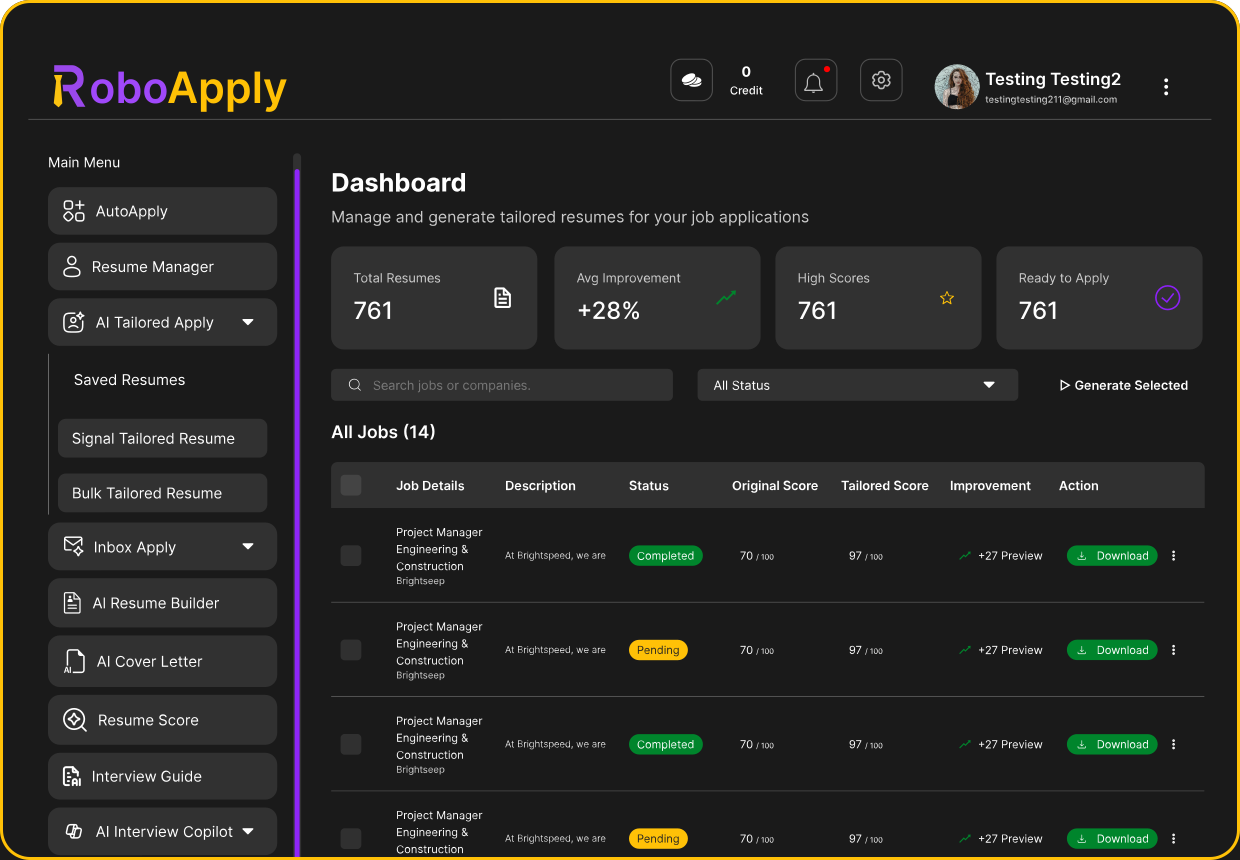
AI Tailored Resume
Upload Base Resume
Select a primary resume that will serve as the foundation
Add Job List
Upload job links or a CSV with descriptions
AI Multi‑Resume Tailoring Engine
AI Multi‑Resume Tailoring Engine.
Preview & Select
Review and approve the resumes you want to keep or edit.
Export or Send to Auto Apply
Download or auto-apply in bulk.
Preview your Job
Why This Matters
- 4x higher chance of getting interview calls.
- ATS‑optimized keyword alignment.
- Customization without spending hours rewriting.
- Ideal for applying to many roles quickly.
See AI-Tailored Apply in Action
Success Stories from RoboApply Users

Maria L
Product Manager
I’ve applied to over 200 roles without lifting a finger. Within a week, I landed 5 interviews!

David R
Software Engineer
Auto Apply completely changed my job search process. It’s like having a personal assistant!

Priya K
Marketing Specialist
I used to spend hours every night applying. Now Robo AI handles it for me — perfectly.
Results That Speak for Themselves
Frequently Asked Questions ?
Q. What is AI-Tailored Apply?
AI-Tailored Apply is an AI-driven tool that customizes your resume to precisely match the requirements and keywords of a job description, increasing your visibility to ATS systems and boosting your chances of getting interviews.
Q. How does AI-Tailored Apply work?
You upload your current resume and the job description (or link) — the AI analyzes both and rewrites your resume to better fit the role. You can adjust wording if needed and then download or use it with Auto Apply.