Post a resume on Indeed by creating a free account, clicking “Upload Your Resume” on the homepage, selecting your resume file from your computer, and completing your profile information. Indeed accepts Word documents, PDFs, and text files up to 2MB in size. Once uploaded, your resume becomes searchable by thousands of employers and appears automatically when you apply to jobs through the platform.
Posting your resume on Indeed takes less than five minutes but significantly expands your job search reach. The platform receives over 250 million unique visitors monthly, making it one of the largest job search engines worldwide.
Why Post Your Resume on Indeed
Indeed serves as both a job board and resume database. When you post a resume on Indeed, you’re not just preparing to apply for jobs. You’re making yourself visible to recruiters and hiring managers who search for candidates matching specific qualifications.
The platform’s algorithm matches your resume keywords with employer searches. When recruiters look for skills, job titles, or locations matching your profile, your resume appears in their results. This passive job searching complements your active applications.
According to research on job search effectiveness, candidates who make their resumes searchable receive 3 times more interview requests than those who only apply to posted positions. The visibility advantage alone makes uploading worthwhile.
Your Indeed resume also speeds up the application process. When you apply to jobs on the platform, your information auto-fills application forms. You save time not re-entering the same details for every application.
Step-by-Step Guide to Post a Resume on Indeed
Uploading your resume to Indeed follows a straightforward process. Here’s exactly what you need to do to get your resume posted and searchable:
Create Your Indeed Account
Visit Indeed.com and click “Sign In” in the top right corner. Select “Create Account” and enter your email address and a password. You can also sign up using your Google or Apple account for faster access.
Verify your email address by clicking the link Indeed sends. This confirmation protects your account and ensures you receive job alerts and employer messages.
Upload Your Resume File
Once logged in, click “Upload Your Resume” on the homepage or go to your account dashboard. Choose your resume file from your computer. Indeed accepts these formats:
- Microsoft Word (.doc, .docx)
- PDF (.pdf)
- Plain text (.txt)
- Rich Text Format (.rtf)
Your file must be under 2MB in size. Most resumes easily fall below this limit unless you’ve included large images or graphics.
Indeed parses your resume automatically, extracting information like your name, contact details, work history, and education. Review this parsed information carefully to ensure accuracy.
Complete Your Profile Information
After uploading, Indeed prompts you to complete your profile. Fill in any missing information the system didn’t capture from your resume. Add your desired job title, preferred work locations, salary expectations, and work authorization status.
The more complete your profile, the better Indeed can match you with relevant opportunities. Empty fields reduce your visibility in employer searches.
Set Your Resume Visibility
Choose who can see your resume. Indeed offers two privacy settings. Public means your full resume is searchable by all employers using Indeed. Private means only employers you apply to can see your resume.
Most job seekers choose public visibility to maximize opportunities. If you’re currently employed and concerned about discretion, consider using private mode.
For guidance on resume structure, resources on how many bullet points per job on resume can help you format your experience effectively.

Common Mistakes When Posting a Resume on Indeed
Even straightforward processes have pitfalls. Watch out for these errors that reduce your visibility and response rates:
- Using outdated resume files with old positions or incorrect contact information
- Ignoring keywords that employers search for when looking for candidates
- Setting privacy too restrictive and missing recruiter opportunities
- Leaving profile sections incomplete which reduces search visibility
- Forgetting to update regularly which lowers your ranking in searches
According to research on applicant tracking systems, 98% of Fortune 500 companies use ATS software that screens resumes by keywords. Indeed’s system works similarly.
Make sure you’re uploading your most current resume version. Check the file date before selecting it. An outdated resume shows old positions, missing skills, or incorrect contact information.
Generic resumes with vague descriptions don’t rank well in Indeed’s search. Employers search for specific skills, certifications, and experiences. Your resume needs those exact keywords to appear in results.
For more on professional communication after applying, calling a job after applying offers insights that can strengthen your follow-up strategy.
Managing Your Indeed Resume
After posting your resume, ongoing management keeps your profile effective and current. Regular maintenance ensures you stay visible to employers and competitive in search results.
Refresh your resume every 30 to 60 days even if nothing changes. Indeed’s algorithm favors recently updated profiles, showing them higher in search results. A simple edit and re-save signals you’re actively job searching.
Check your Indeed dashboard weekly to see how many employers viewed your resume, which searches your resume appeared in, and messages from recruiters. These metrics help you understand what’s working.
When recruiters contact you through Indeed, respond within 24 hours. Quick responses show professionalism and genuine interest. Even if you’re not interested in a specific opportunity, a polite reply maintains relationships.
Keep multiple resume versions for different types of positions you’re seeking. You can upload only one resume at a time to Indeed, but you can swap them based on your current job search focus.
Understanding professional document preparation helps across contexts. Resources on whether to put references on a resume provide insights into what information to include or exclude.
Using Indeed Resume Features Effectively
Indeed offers several features beyond basic resume posting. Leverage these tools to maximize your job search success and stand out to potential employers.
If you don’t have a resume file ready, Indeed provides a built-in resume builder. This tool walks you through each section with prompts and examples. The result is an Indeed-formatted resume optimized for their search algorithm.
Indeed automatically suggests jobs matching your resume content. You can also set up custom alerts for specific job titles, companies, or locations. These emails arrive daily or weekly based on your preferences.
Research companies before applying using Indeed’s review and salary databases. Employee reviews provide insider perspectives on culture, management, and work-life balance. Salary information helps you negotiate appropriately.
According to studies on job application timing, being among the first applicants significantly increases your chances of getting noticed before postings get flooded.
If you’re exploring opportunities in other industries, checking out resources like how many jobs are available in basic industries can help you understand different sectors.
For those considering specialized career paths, exploring topics like how much do underwater welders make shows how different fields offer varying compensation.

Streamlining Your Job Search Process
Managing applications across Indeed and other platforms requires organization and efficiency. These tools help you track opportunities while maintaining quality applications across multiple job boards.
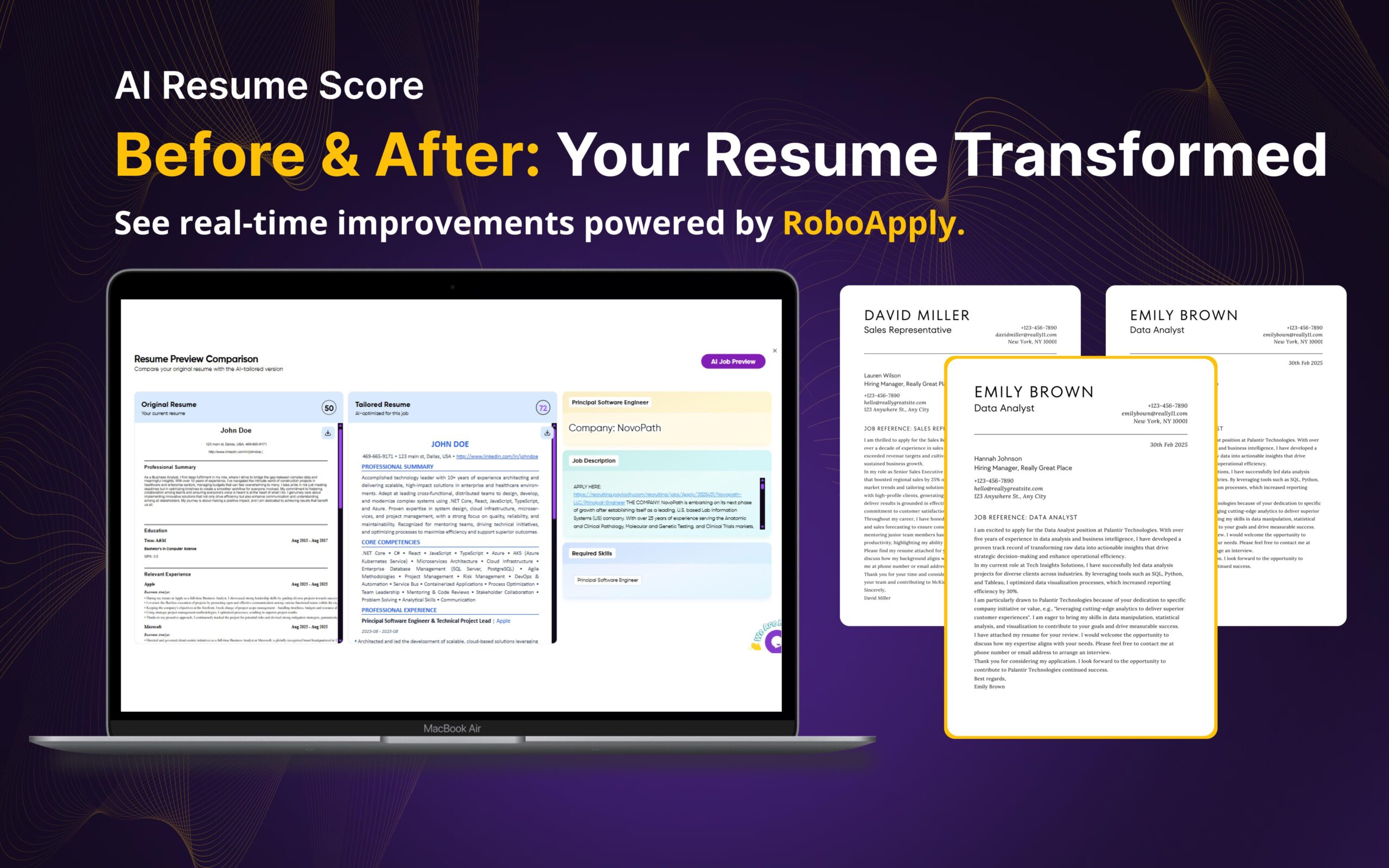
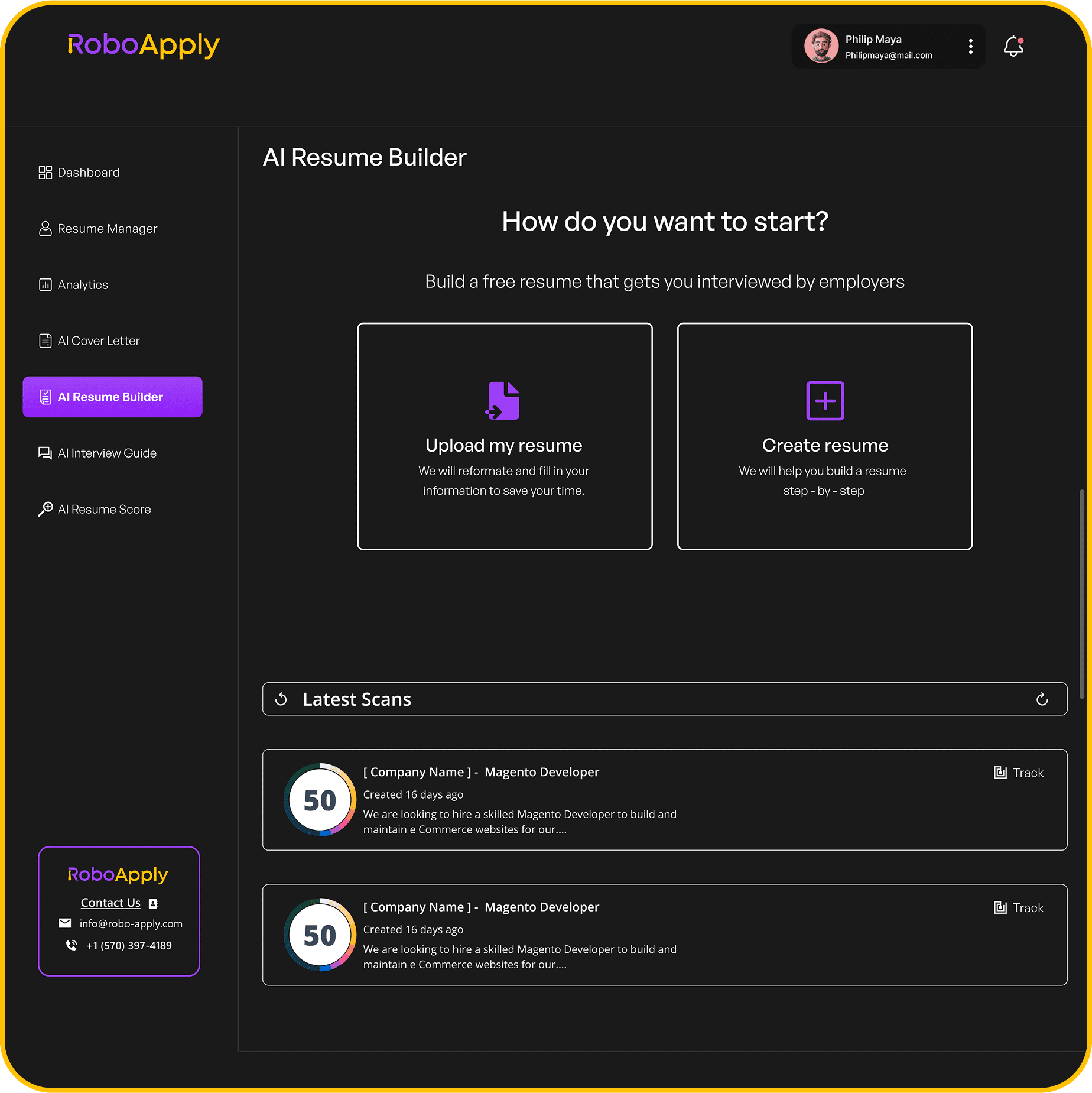
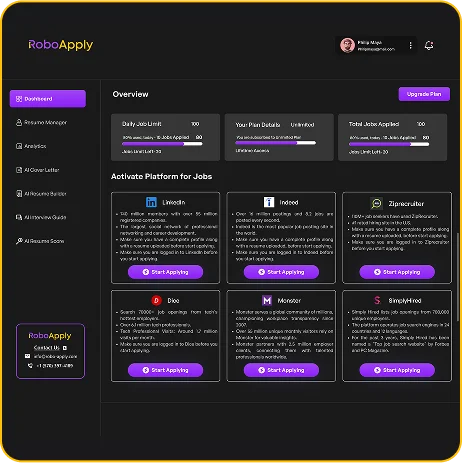
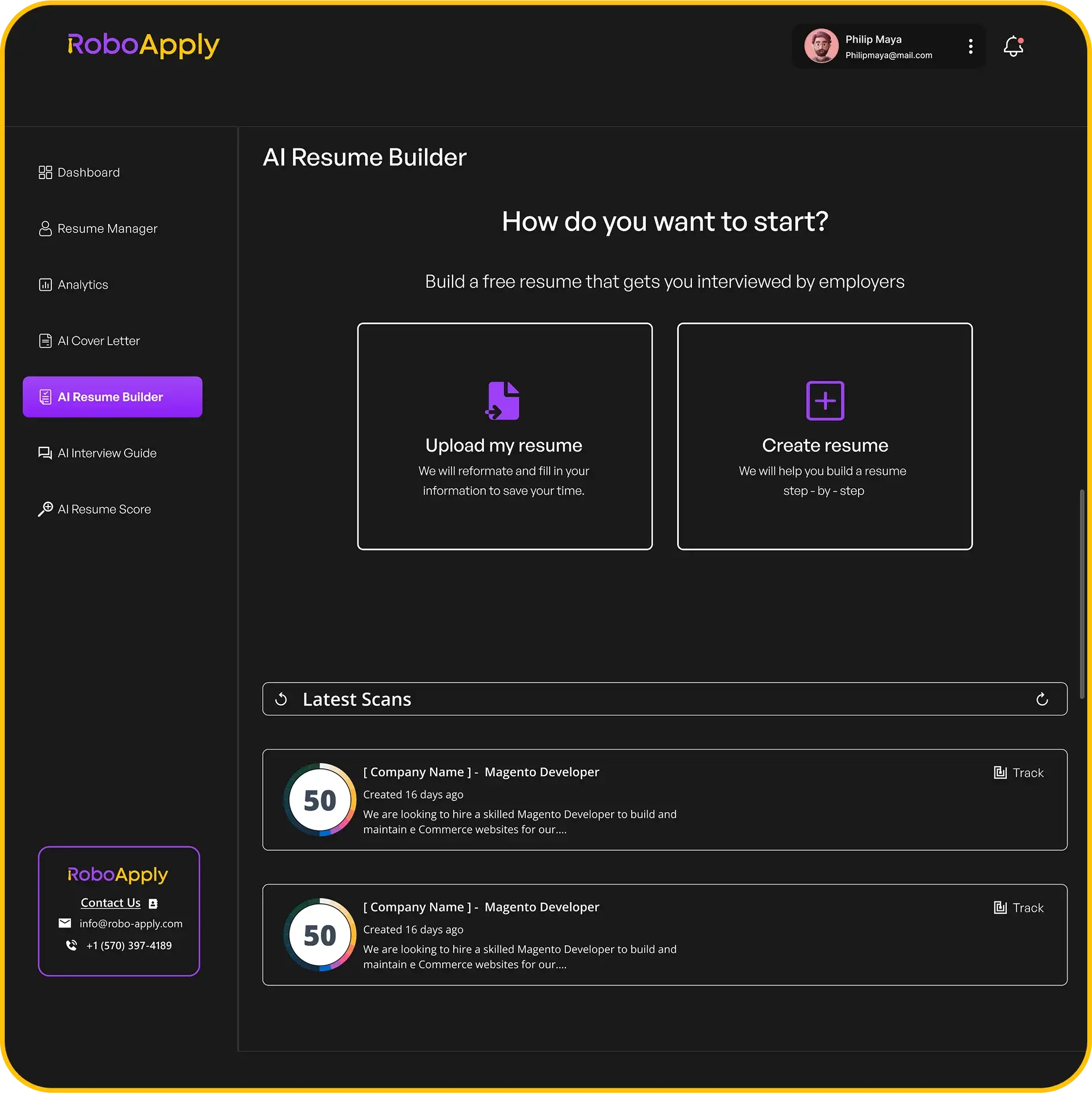
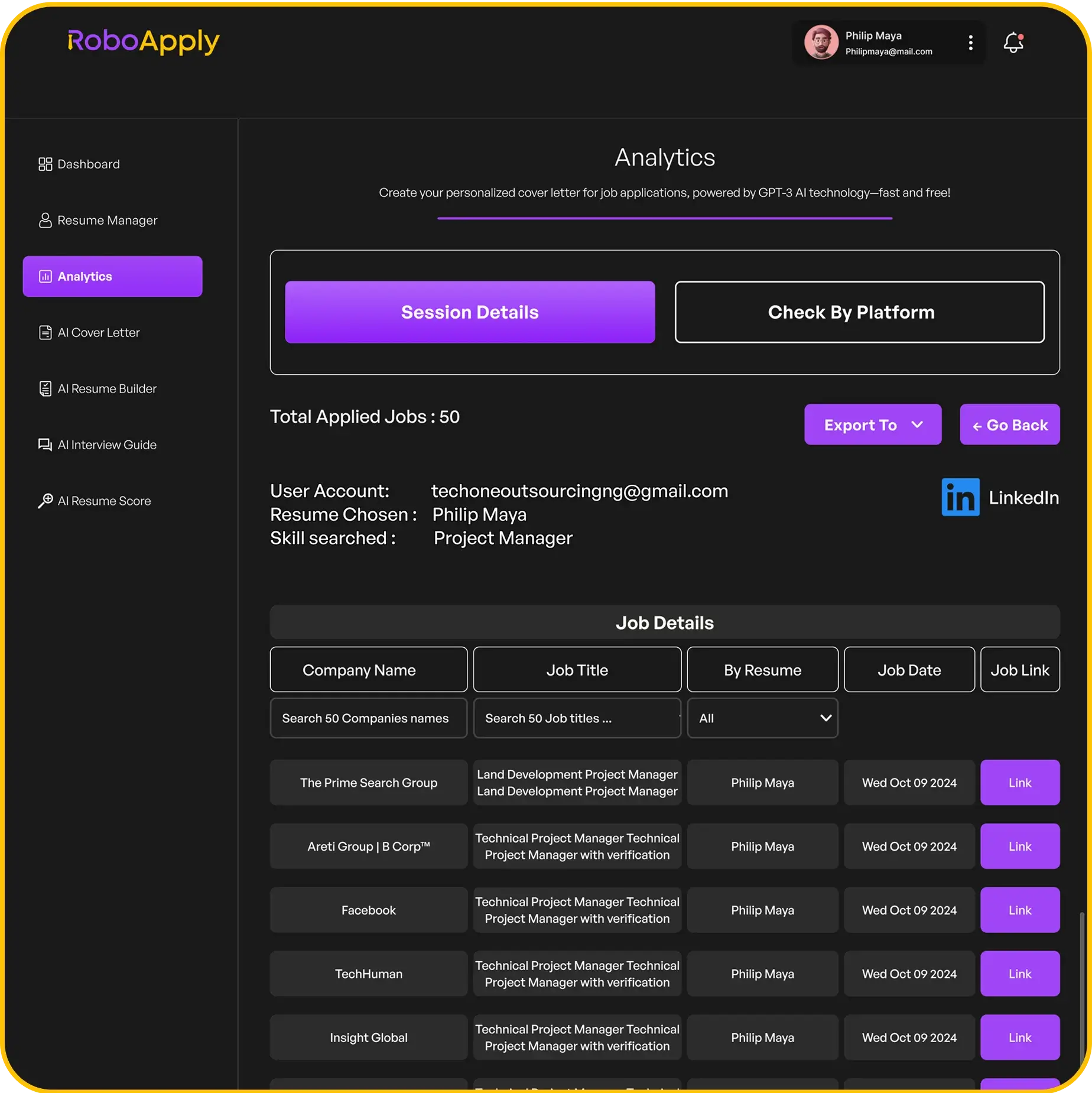
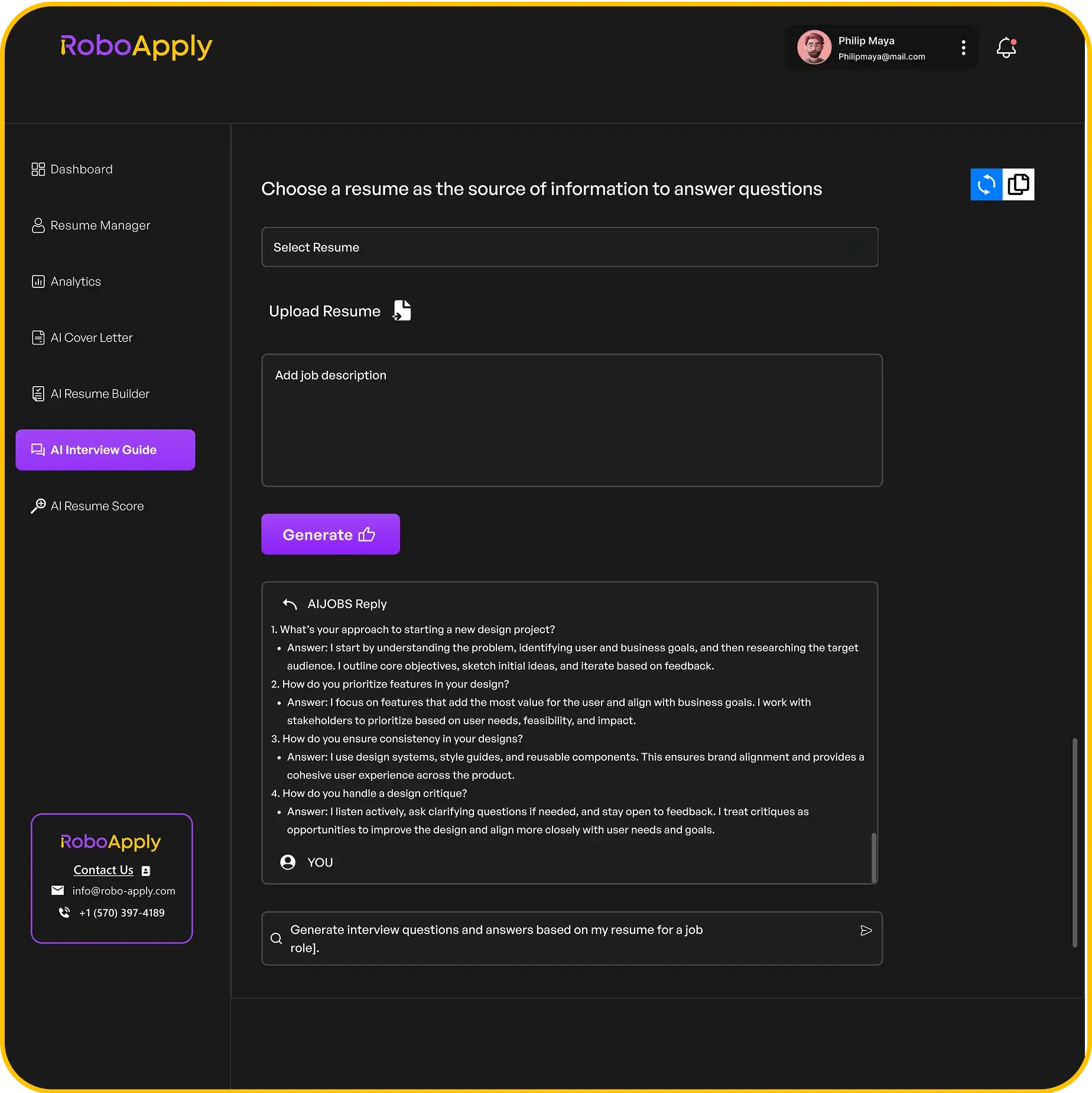
RoboApply’s AI Resume Builder creates optimized resumes specifically formatted for Indeed and other job platforms. The system ensures your resume includes keywords that trigger employer searches.
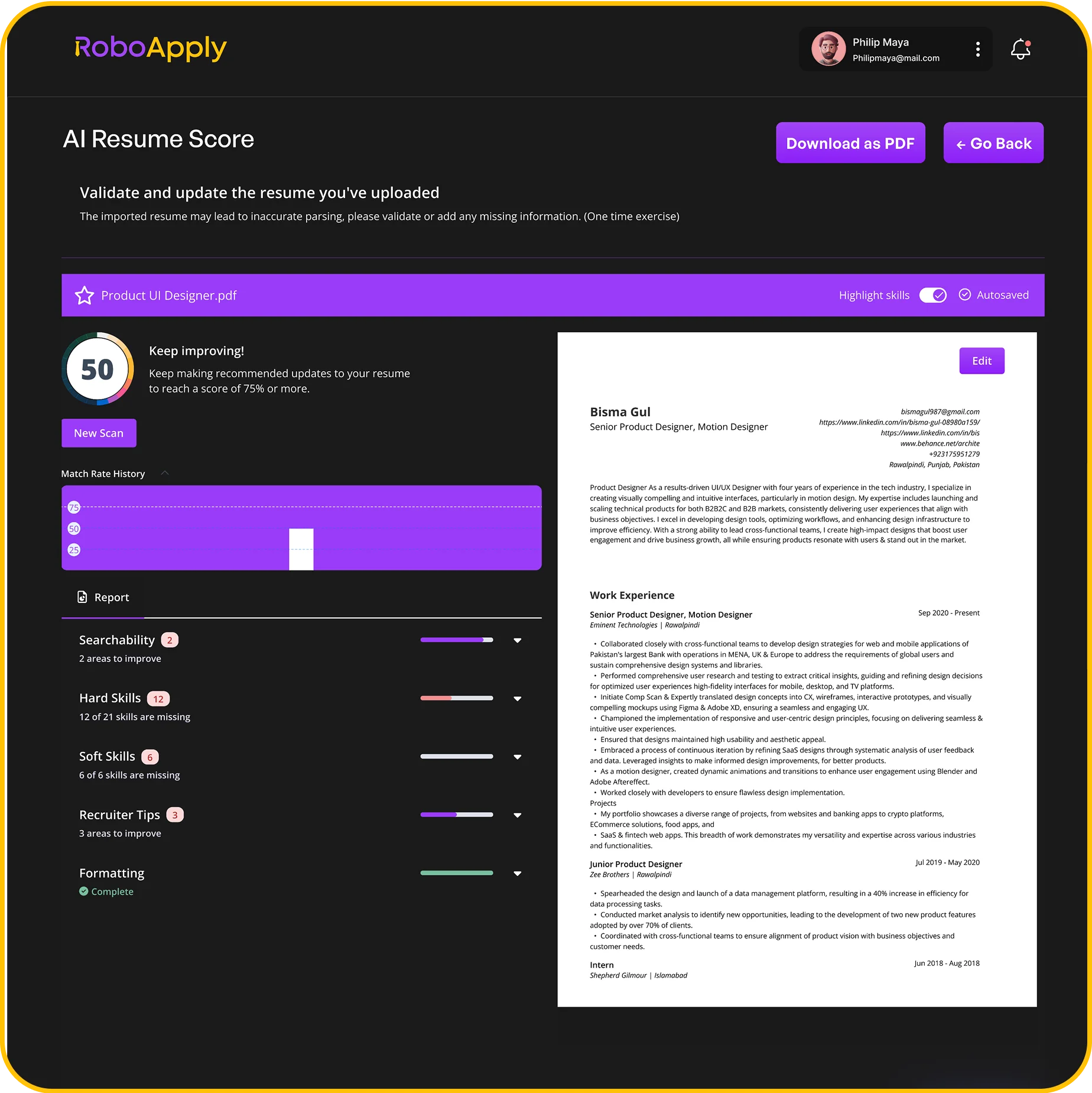
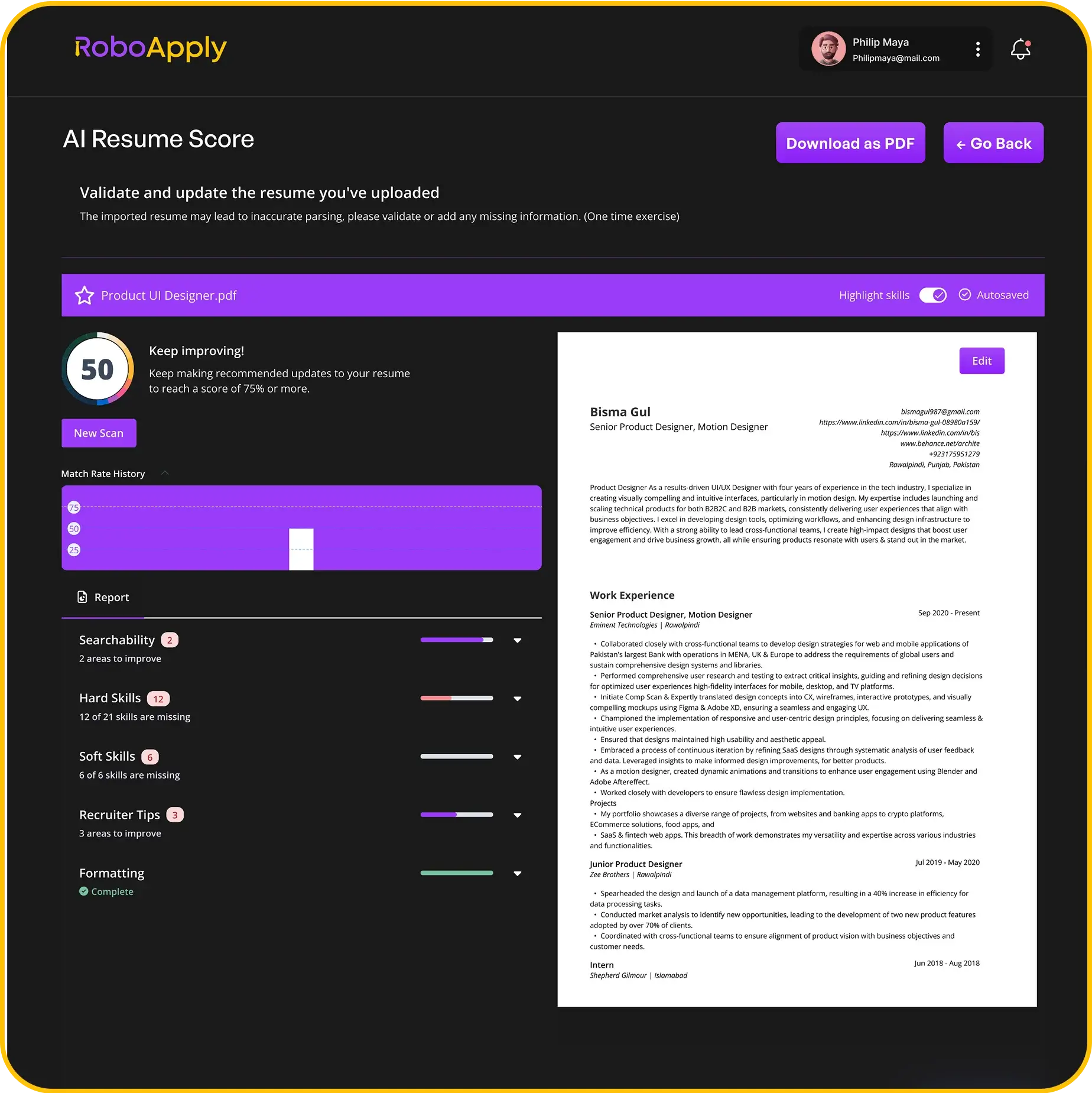
The Resume Score feature analyzes your resume against job requirements before you post. You’ll see which qualifications to emphasize and which keywords to add for better Indeed visibility.
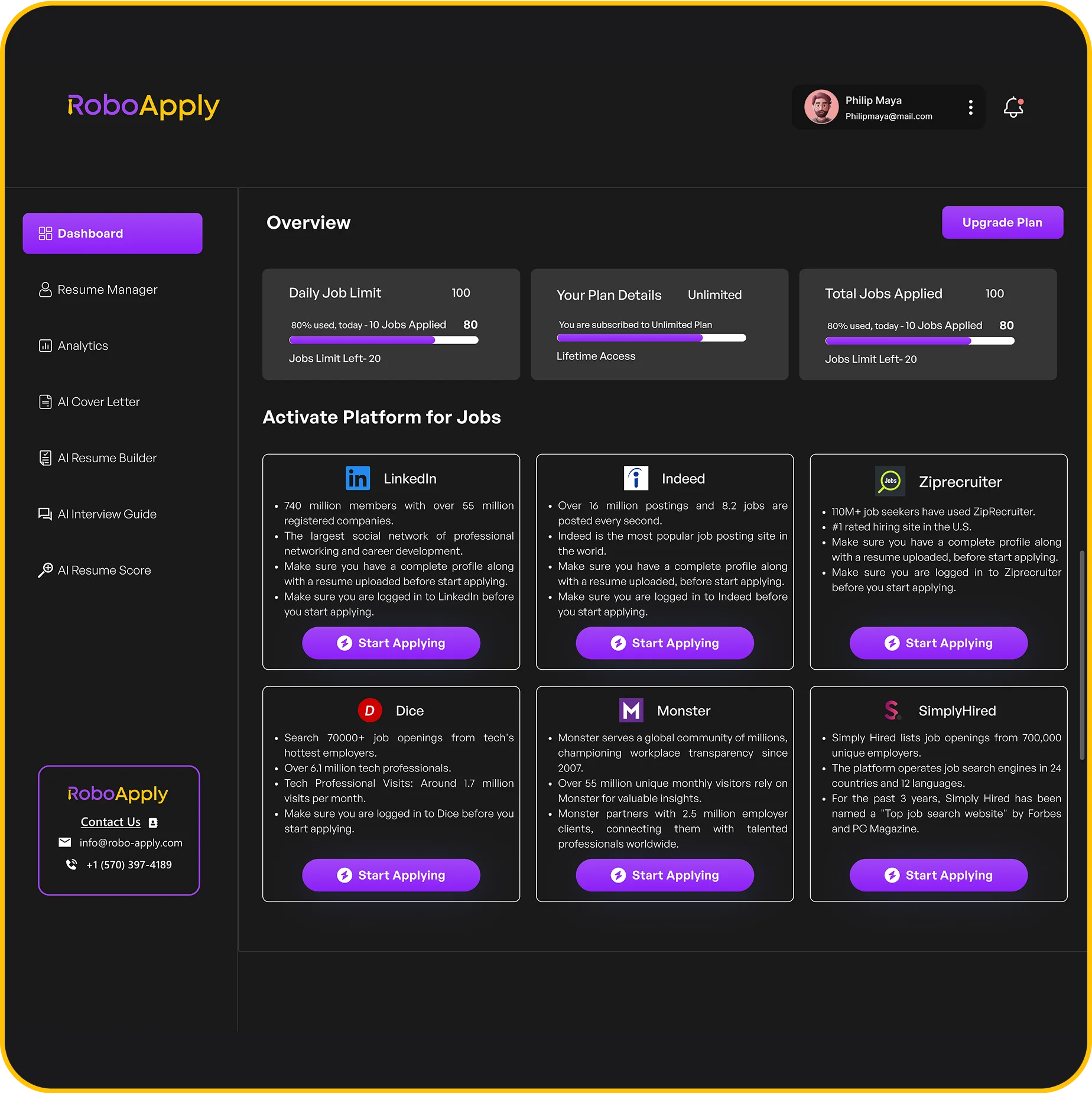
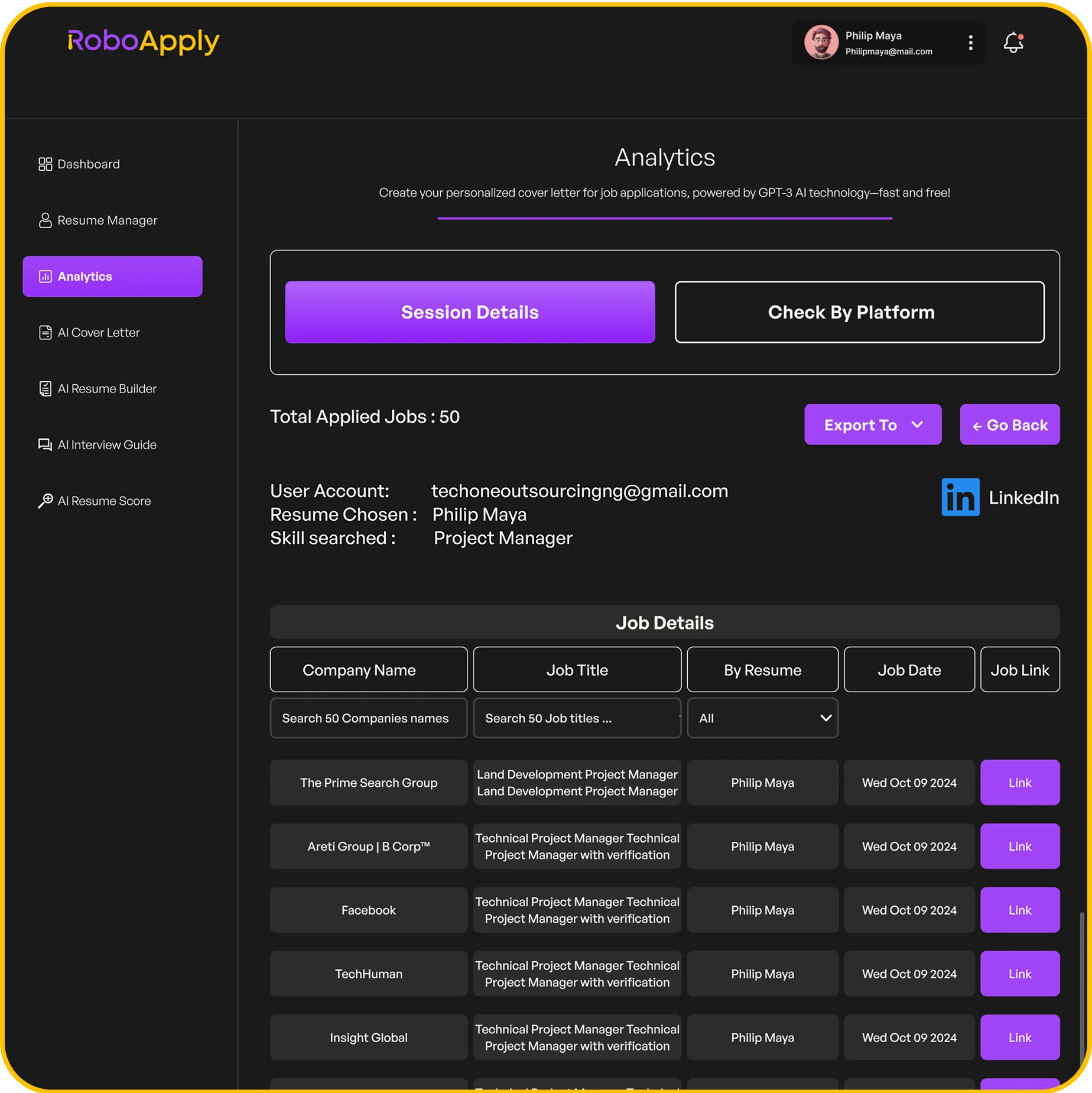
AI Auto Apply manages applications across hundreds of positions on Indeed and other job boards. You’re not manually filling repetitive forms for every opportunity while ensuring each application remains tailored.
Frequently Asked Questions
How long does it take to post a resume on Indeed?
Uploading and posting a resume on Indeed takes 5 to 10 minutes including account creation, file upload, and profile completion for maximum visibility.
Can employers see my resume without me applying?
Yes, if you set your resume to public visibility, employers can find and view your resume when searching Indeed’s candidate database.
How often should I update my Indeed resume?
Update your Indeed resume every 30 to 60 days to maintain high search ranking, even if you’re just making minor edits or additions.
What file format works best for Indeed resumes?
PDF and Word (.docx) formats work best for Indeed. PDFs preserve formatting while Word documents parse easily for Indeed’s database and search algorithms.
Can I have multiple resumes on Indeed?
No, Indeed allows only one active resume per account. However, you can update and replace your resume anytime to target different job types.