Your resume is the asset. The application is the delivery. Most tools in the job search space handle one well and leave you to figure out the other. The result is job seekers bouncing between a resume builder in one tab and a job board in another, manually copying and pasting, losing time to a process that should be seamless.
In 2026, the tools worth using are the ones that close that gap entirely, building a strong, ATS-optimized resume and then putting it in front of employers automatically. Here are the five that do it best.
What Hiring Managers See When Your Resume Arrives
Before a single hiring manager reads your resume, it passes through layers of automation. Research from a 2026 Greenhouse analysis confirmed that ATS systems reject more than 75 percent of incoming resumes, primarily because the document does not match the specific language of the job description.
A 2025 LinkedIn Talent Insights report found that the average job posting at a mid-size company receives 200 to 300 applications in the first 48 hours, and roles that are not closed quickly see diminishing response rates as the recruiter’s attention moves to other priorities. The most effective resume in 2026 is not the most beautifully designed one. It is the one that arrived first, matched the job description precisely, and cleared the ATS filter.
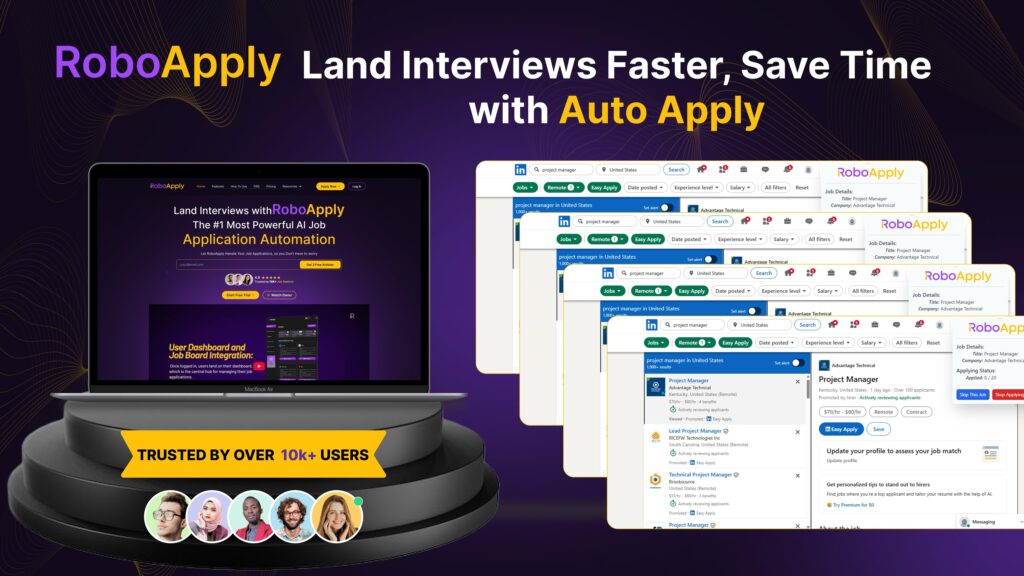
1. RoboApply
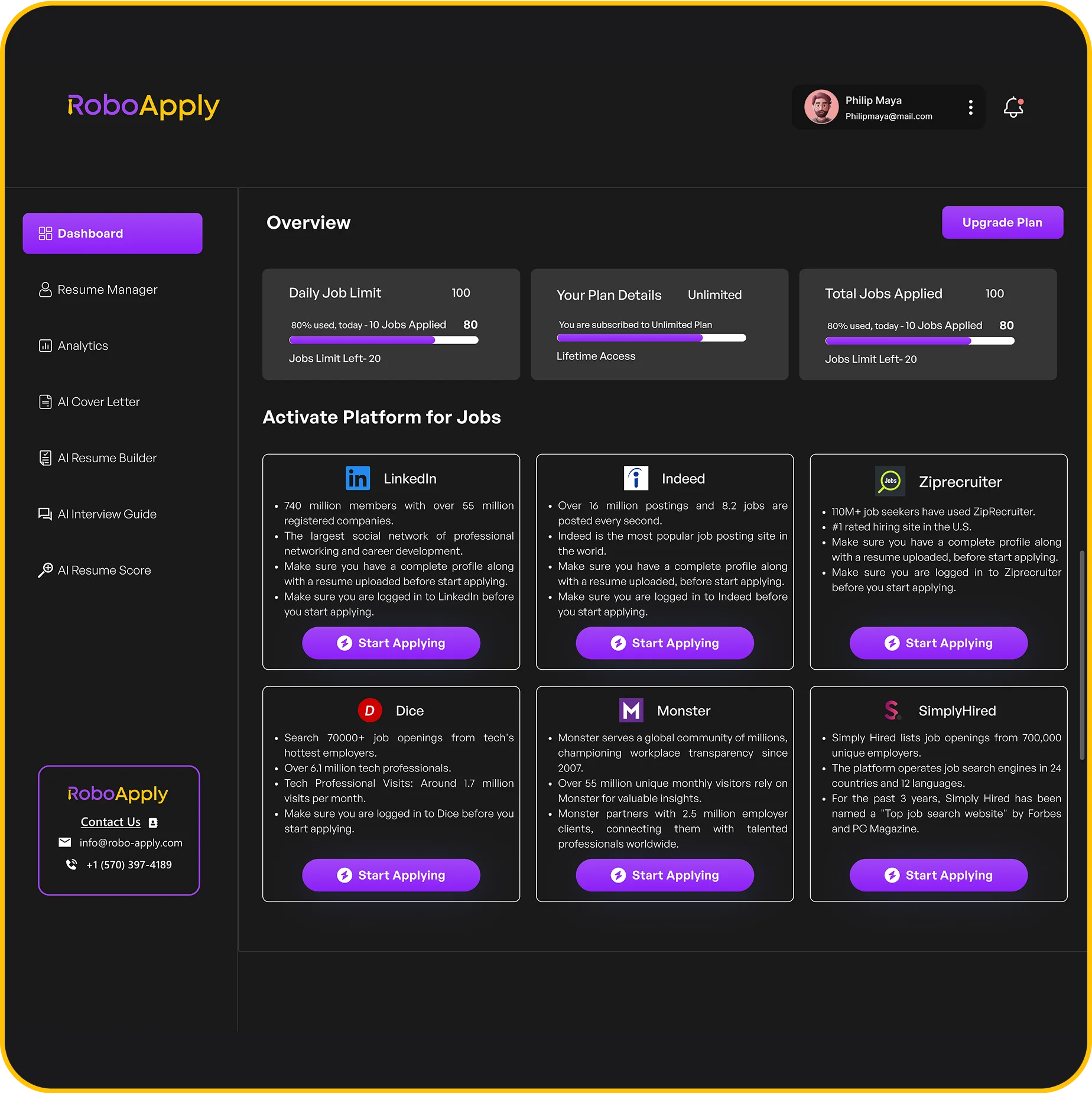
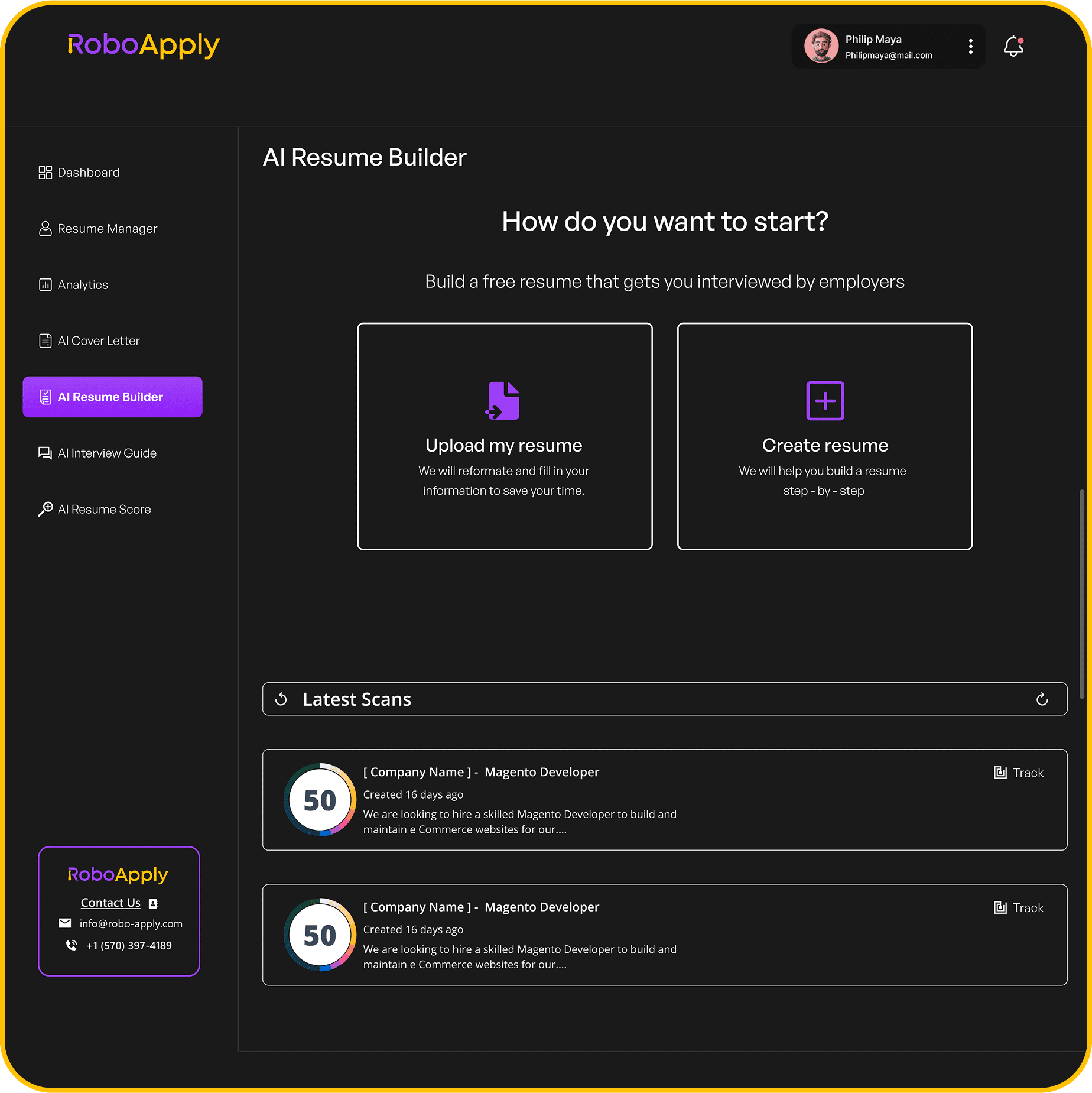
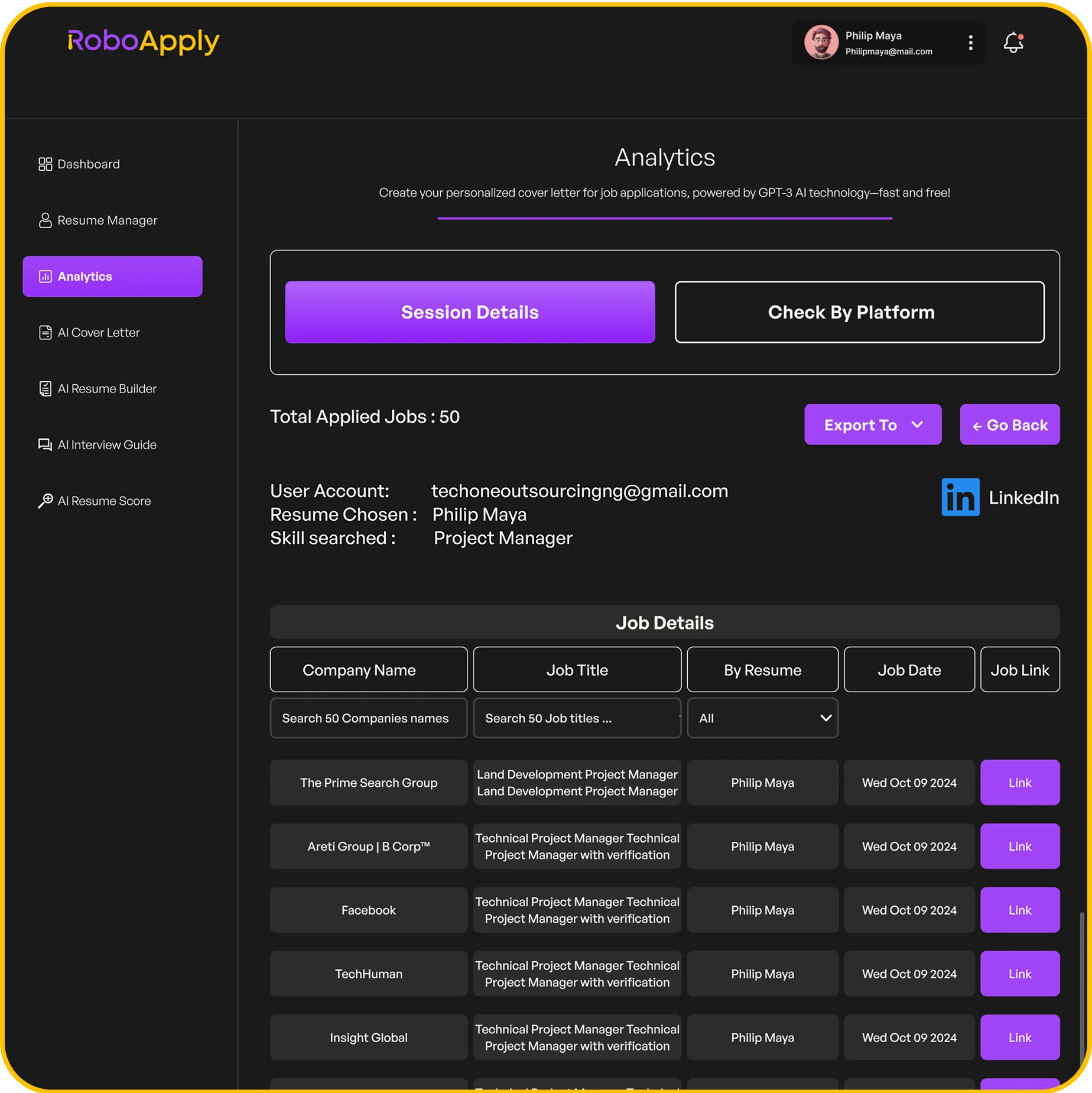
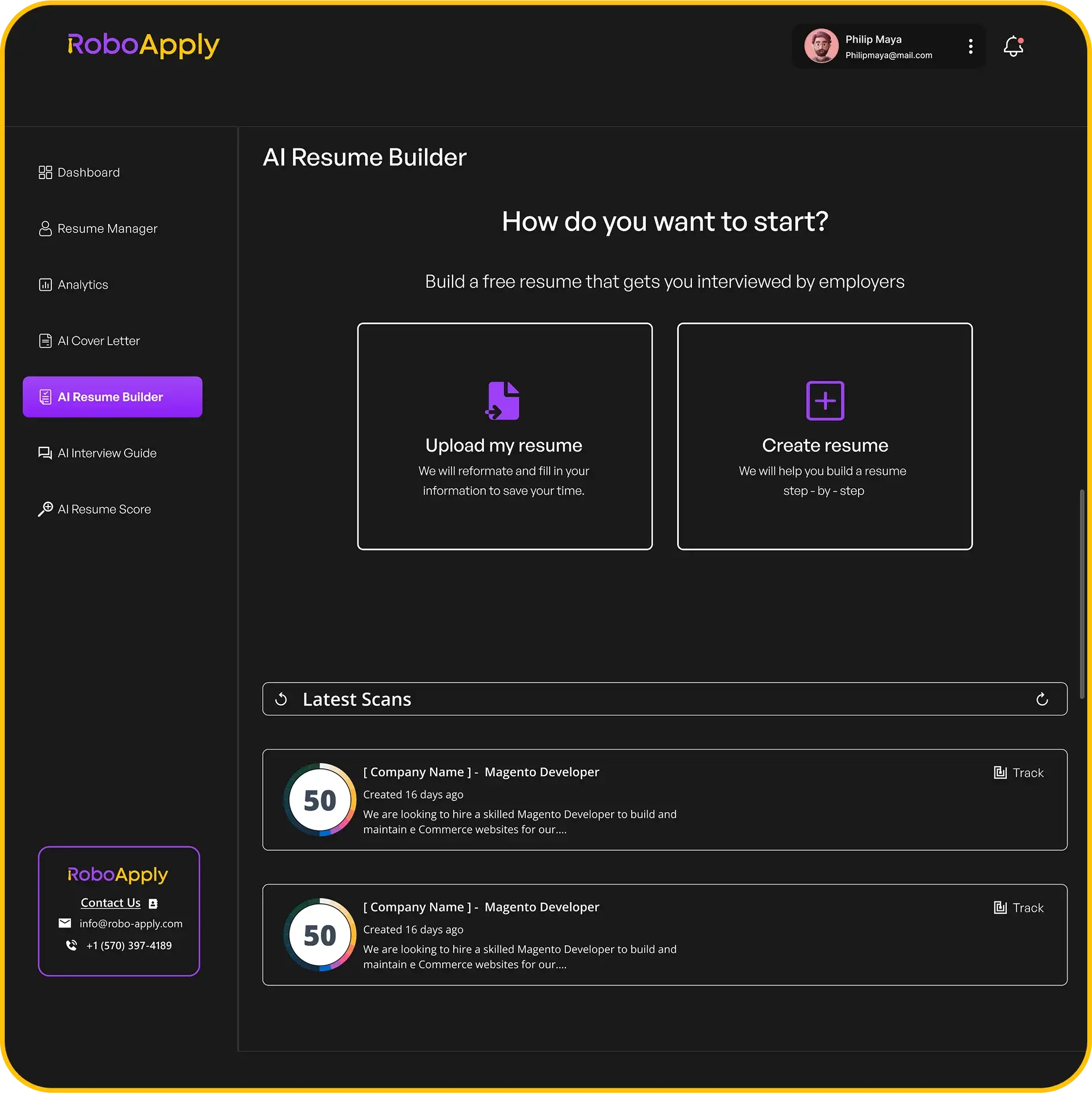
RoboApply treats resume building and job application as a single continuous process. The AI Resume Builder generates a professional, ATS-formatted document from your career information using 8-plus templates designed to parse correctly through applicant tracking systems. Once your base document is set, the platform handles everything from there.
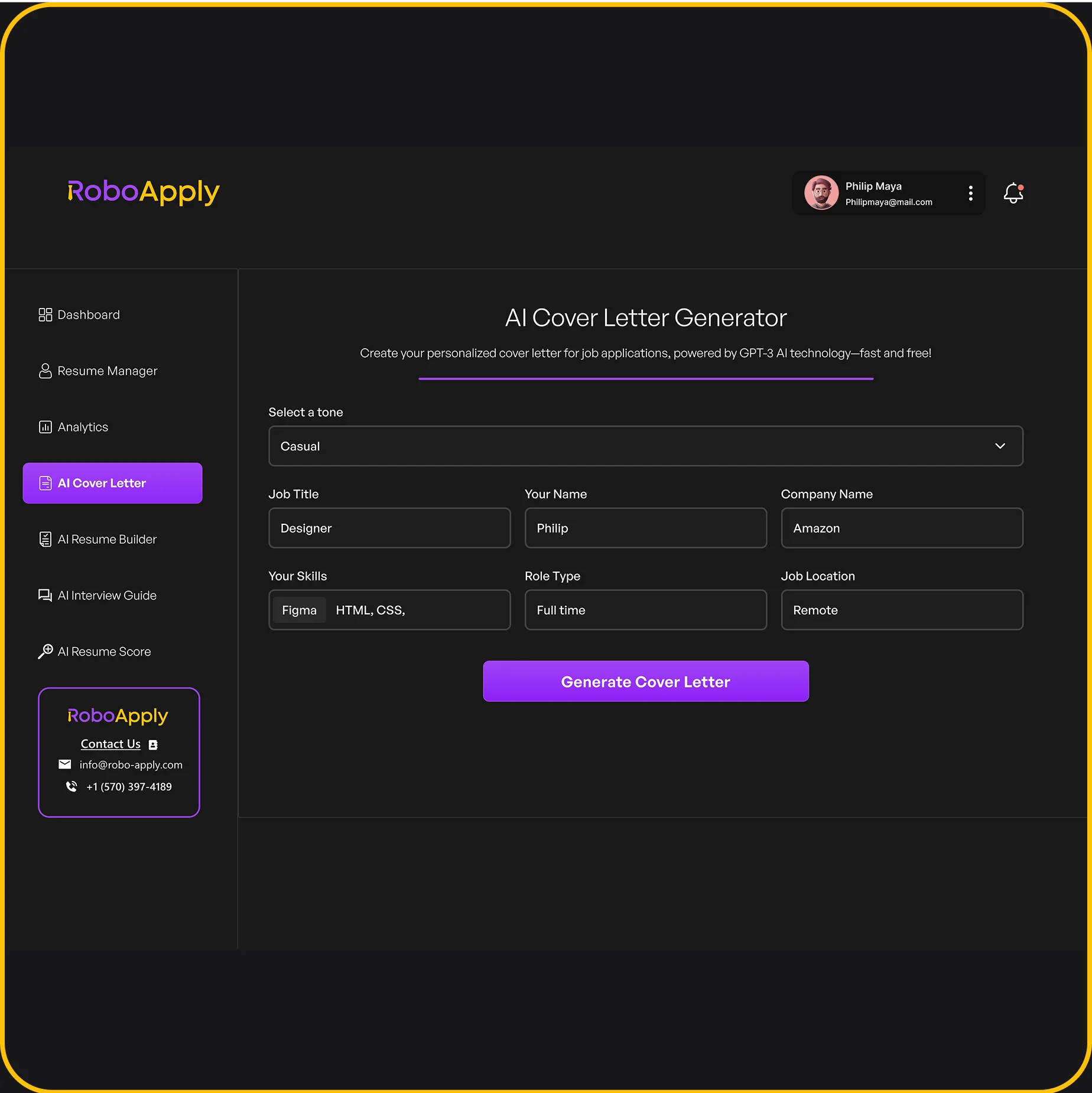
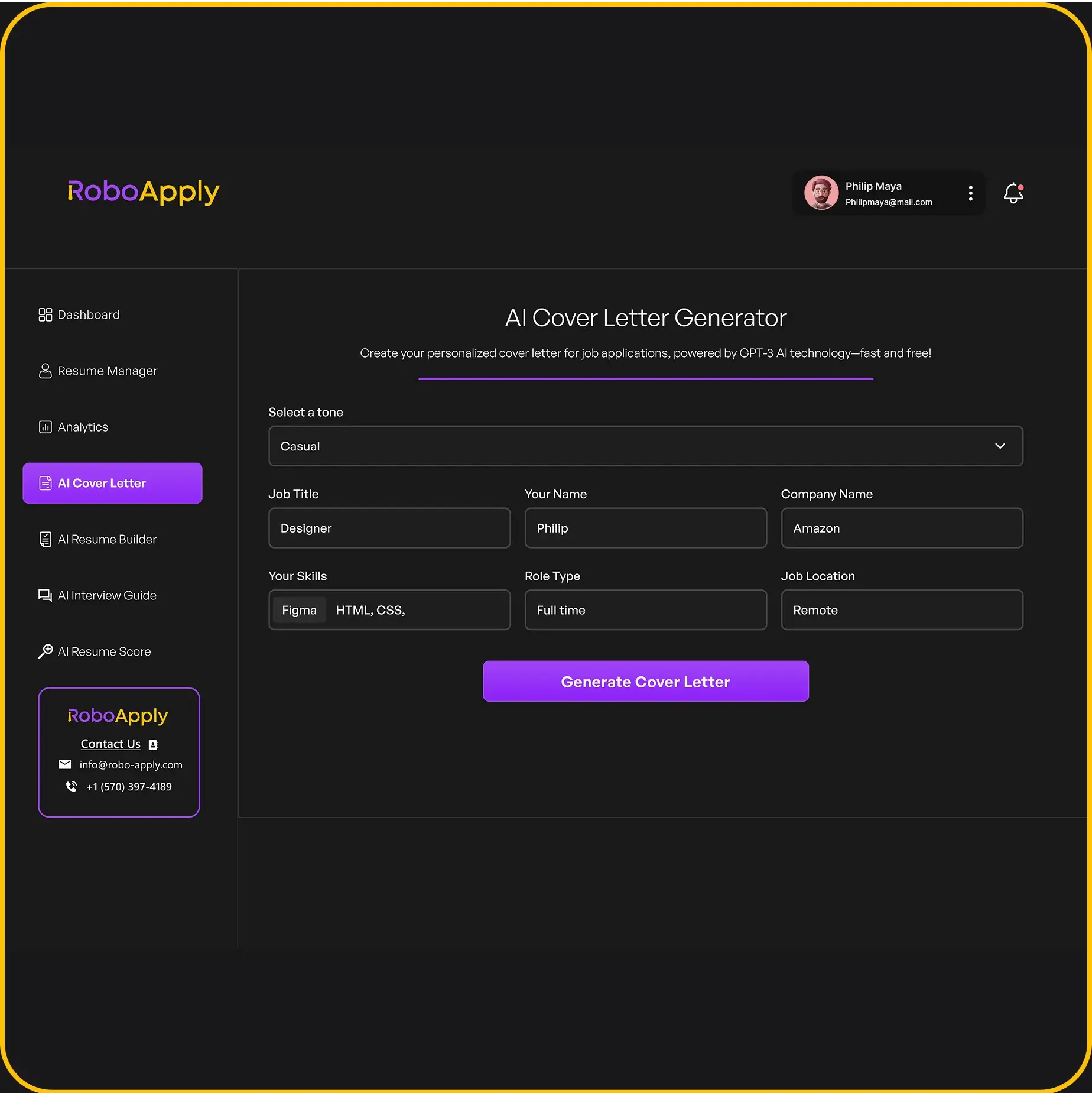
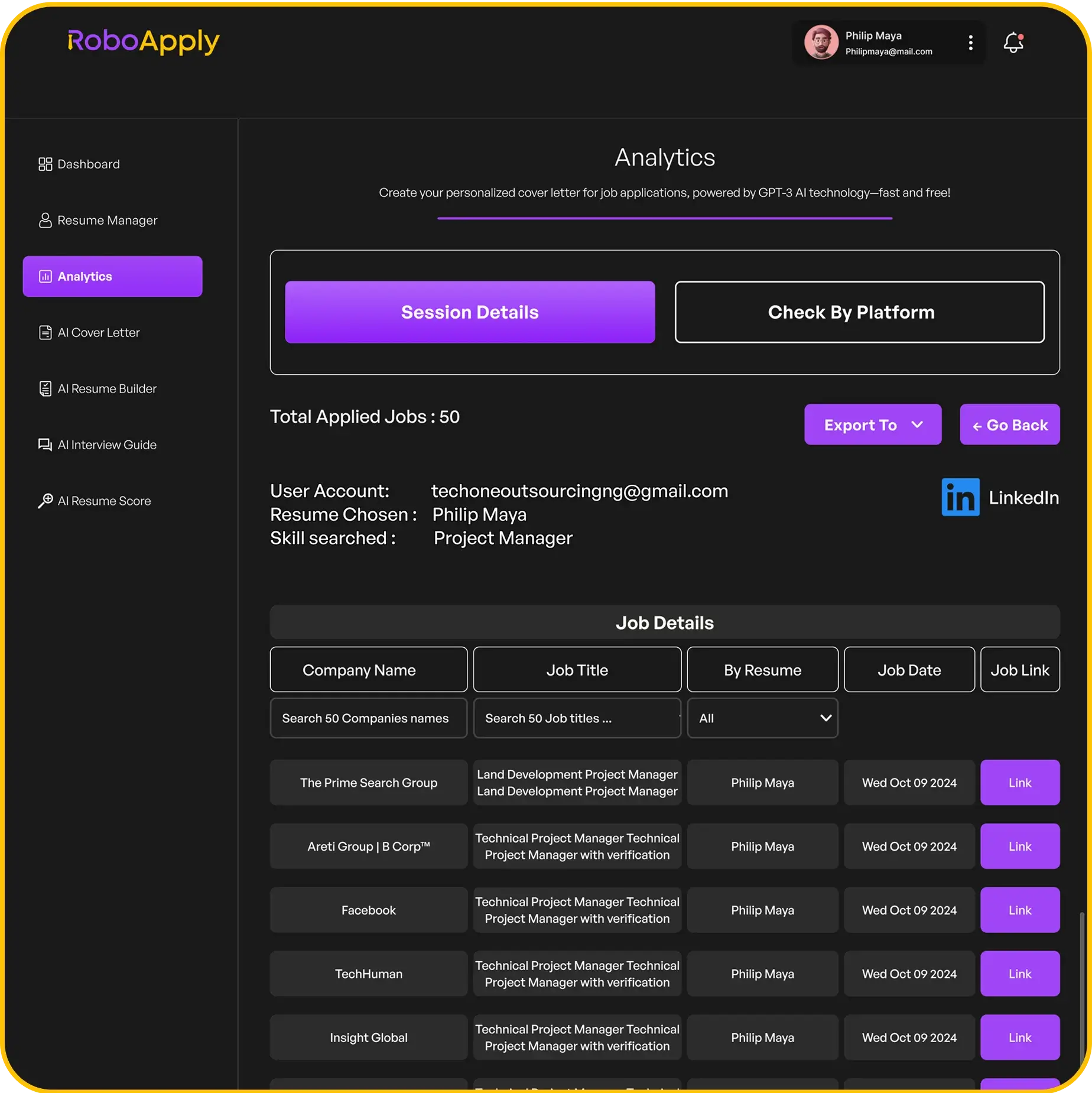
Every application RoboApply submits includes a resume that has been rewritten for that specific role, bullet points, summary, and skills adjusted to reflect what the employer listed in the job description. An AI cover letter is generated and attached. The application goes out automatically across LinkedIn, Indeed, ZipRecruiter, Monster, Dice, Simply Hired, and RoboApply’s own job board.
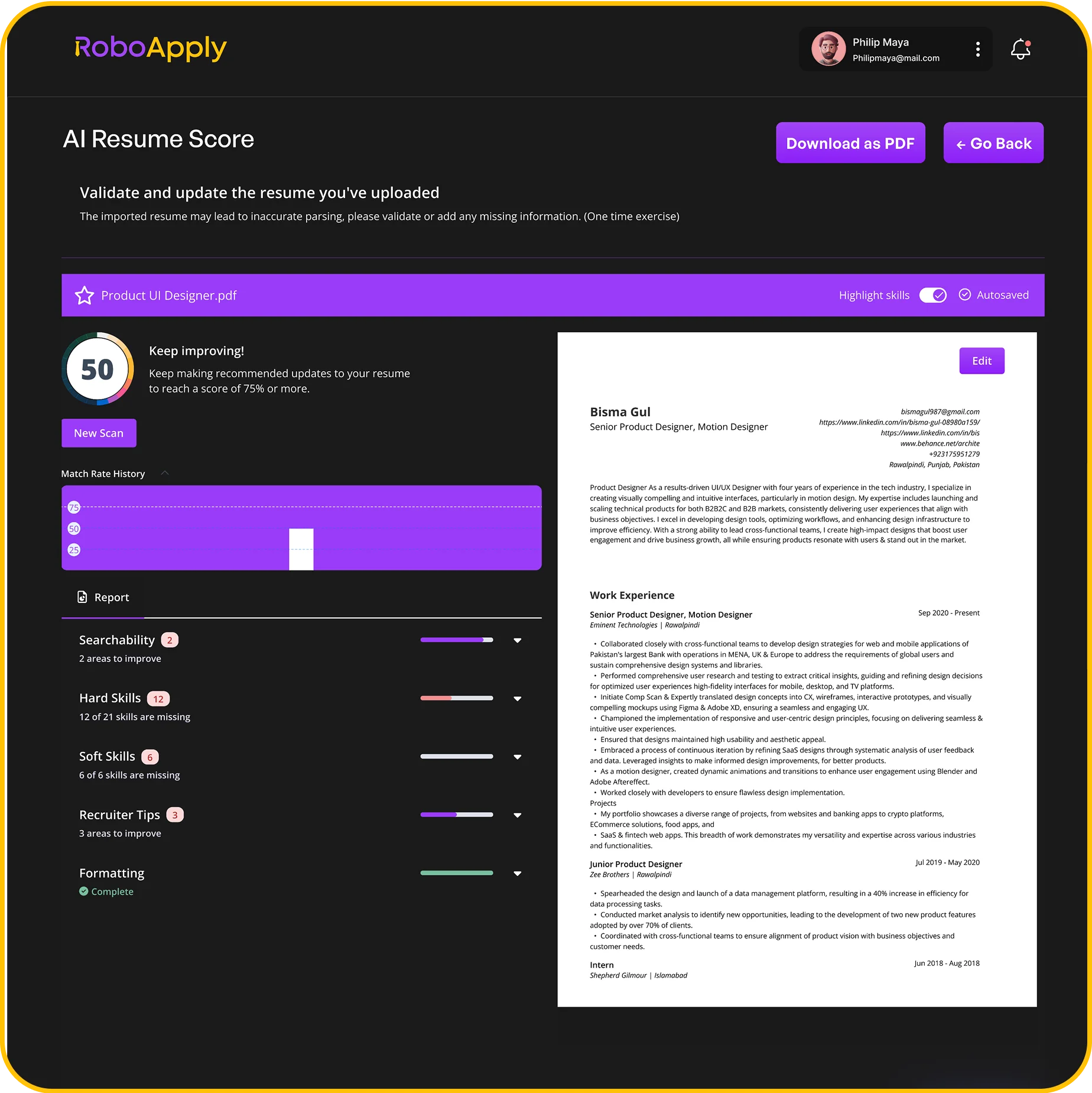
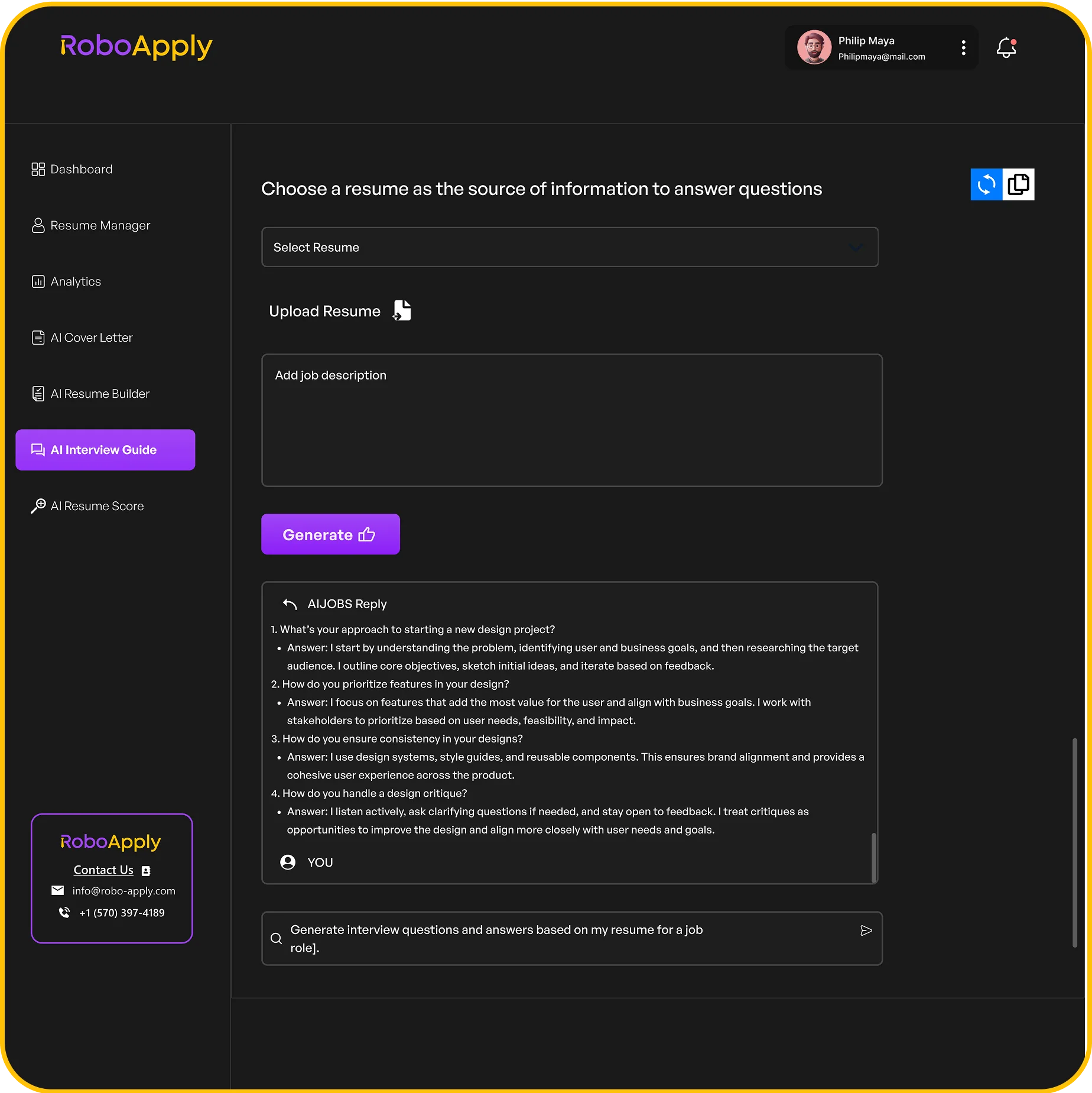
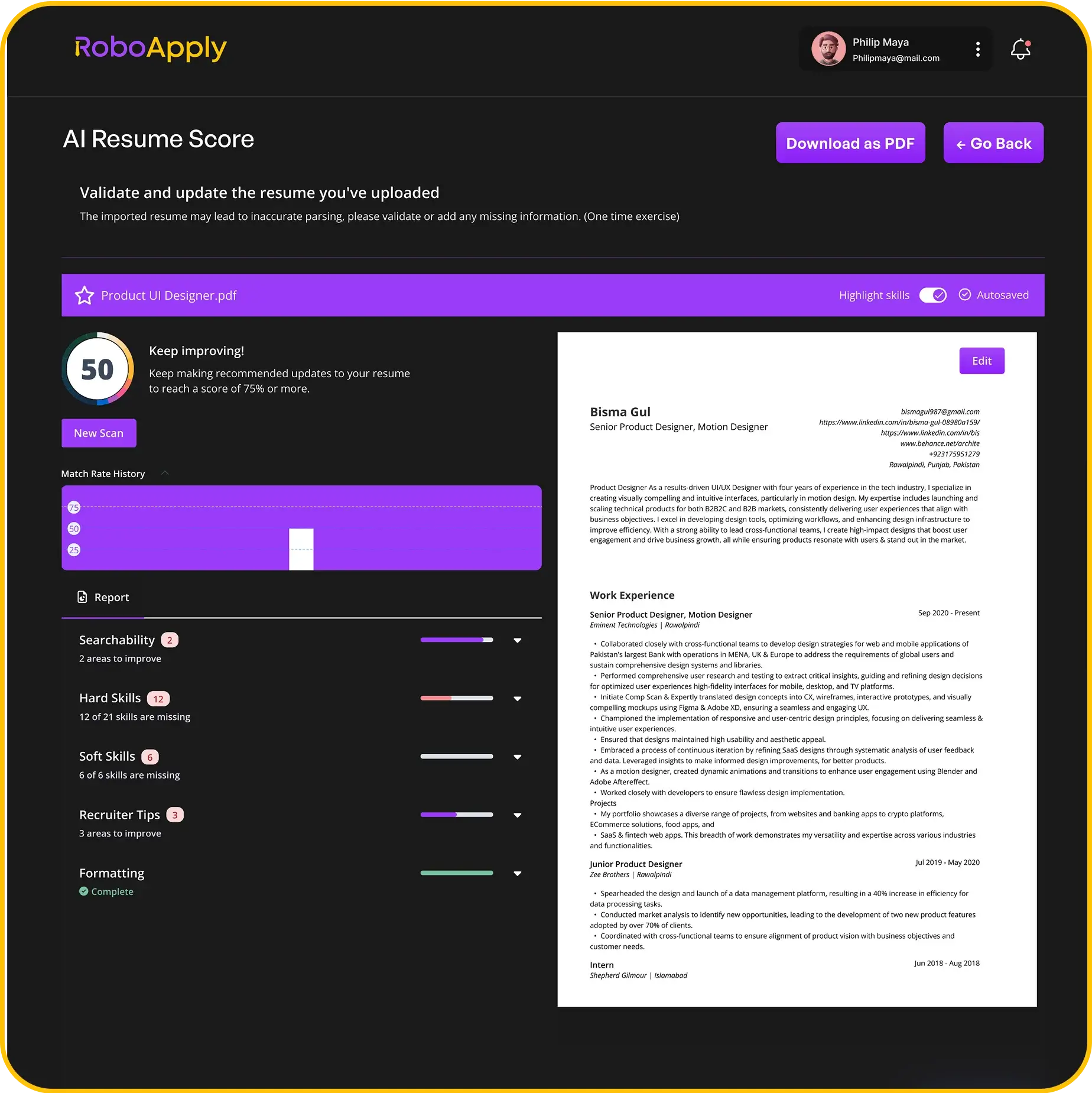
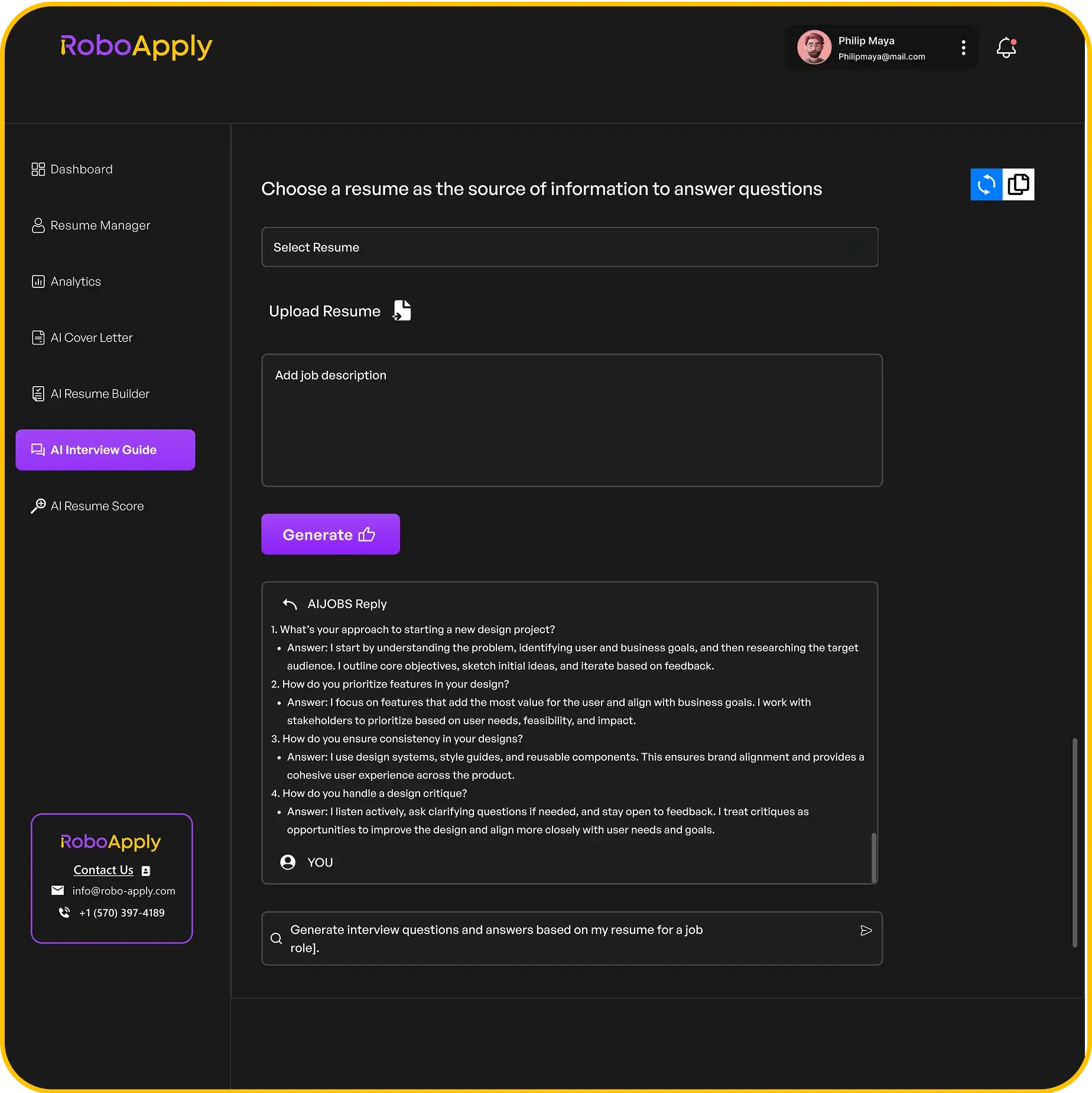
Inbox Apply adds a direct outreach channel, finding verified hiring manager contacts and sending personalized emails outside the standard job board queue. Resume Score audits the base document before the search starts. Interview Guide and Live Interview Copilot support the interview stage.
Best for: Candidates who want one platform to handle every stage from document creation through automated submission and interview coaching.
Pricing: $9 three-day trial. Monthly from $47. 90-day interview guarantee.
2. Kickresume
Kickresume has been helping job seekers build resumes since 2013 and now serves over 8 million users. Its combination of 40-plus professionally designed templates, AI resume writing powered by GPT-5, drag-and-drop editing, and real-time split-screen preview makes it one of the fastest ways to produce a polished, credible application document.
The platform also generates a matching personal website from your resume with one click, useful for candidates in creative, technical, or consulting roles where a portfolio presence matters. The ATS Checker scores your document against top-performing resumes. Cover letters are generated by GPT-4.1.
Kickresume does not connect to job boards or submit applications. After building your document, you apply manually. No interview preparation is included. For candidates who want maximum design quality before entering an automated submission workflow, Kickresume produces the strongest starting document.
Best for: Candidates prioritizing resume quality and visual professionalism, particularly for creative, design, or senior roles where document presentation matters beyond ATS compliance.
Pricing: Free base plan. Premium from $8 per month annually to $24 per month. Free to verified students.
3. Teal
Teal’s AI resume builder generates unlimited tailored versions on the Plus tier, with a job description match scorer that runs in real time as you compare your document against specific postings. The ability to create multiple resume versions for different role types, one emphasizing operational experience, another highlighting strategic achievements, is particularly useful for candidates applying across different functions.
The Chrome extension clips listings from 50-plus job boards into a centralized tracker automatically. The LinkedIn profile reviewer identifies improvements that increase passive discoverability alongside the active application process. Cover letters are generated per role on Plus. No auto-apply. No interview preparation.
Best for: Candidates who want to manage multiple resume versions across different role types, with strong tracking and a free tier that delivers genuine value.
Pricing: Free tier available. Teal Plus at $29 per month.
4. LazyApply
LazyApply is a Chrome extension that auto-fills and submits applications across LinkedIn, Indeed, ZipRecruiter, and other boards using your stored profile. It includes a basic resume builder and allows up to five resume profiles on its Premium plan, though the same stored document is sent to every job without per-application modification.
The one-time annual pricing model ($99 to $249 per year) makes it one of the cheaper auto-apply options in terms of listed cost. However, the trade-off is resume quality: no job description is read before submission, no tailoring is applied, and a Trustpilot rating of 2.1 to 2.4 out of 5 reflects reported reliability issues including incorrect form entries and refund difficulties. LinkedIn ToS compliance is also a documented concern.
Best for: Candidates who want bulk volume at the lowest upfront cost and are primarily targeting Indeed, where its automation performs most consistently.
Pricing: $99 to $249 per year. No monthly billing, no trial.
5. Simplify Jobs
Simplify’s browser extension autofills standard application form fields using your saved profile when you navigate to a supported listing. The Copilot extension has a 4.9 out of 5 star Chrome Web Store rating. The AI resume builder on Simplify Plus generates tailored versions based on job descriptions, and the free base plan includes unlimited job tracking and a community layer with salary data and interview questions.
Resume submission is still manual; you navigate, activate, and click Submit for each application. Simplify Plus at approximately $39.99 per month adds the AI writing tools. The free tier is among the strongest in this category, particularly for entry-level candidates and students who qualify for free Premium access through ISIC, ITIC, or UNiDAYS.
Best for: Students, new graduates, and passive job seekers who want an AI resume tool with strong free-tier access and do not need a fully automated submission.
Pricing: Free. Simplify Plus approximately $39.99 per month. Free to verified students.

Resume Builder and Auto Apply Comparison
| Tool | Resume Builder | Templates | Auto Apply | Per-Application Tailoring | Trial Available |
| RoboApply | Yes | 8-plus ATS | Yes, 40-plus boards | Yes, automatic | $9 three days |
| Kickresume | Yes | 40-plus | No | Manual | Free plan |
| Teal | Yes | Unlimited (Plus) | No | AI-assisted, manual | Free tier |
| LazyApply | Basic | Up to 5 profiles | Yes, multiple boards | No | No trial |
| Simplify Jobs | Yes (Plus) | Available | Manual (autofill) | AI-assisted, manual | Free tier |
The Build-Then-Submit Model
The strongest job search workflows in 2026 combine a quality document creation phase with an automated submission phase. Build your resume well, then let automation handle the delivery at scale.
For candidates running both phases in a single platform, RoboApply covers the full workflow: document creation, ATS scoring before the search, per-application tailoring at the point of submission, and interview preparation afterward. For candidates who prefer a premium build phase before activating automation, Kickresume into RoboApply is a logical pairing.
Frequently Asked Questions
What makes a resume ATS-compatible in 2026?
An ATS-compatible resume uses standard formatting without tables or graphics that break parsing, includes the specific keywords from the job description, and is structured with clear section headers that applicant tracking systems recognize. The AI Resume Builder at RoboApply is designed around these standards.
Does Kickresume’s personal website feature help with job applications?
For candidates in fields where online presence matters, design, development, consulting, marketing, having a portfolio site linked from your resume can strengthen your application beyond the document itself. It is most useful for roles where hiring managers check candidates out before inviting them to interview.
Can I have multiple resume versions for different role types?
Yes. RoboApply supports up to 10 resume profiles on the Premium plan. Teal supports unlimited versions on Plus. Multiple profiles are useful for candidates applying across different functions or industries simultaneously.
Is LazyApply’s low price a reliable indicator of value?
Not in this case. LazyApply’s low annual price comes with documented trade-offs: no per-application tailoring, a 2.1 out of 5 Trustpilot rating, reported reliability issues, and LinkedIn ToS compliance risks. The listed cost does not reflect the opportunity cost of sending hundreds of low-quality applications.
How does Inbox Apply work alongside auto apply?
Inbox Apply is a separate channel within RoboApply that finds verified hiring manager contact information and sends personalized outreach emails directly, bypassing job board queues. It operates in parallel with auto-apply submissions, giving applications a second route to reach decision-makers.