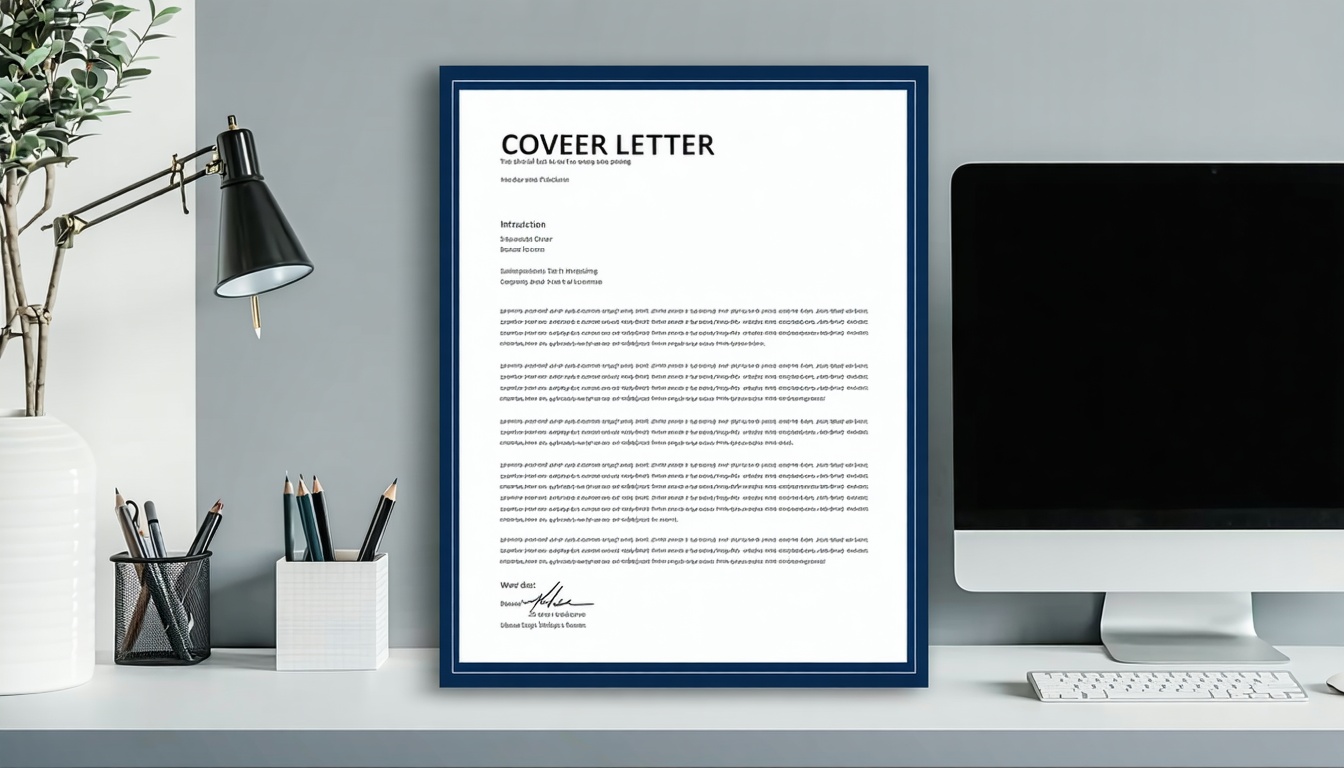
A word cover letter template gives you a professional, ready-to-use format in Microsoft Word. These templates help job seekers create a compelling cover letter in minutes without starting from scratch. You can download free cover letter templates, customize them for each job application, and send polished letters that make strong first impressions.
Microsoft Word offers built-in cover letter templates for 2026 that work perfectly. You’ll find professionally designed cover letter templates that match modern hiring standards. The best part? These customizable cover letter templates save hours of formatting work while keeping your application professional.
Cover letters remain essential for job applications across industries. A personalized cover letter that highlights your skills helps you stand out. Using a template ensures your cover letter format meets expectations every time.
What Makes a Great Word Cover Letter Template
The perfect cover letter starts with the right template design. Professional cover letter templates combine clean formatting with enough space for personalization. Your template should make writing easier while looking polished and professional.
ATS-friendly cover letter templates pass through applicant tracking systems successfully. Many companies use ATS software to screen applications before humans see them. Templates that use standard fonts and simple formatting get through these systems. Avoid complex graphics or unusual layouts that confuse ATS software.
Professionally designed templates save time while maintaining quality. You need a format that’s easy to customize quickly. The template designs should guide you on what information goes where. This structure helps you write a compelling cover letter without guessing.
Research from Harvard Business Review confirms cover letters significantly impact hiring decisions. Recruiters spend limited time reviewing applications. A well-formatted letter grabs attention immediately and communicates professionalism.

Types of Word Cover Letter Templates
Microsoft Word cover letter template options vary based on industry and style. Choose a template that matches your field and the job requirements. Different template designs work better for specific situations and companies.
Simple Cover Letter Templates
Simple designs work for traditional industries and conservative companies. These templates use standard fonts like Arial or Calibri. The layout follows conventional business letter format with clear sections. Simple cover letter templates emphasize content over design elements.
Financial services, healthcare, and government positions prefer straightforward formats. Your qualifications matter more than creative designs in these fields. A simple template keeps the focus on your experience and skills.
Modern Cover Letter Templates
Modern templates incorporate subtle design elements without being flashy. They might include accent colors or clean geometric lines. These professionally designed cover letter templates look current and polished. Tech companies, creative agencies, and startups appreciate contemporary styling.
Modern designs balance personality with professionalism effectively. The templates offer visual interest while remaining ATS-compatible. Choose modern styles when applying to forward-thinking organizations.
Matching Resume and Cover Letter Templates
Using matching resume and cover letter templates creates visual consistency. Your application looks coordinated and thoughtful when both documents share design elements. This approach demonstrates attention to detail recruiters notice.
Microsoft Office provides matching sets you can download together. The consistent branding across documents makes your application memorable. Studies from LinkedIn show coordinated applications perform better in hiring processes.
How to Customize Your Word Cover Letter Template
Customizing a cover letter template takes only minutes with the right approach. Start by opening your chosen template in Microsoft Word. The template provides structure while you add personalized content for each position.
Essential Customization Steps
Replace placeholder text with your actual information first. Update your name, contact details, and the hiring manager’s information. Always address letters to specific people when possible. Generic greetings like “To Whom It May Concern” feel impersonal.
Tailor the opening paragraph to each job title specifically. Mention where you found the position and why it excites you. Connect your background to the company’s mission or recent achievements. This personalization shows genuine interest in the role.
The body paragraphs should highlight relevant experience from your resume. Don’t just repeat your resume content verbatim. Instead, expand on key accomplishments that match the job description. Use specific examples and quantifiable results when possible.
Formatting Best Practices
Keep your cover letter length to one page maximum. Hiring managers appreciate concise, focused letters over lengthy explanations. Use standard 11 or 12-point font for readability. Maintain consistent spacing throughout the document for a clean appearance.
Save your final version as both a Word document and PDF. Some online application systems require specific file formats. Having both versions ready prevents last-minute scrambling. Name files professionally like “FirstName_LastName_CoverLetter.pdf” for easy identification.
Research from Jobscan shows proper formatting increases ATS compatibility significantly. Simple formatting choices prevent your application from being automatically rejected.

Common Cover Letter Template Mistakes to Avoid
Even with templates, job seekers make errors that hurt their chances. Avoiding these mistakes improves your success rate when helping job seekers land interviews. A great cover letter requires more than just filling in blanks.
Generic Content Problems
Never send the same cover letter for every job without changes. Templates make customization easy, so use that advantage. Each letter should reference specific job requirements and company details. Generic letters signal lack of effort to hiring managers.
Failing to personalize cover letter content is the biggest template mistake. Templates provide structure, not finished content. You must adapt the language to fit each unique position. Cookie-cutter applications rarely succeed in competitive job markets.
Design and Format Issues
Choosing overly decorative templates can backfire with ATS systems. Complex designs might look impressive but fail technical screening. Stick with professionally designed options that balance style and functionality. Your content matters more than elaborate graphics.
Inconsistent formatting between your resume and cover letter looks careless. If your resume uses Times New Roman, don’t use Arial for your letter. Maintain consistency in font choices, spacing, and overall professional style. Details matter when making a first impression.
Ignoring cover letter writing basics undermines even the best templates. Templates handle formatting, but you control content quality. Poor grammar, typos, and vague statements still sink applications. Proofread carefully before sending anything to employers.
According to Research Gate, personalization dramatically improves response rates. Templates succeed when you invest time customizing them properly.
Download Free Cover Letter Templates
We’ve created three professionally designed cover letter templates for Microsoft Word. Each template offers a different style to match your industry and preferences. These free downloadable templates include:
All templates are ATS-friendly cover letter templates that pass screening software. They work with Microsoft Word 2016 and newer versions. You can also use them with Google Docs after converting the file format.
Each template includes helpful prompts to guide your writing. The structure ensures you include all necessary information hiring managers expect. Simply replace the sample text with your own personalized content.
Speed Up Your Job Search with Smart Tools
Creating quality cover letters for every job takes significant time. You need a cover letter for every position you want seriously. Writing unique versions manually slows your job search progress when applying to many companies.
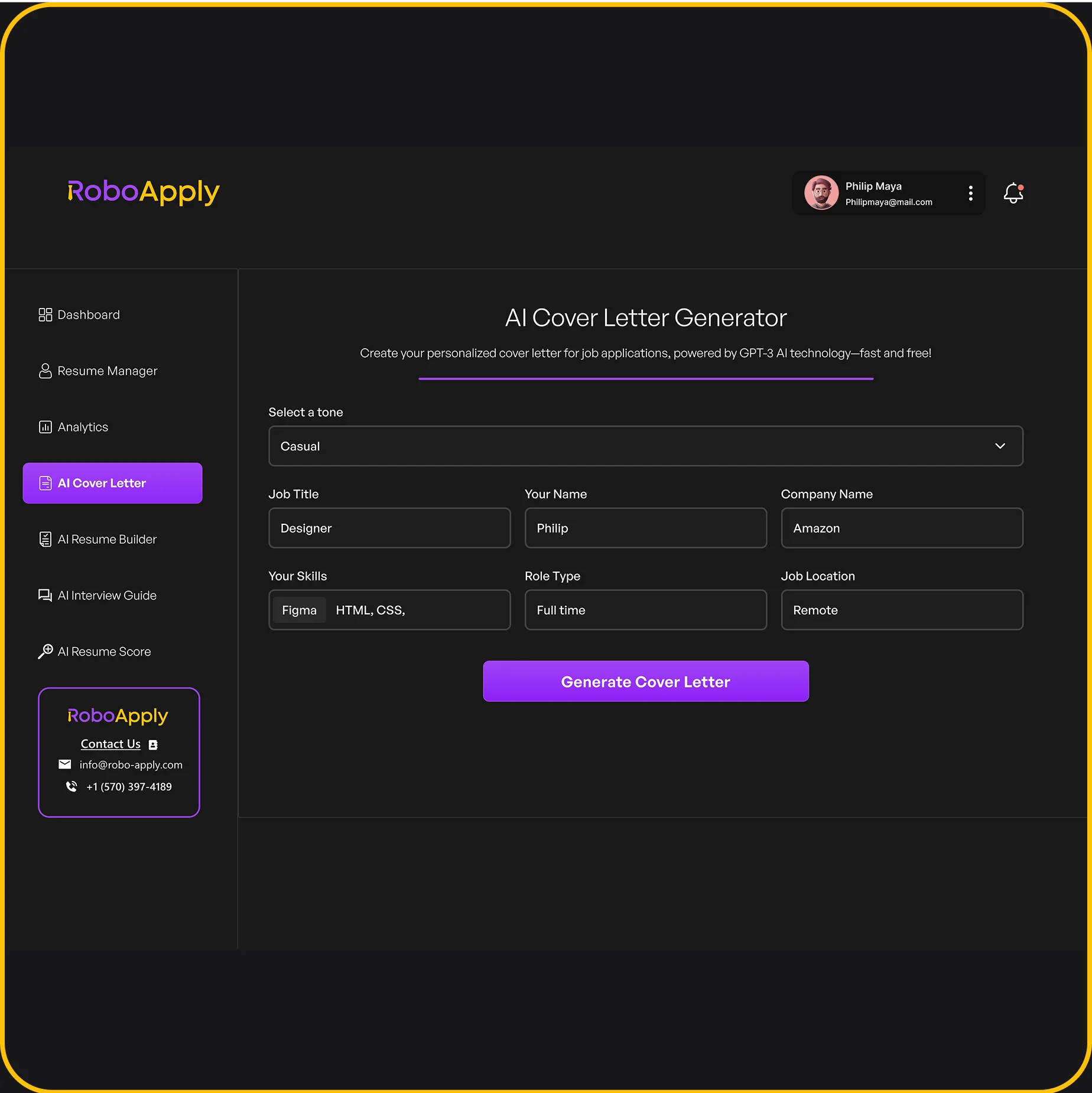
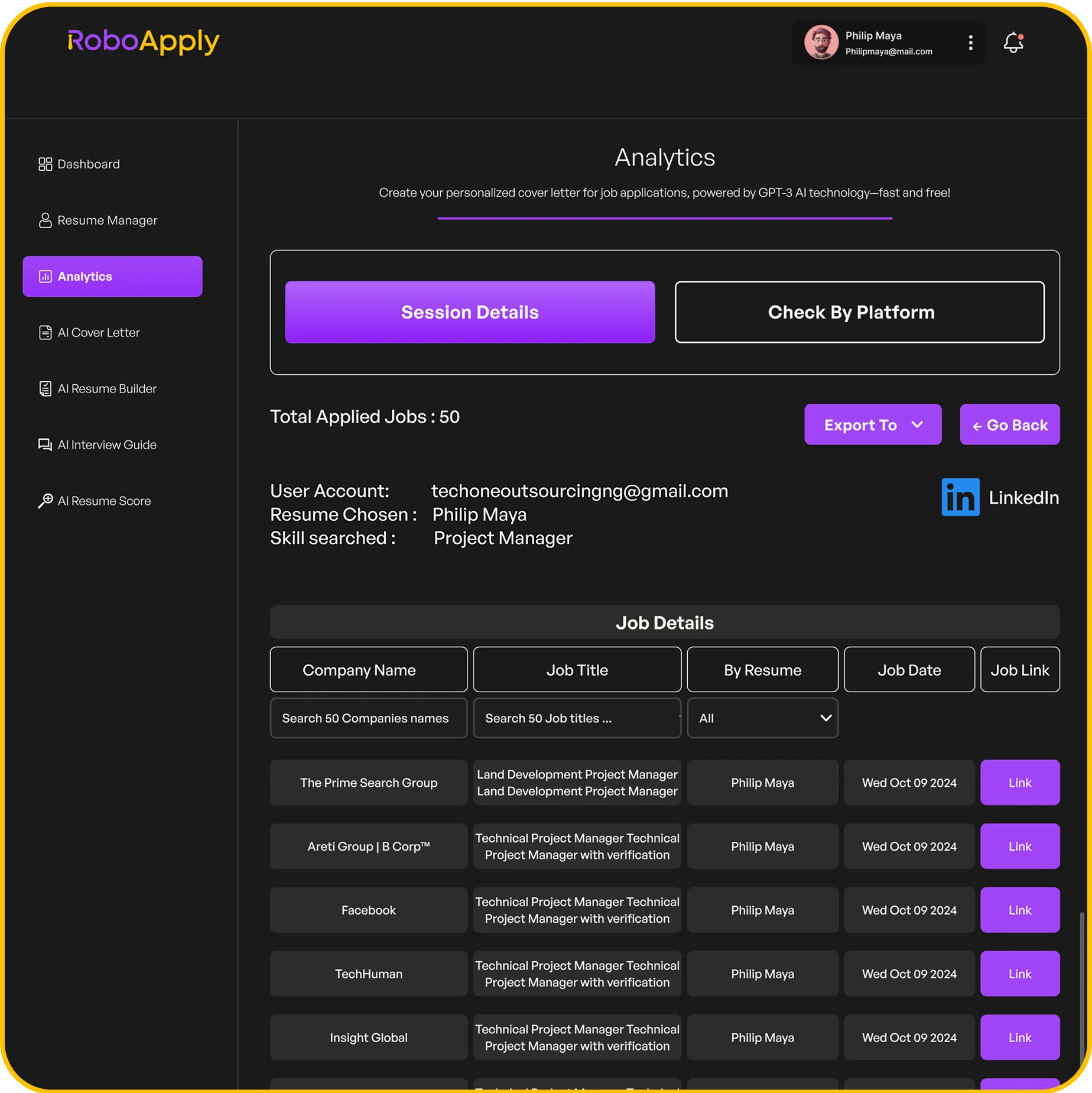
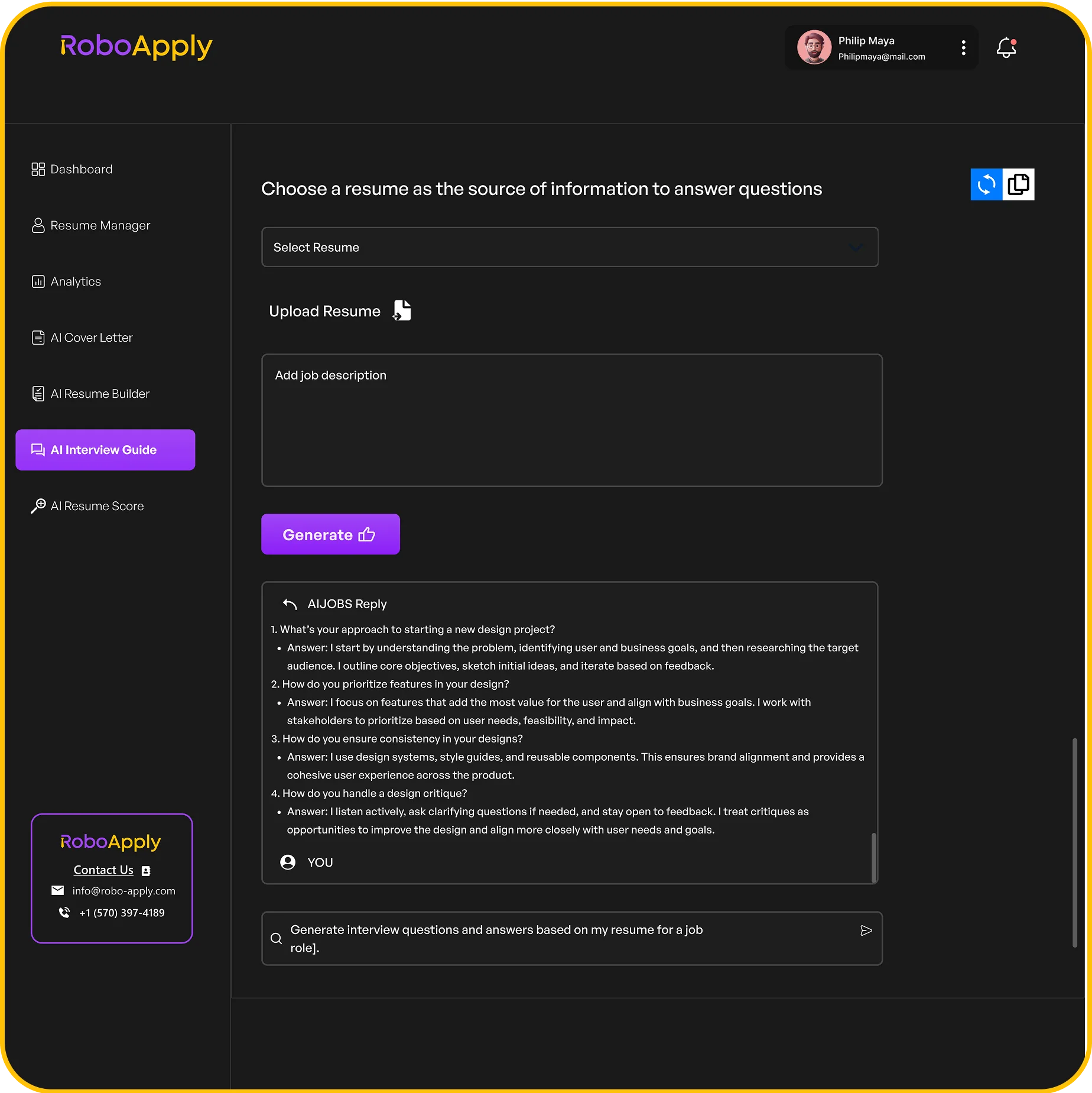
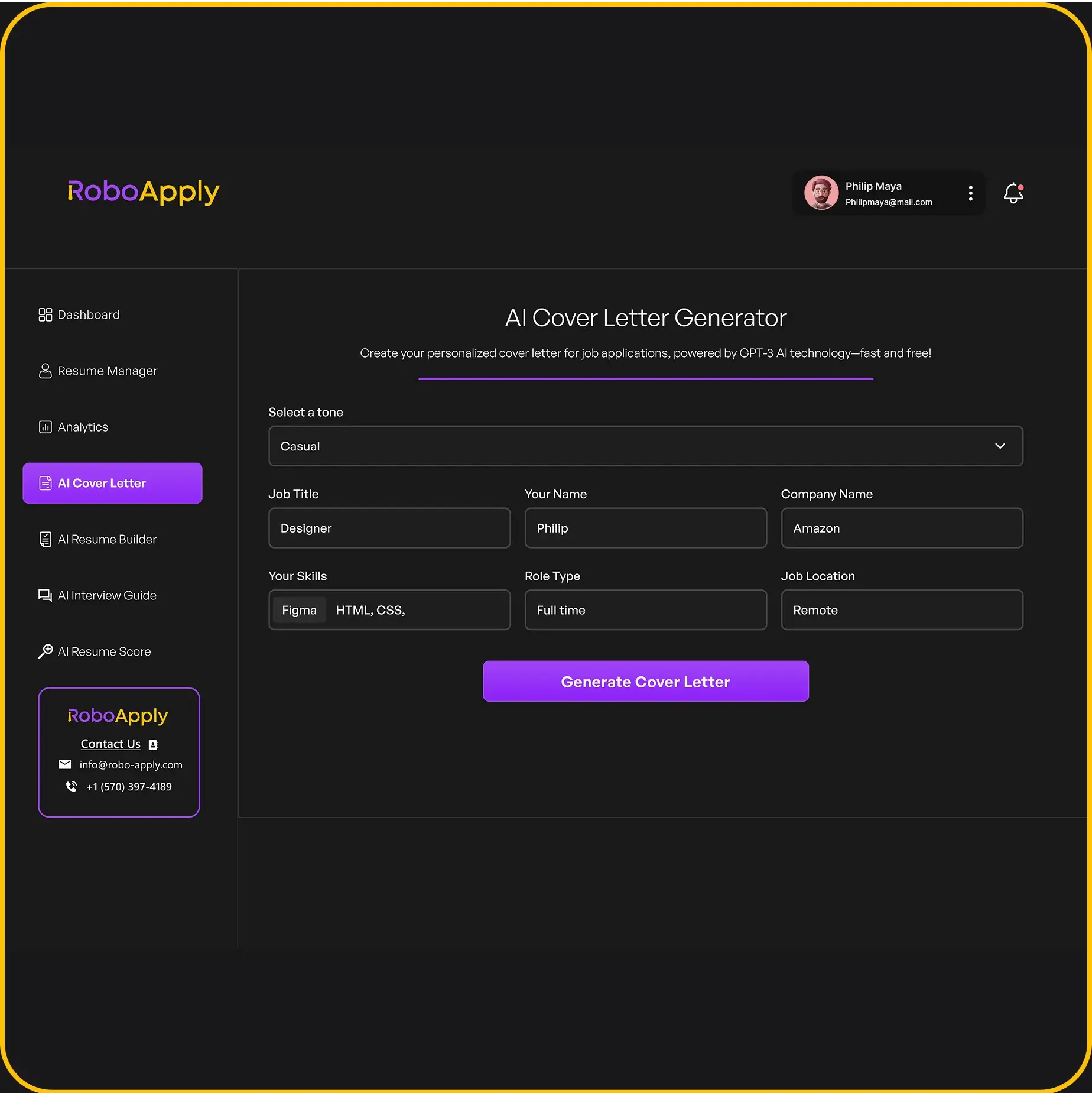
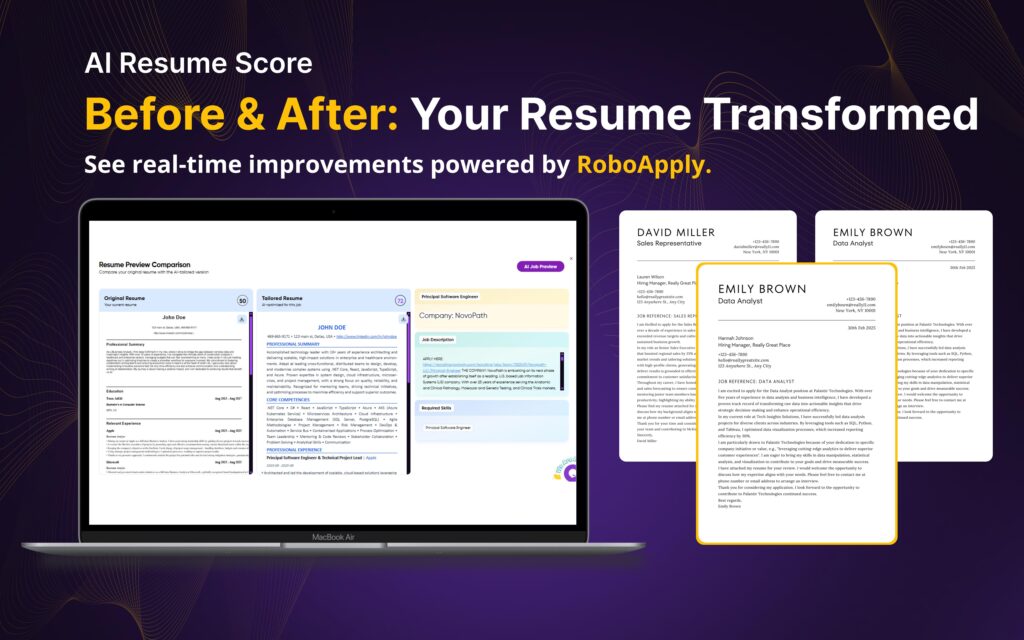
This is where RoboApply’s AI Cover Letter Generator changes everything. The tool creates a personalized cover letter in seconds using AI. You provide your resume and the job description. The AI generates professional cover letter content tailored to that specific role.
The cover letter builder analyzes job requirements automatically. It pulls relevant experience from your background and matches it to what employers want. Each letter highlights the right qualifications without you guessing what to emphasize. The result is a compelling cover letter that speaks directly to hiring managers.
You can choose from multiple professional cover letter templates within the platform. Switch between different cover letter design options instantly. The AI technology adjusts content to fit various template styles seamlessly. This flexibility lets you match your letter style to each company culture.
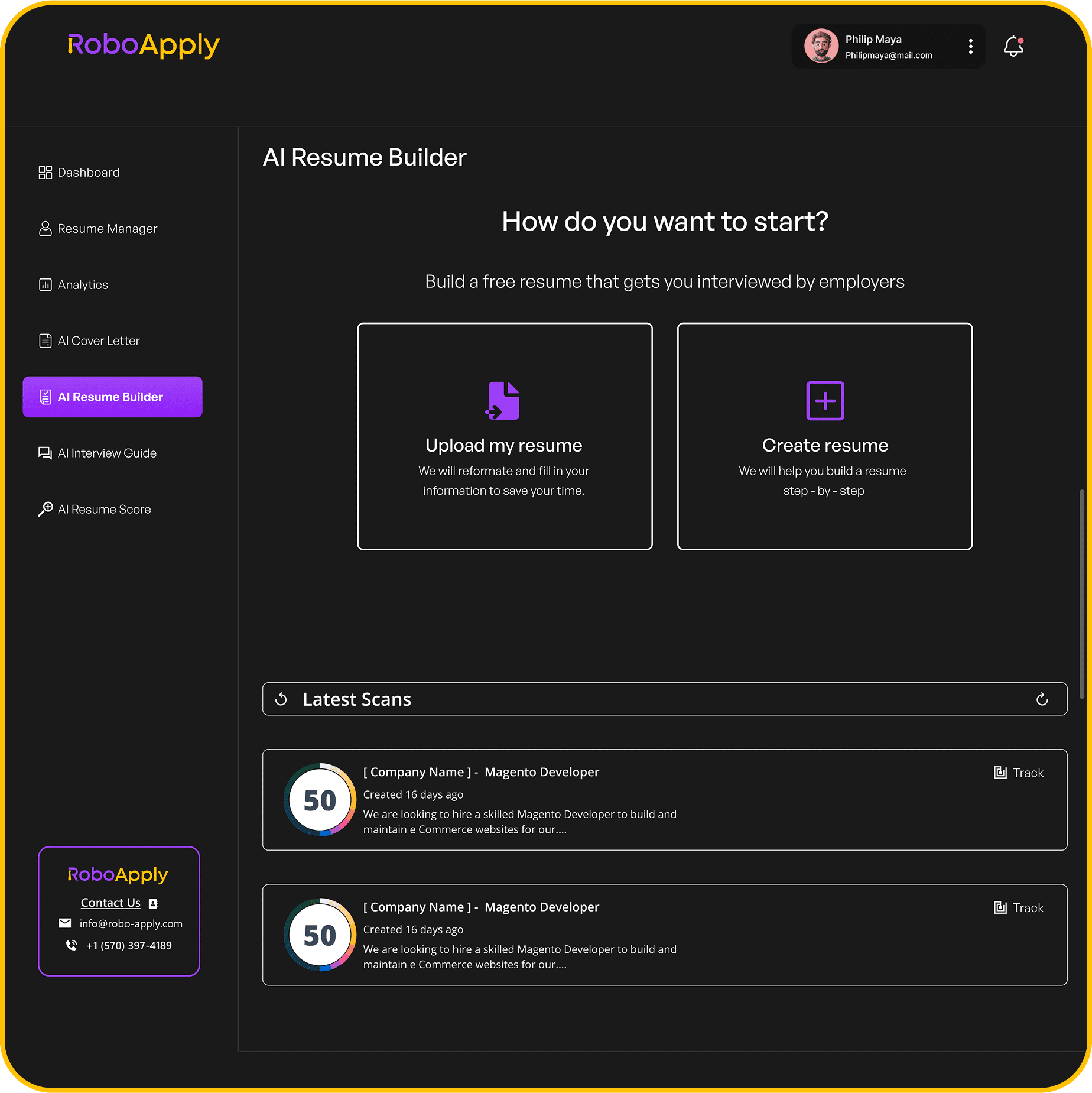
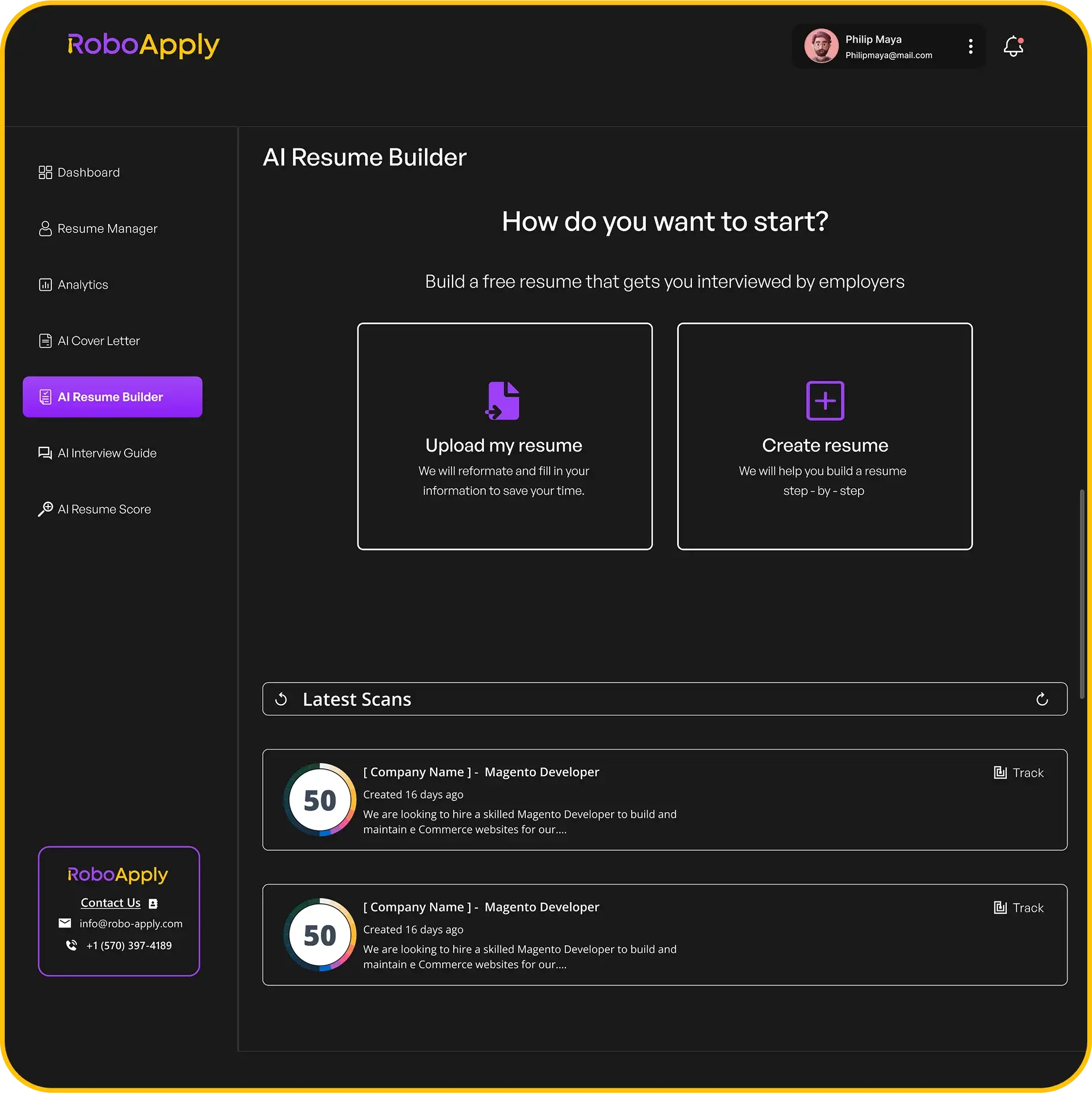
The platform works alongside the Resume Builder for complete application packages. Create matching resumes and cover letters that look coordinated and professional. This integration saves time while improving your overall presentation quality.
Job seekers using AI tools apply to more positions faster. The job market moves quickly and opportunities don’t wait. When you can create a professional cover letter in minutes, you submit applications before competitors. Speed combined with quality gives you an edge in finding work.
The system handles cover letter writing mechanics so you focus on strategy. Spend your energy researching companies and preparing for job interviews instead. Let technology handle the repetitive formatting and drafting work efficiently.
Frequently Asked Questions
Where can I find free cover letter templates for Word?
Microsoft Word offers built-in free cover letter templates. Open Word, search for cover letter templates, and choose from dozens of options. You can also download free templates from Microsoft Office online.
Should I use the same template for my resume and cover letter?
Yes, using matching resume and cover letter templates creates a cohesive professional appearance. Consistent formatting shows attention to detail. It makes your application package look polished and coordinated to hiring managers.
How do I make sure my Word cover letter template is ATS-friendly?
Use simple formatting without text boxes, tables, or graphics. Stick to standard fonts like Arial, Calibri, or Times New Roman. Save as .docx or PDF format. Avoid headers and footers with important information.
Can I customize a cover letter template for different jobs?
Absolutely. Templates provide structure while you personalize content for each position. Change the opening paragraph, adjust highlighted skills, and reference specific job requirements. Customization is essential for template success.
What font should I use in my Word cover letter template?
Use professional fonts like Arial, Calibri, Times New Roman, or Georgia. Choose 11 or 12-point size for body text. Maintain consistency with your resume font. Avoid decorative or unusual fonts for professional applications.