RoboApply vs LinkedIn Resume Builder compares a complete job search automation platform against LinkedIn’s built-in feature that converts your profile into a downloadable resume. LinkedIn’s resume tool is convenient and free, and Easy Apply makes applying within LinkedIn fast. RoboApply goes further by submitting applications across all major job boards automatically, customizing your resume per role, writing cover letters for each application, and coaching you through every interview. If your job search lives entirely on LinkedIn, the built-in tools cover the basics. If you want to reach employers across every major platform automatically, the comparison is straightforward.

What the LinkedIn Resume Builder Does
LinkedIn’s resume builder generates a formatted PDF resume based on your existing LinkedIn profile. The tool pulls your work experience, education, skills, certifications, and summary directly from your profile and arranges them into a resume layout. Several template options are available, and the output can be downloaded and used for external applications.
Core Features of the LinkedIn Resume Builder
Here is what LinkedIn’s resume builder and related tools include:
- Profile-to-resume export with multiple layout options
- Resume Assistant that suggests phrasing improvements based on your field
- Easy Apply that submits your LinkedIn profile as an application within LinkedIn
- Interview Prep with a library of practice questions and sample answers
- Skills Assessments that add verified badges to your profile
- Open to Work setting that signals recruiter availability
- LinkedIn Job Alerts for saved searches and role notifications
LinkedIn’s ecosystem is genuinely powerful for visibility. A complete, well-optimized LinkedIn profile with an active Open to Work signal increases inbound recruiter outreach. Easy Apply makes applying within LinkedIn fast. The combination works well for candidates who are highly visible on LinkedIn and applying primarily to roles posted there.
What the LinkedIn Resume Builder Does Not Do
LinkedIn’s resume builder does not apply to jobs outside of LinkedIn. ZipRecruiter, Indeed, Monster, Dice, Simply Hired, and employer career pages are not covered by Easy Apply. It does not customize your resume per job description automatically. Cover letters are not generated per application. Interview Prep gives practice questions but no real-time feedback on your responses.
LinkedIn’s own talent trends research shows that employers post across multiple platforms simultaneously. Limiting your active applications to LinkedIn means missing employers who recruit primarily through Indeed, ZipRecruiter, or niche boards. Visibility on LinkedIn helps, but it does not replace active applications across the full landscape.
What RoboApply Does
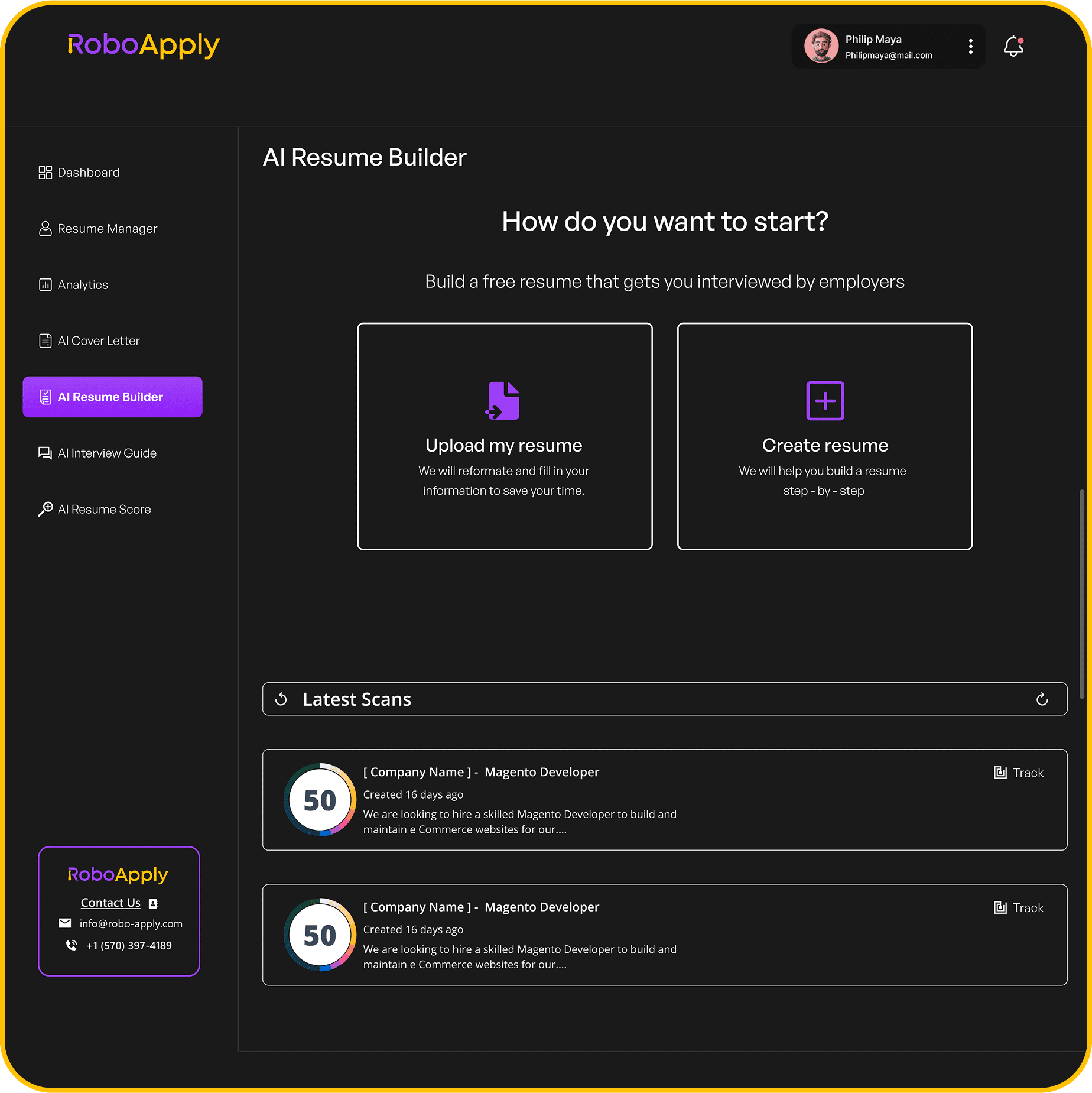
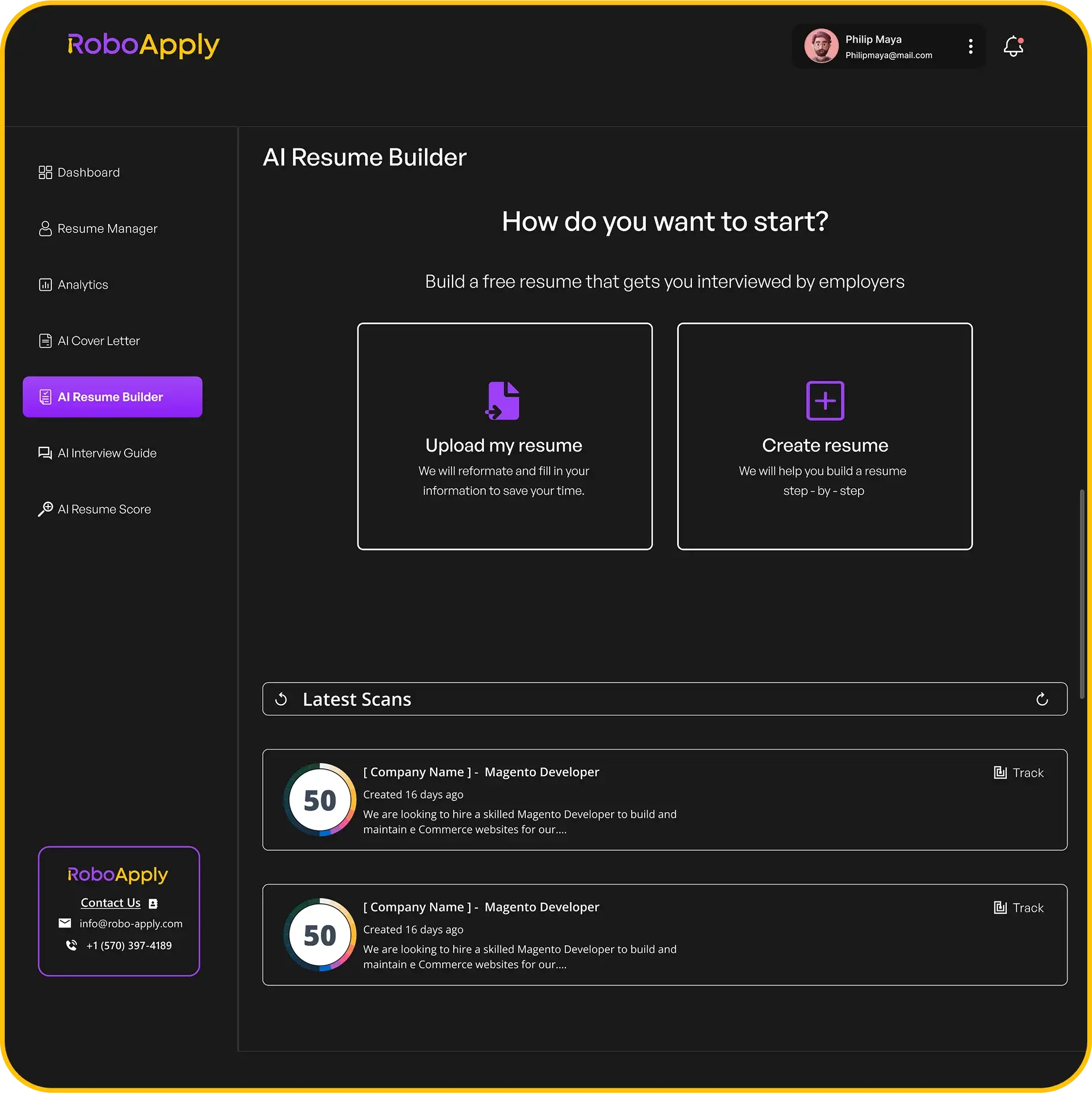
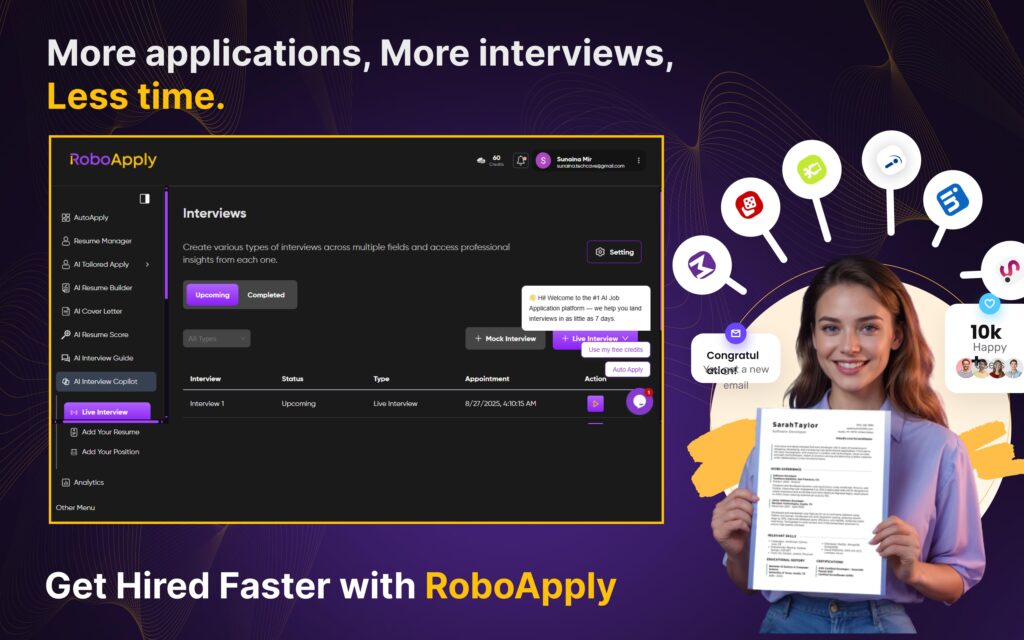
RoboApply covers LinkedIn and every other major job board simultaneously. The AI Resume Builder creates ATS-optimized resumes with professional templates that work across all platforms. The AI Tailored Apply rewrites your resume per job description automatically before every submission, ensuring every application is keyword-aligned to its specific role.
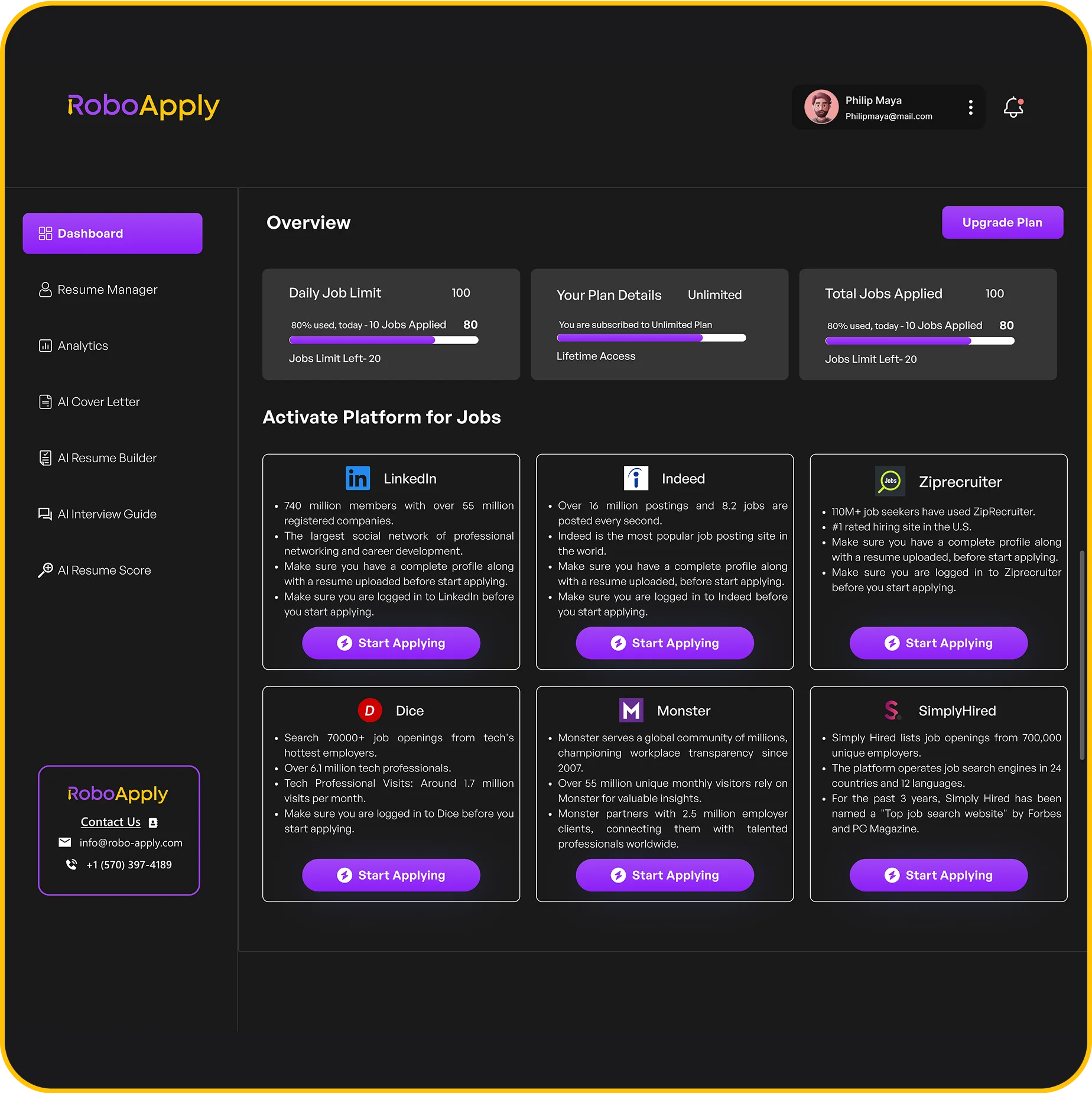
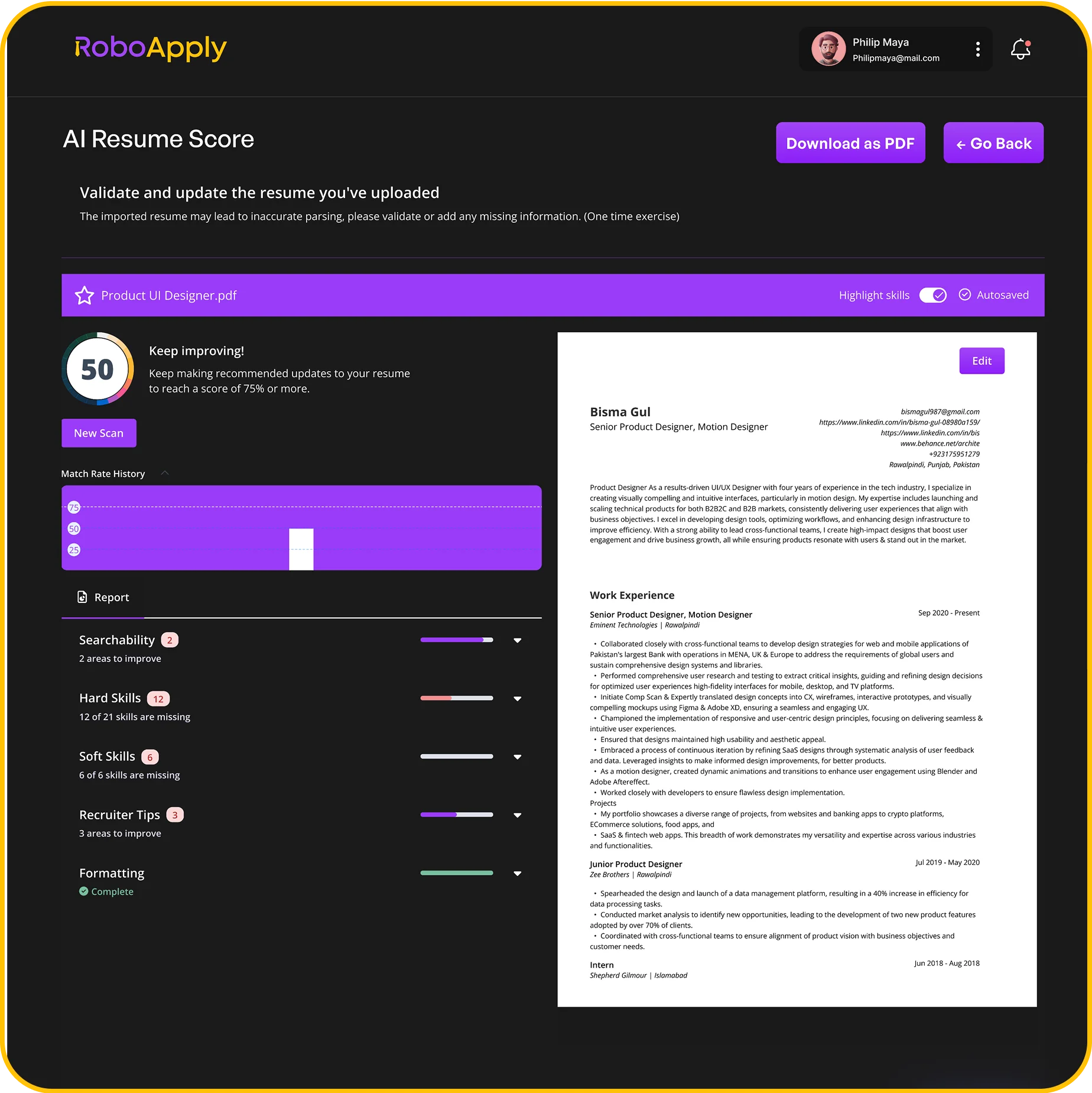
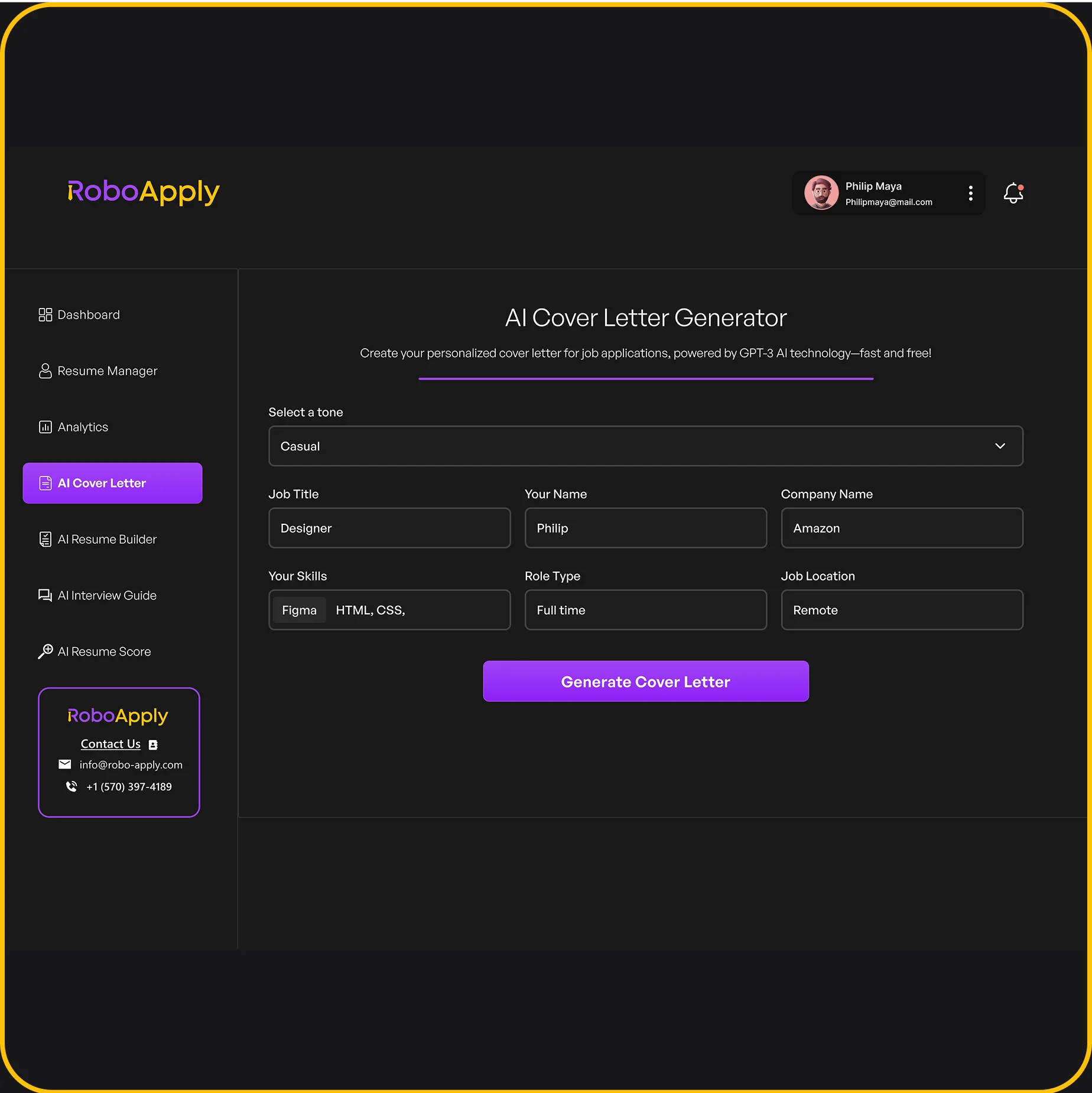
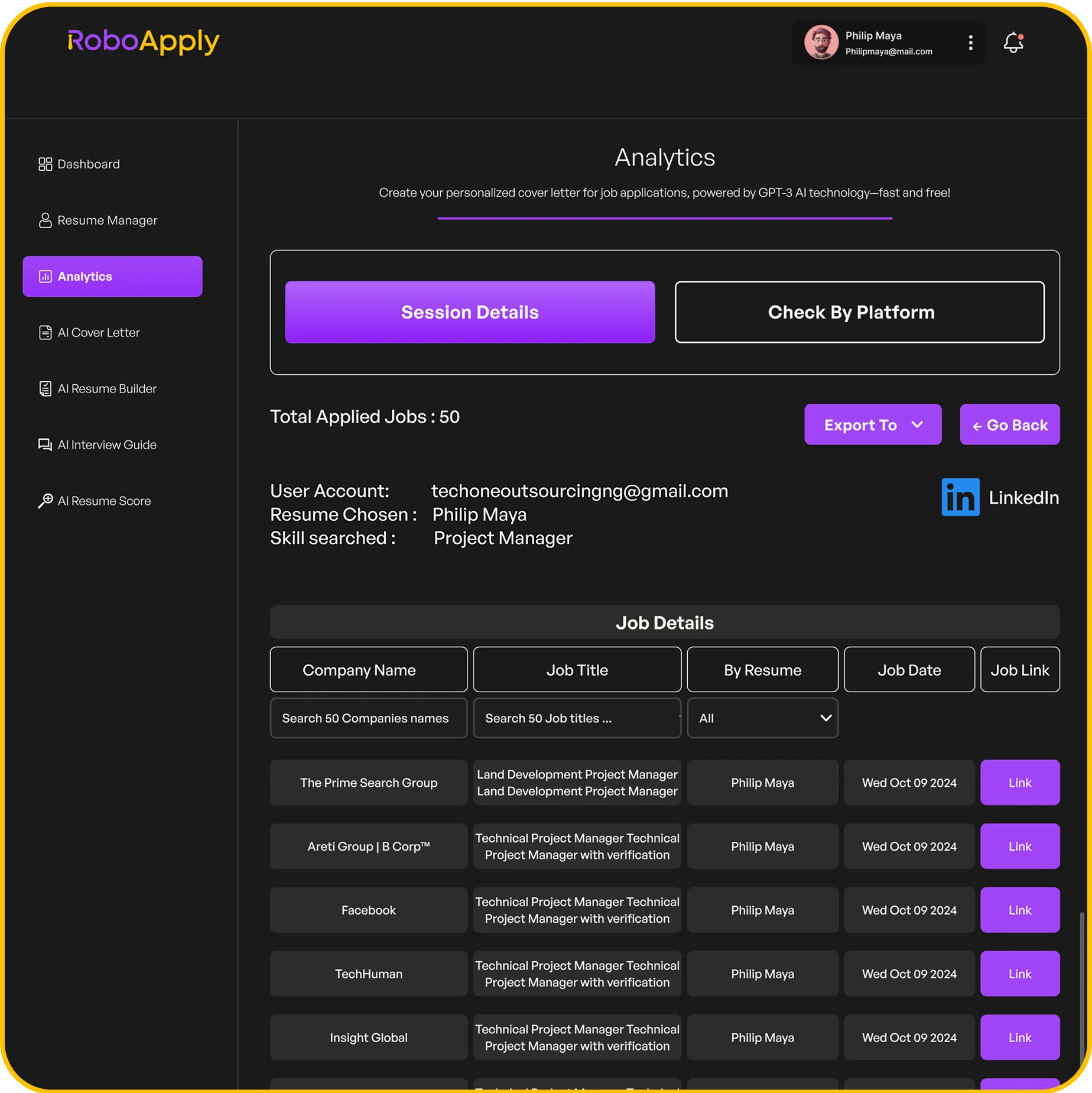
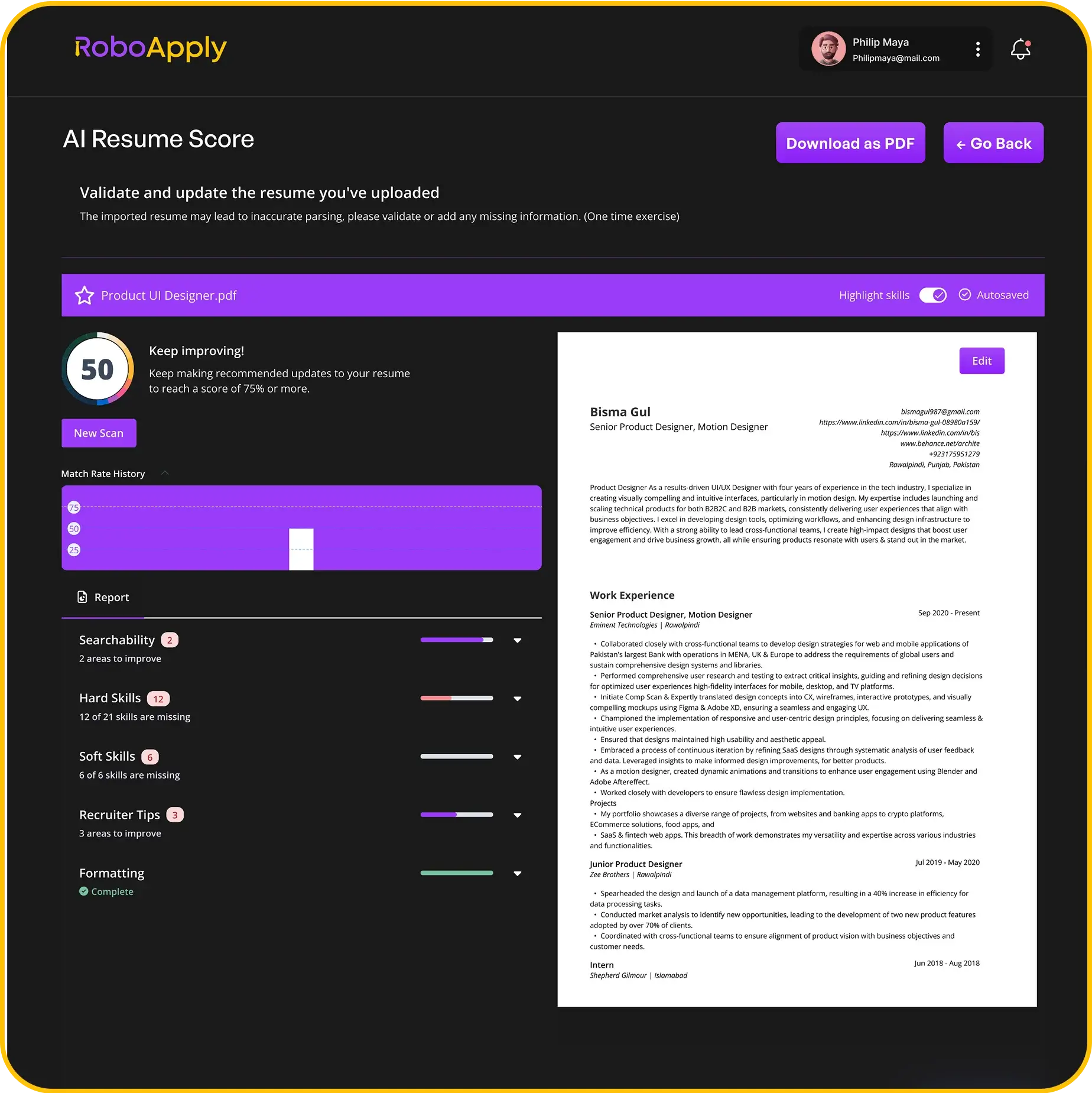
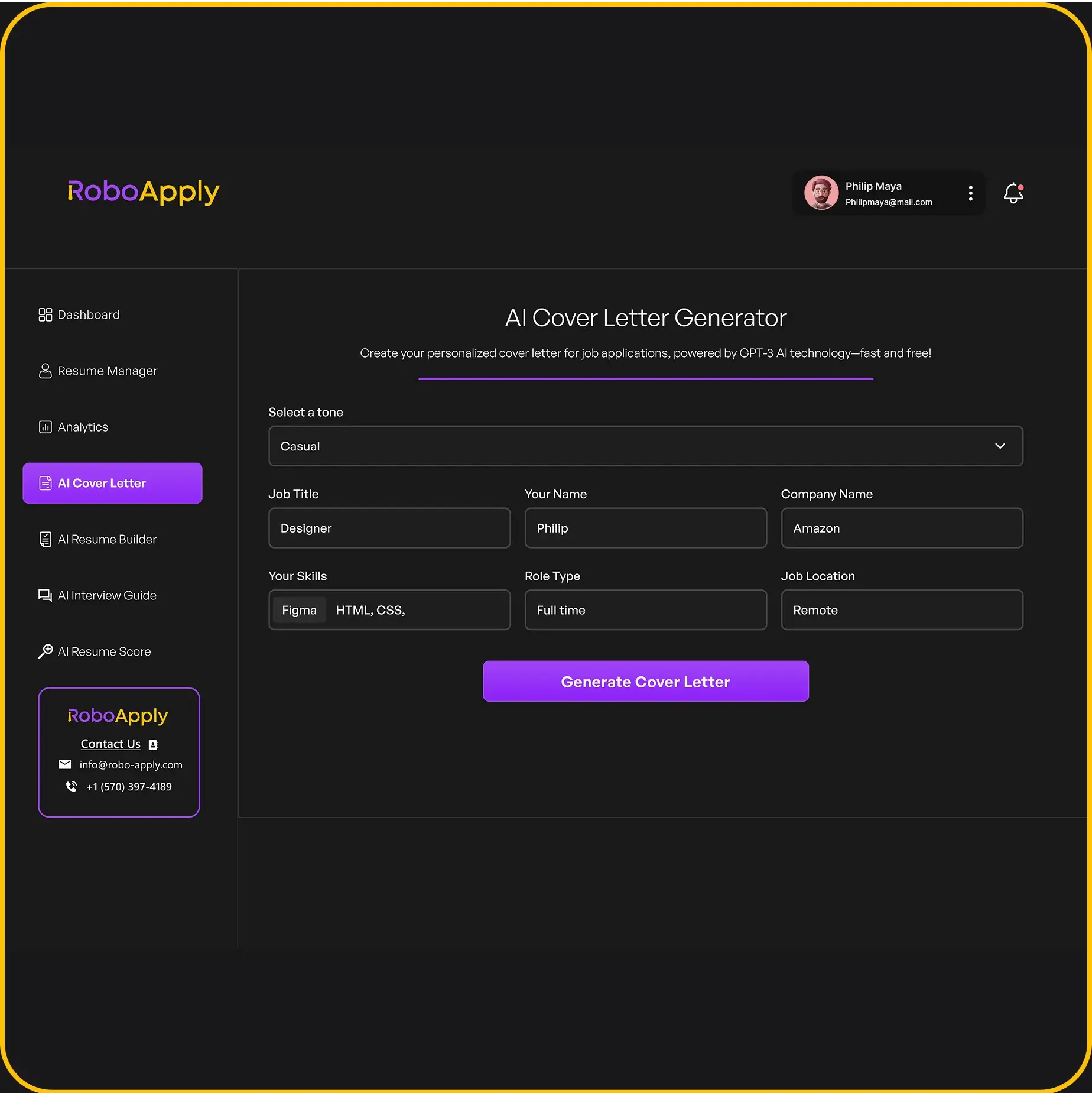
The AI Auto Apply submits applications across LinkedIn, Indeed, ZipRecruiter, Monster, Dice, Simply Hired, and the RoboApply Job Board automatically. This covers every channel LinkedIn’s Easy Apply misses. The AI Cover Letter Generator writes a personalized cover letter for every application. The AI Resume Score gives ATS readability feedback and keyword gap analysis before you begin.
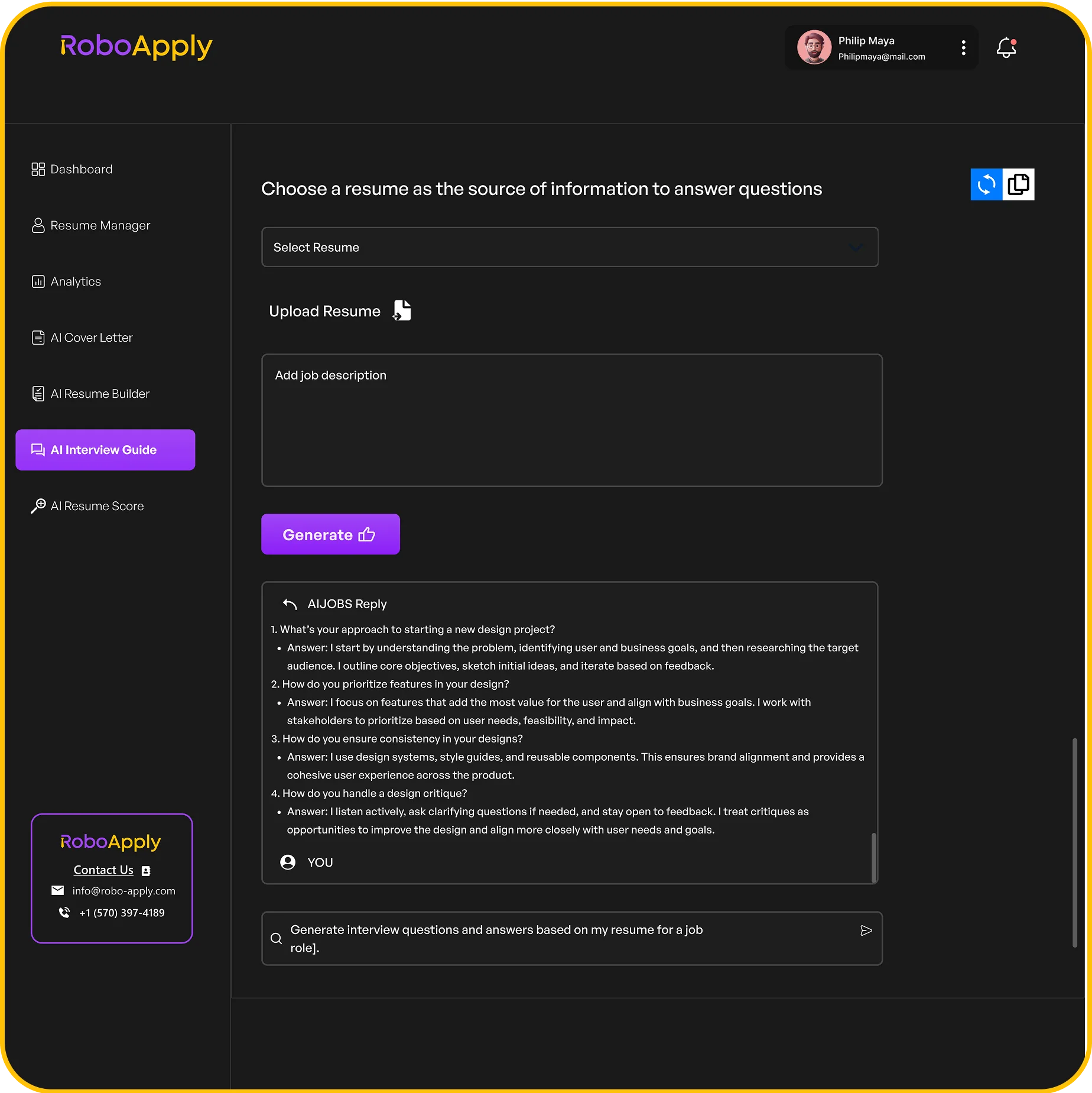
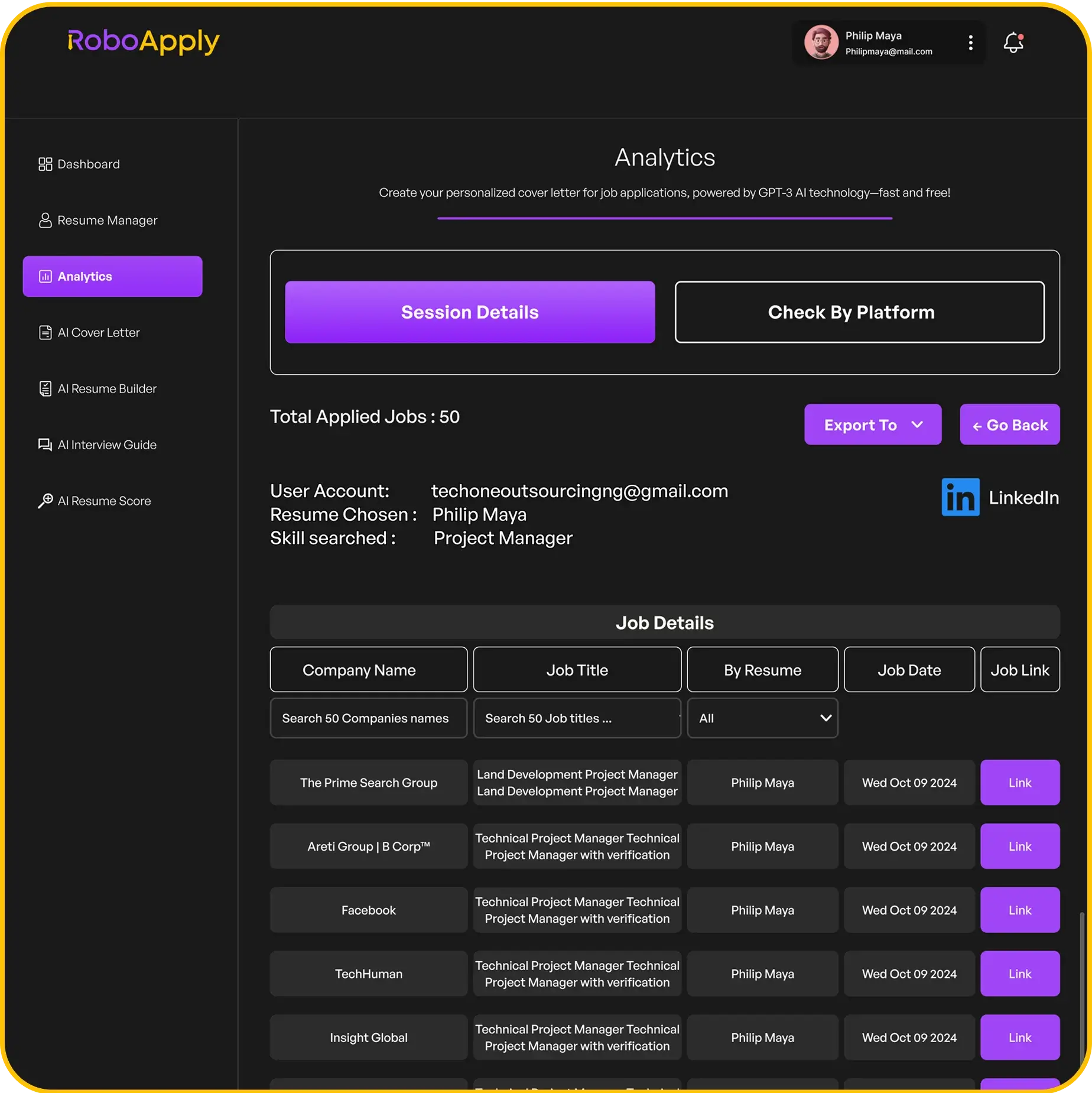
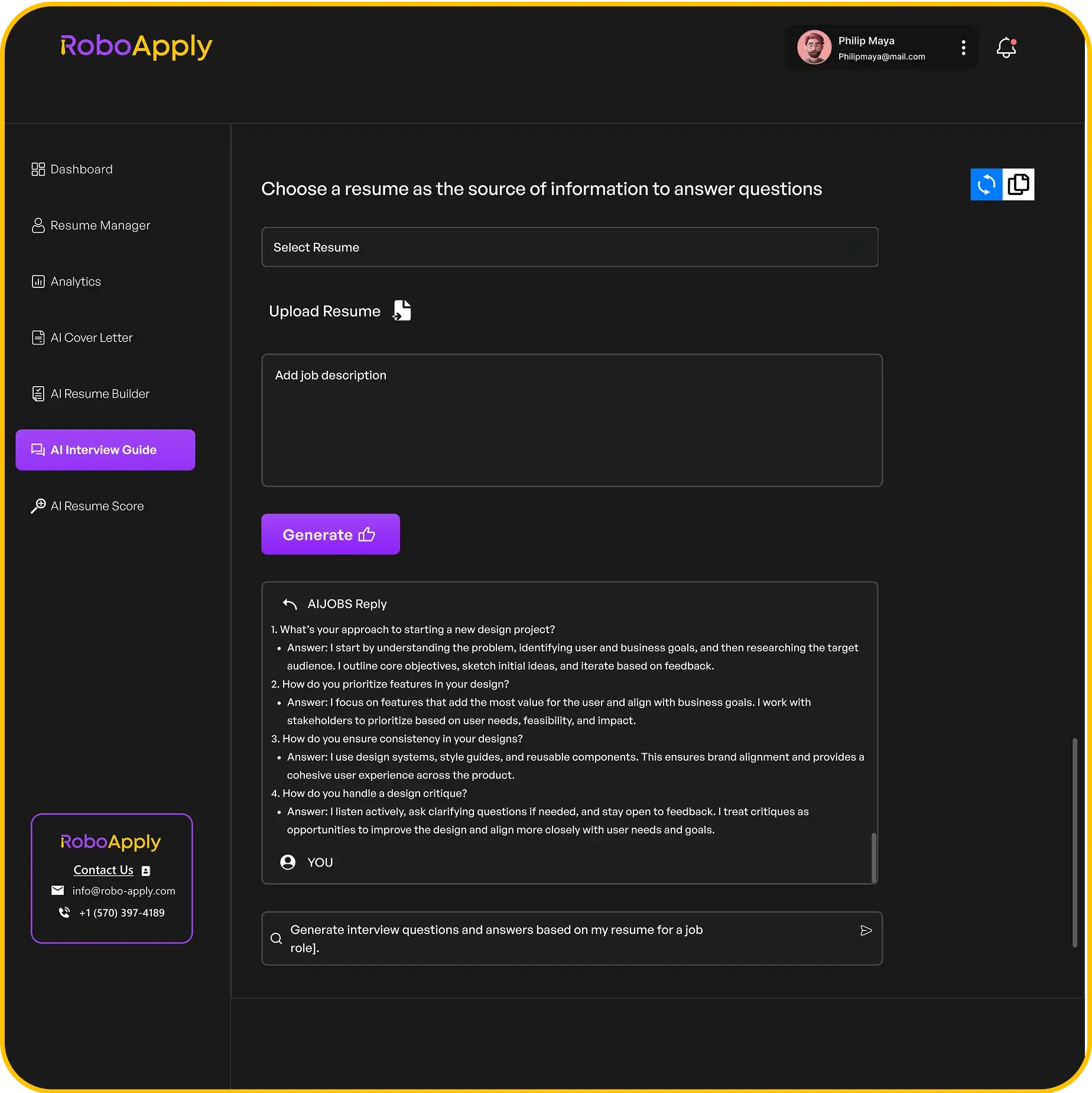
The Interview Copilot on Standard and Premium plans gives real-time feedback during practice sessions and generates role-specific questions, which goes further than LinkedIn’s static question library. Inbox Apply reaches verified hiring managers directly by email, a channel LinkedIn Easy Apply does not replicate. The Analytics dashboard tracks every application and response across all platforms.
RoboApply vs LinkedIn Resume Builder: Feature Comparison
Here is a direct comparison across features that determine job search outcomes:
- Resume creation from profile/existing data: Both
- Applications within LinkedIn: Both
- Applications to Indeed, ZipRecruiter, Monster, Dice, Simply Hired: RoboApply yes, LinkedIn no
- Per-role resume customization: RoboApply automatic, LinkedIn manual
- Cover letter generation per application: RoboApply yes, LinkedIn no
- Interview coaching with real-time feedback: RoboApply yes, LinkedIn practice only
- Direct recruiter email outreach: RoboApply yes, LinkedIn InMail only (paid)
- Application analytics across platforms: RoboApply yes, LinkedIn limited to LinkedIn
When the LinkedIn Resume Builder Makes Sense
LinkedIn’s built-in tools make sense for candidates who are applying primarily to roles posted on LinkedIn, who want to maximize their LinkedIn profile visibility, and who are comfortable managing cross-platform applications manually. The tools are free, well-integrated, and reduce friction within the LinkedIn ecosystem.
When RoboApply Makes Sense
RoboApply is the stronger choice for any job seeker applying across multiple platforms or at volume. LinkedIn Easy Apply covers one platform. RoboApply covers all of them simultaneously while customizing each application per role. For more on how to use LinkedIn effectively alongside a broader job search strategy, read our guide on how to turn off Open to Work on LinkedIn when you receive your offer.
RoboApply’s Basic plan starts at $47 per month. LinkedIn’s resume builder and basic features are free. LinkedIn Premium starts at a separate cost. All RoboApply paid monthly plans include a 90-day money-back interview guarantee.
RoboApply vs LinkedIn Resume Builder: Full Feature Comparison Table
| Feature | LinkedIn Resume Builder | RoboApply |
|---|---|---|
| Resume builder | Yes (profile-to-resume) | Yes (AI-generated, multi-template) |
| ATS optimization | Yes (basic) | Yes (per-role keyword alignment) |
| Applies to LinkedIn | Yes (Easy Apply) | Yes |
| Applies to Indeed, ZipRecruiter, Monster, Dice | No | Yes |
| Per-role resume customization | No | Yes |
| AI cover letter generation | No | Yes |
| Interview coaching | Yes (static question library) | Yes (real-time feedback) |
| Direct recruiter outreach | Yes (InMail, paid) | Yes (email, included) |
| Application analytics | LinkedIn only | Yes All platforms |
| Skills assessments | Yes | No |
| Cost | Free (basic) | $47/month |
| Money-back guarantee | N/A | 90-day interview guarantee |
What Job Seekers Experience With Each Tool
LinkedIn’s resume builder and Easy Apply users describe the overall LinkedIn experience as the strongest single-platform job search environment available. A well-maintained profile with an active Open to Work signal generates genuine inbound recruiter activity. Easy Apply submissions within LinkedIn are fast. The Interview Prep library gives useful practice material. For candidates whose target roles are heavily concentrated on LinkedIn, the built-in tools handle a significant part of the search.
The frustration appears when candidates realize how many employers they are not reaching. Roles on Indeed, ZipRecruiter, and Monster do not show up in LinkedIn’s Easy Apply workflow. Direct company career pages require separate applications. Many candidates describe spending 15 to 20 hours per week on manual submissions across platforms alongside LinkedIn, even with LinkedIn’s tools doing the heavy lifting within their ecosystem.
RoboApply users who kept LinkedIn active alongside their RoboApply automation describe the best of both approaches. LinkedIn profile visibility and inbound recruiter interest continued while automated applications covered LinkedIn, Indeed, ZipRecruiter, and other platforms simultaneously. Interview prep moved to RoboApply’s Interview Copilot for more specific feedback than LinkedIn’s static question library provides.For candidates managing their LinkedIn presence while automating applications elsewhere, our guide on how to turn off Open to Work on LinkedIn is a useful reference once the offers start coming in.
Frequently Asked Questions
Does LinkedIn’s Resume Builder work on other job boards?
No. LinkedIn’s resume builder creates a document for LinkedIn. Applications to other platforms require manual submission of a separate document.
Can RoboApply submit applications on LinkedIn?
Yes. RoboApply’s AI Auto Apply includes LinkedIn as one of its supported platforms alongside six other major job boards.
Does LinkedIn’s Interview Prep give real-time feedback on your responses?
LinkedIn’s Interview Prep provides practice questions and sample answers but does not evaluate your live responses the way RoboApply’s Interview Copilot does.
Is LinkedIn Premium worth it instead of RoboApply?
LinkedIn Premium improves profile visibility and adds InMail credits. RoboApply automates applications across all platforms, customizes resumes per role, and includes interview coaching in one subscription.
Can I use LinkedIn and RoboApply together for better results?
Yes. Maintaining a strong LinkedIn profile while running automated applications through RoboApply across all platforms gives you both visibility and active application volume.