How to edit indeed resume? Log into your Indeed account, click “Resume” in the top right corner, select the resume you want to edit, click “Edit,” make your changes, and click “Save.” The entire process takes less than five minutes. Your updated resume automatically applies to all future applications.
Indeed stores your resume in their system. You don’t need to upload new versions repeatedly. Updates sync across all job applications instantly. This convenience saves time but requires you to keep information current.
Research from Indeed’s own data shows updated resumes get 3x more recruiter views. Employers see your latest experience and skills. Stale resumes with outdated information get skipped during searches.
Accessing Your Indeed Resume
Finding your resume in Indeed’s system requires navigating their interface. The location varies slightly between desktop and mobile versions. Understanding where to look saves frustration.
Desktop Access Process
Start at Indeed’s homepage. Your resume lives in your account settings. The navigation path differs from job search functions.
Click the account icon in the top right corner. It shows your name or profile picture. Select “Resume” from the dropdown menu. This takes you to your resume dashboard.
You’ll see all resumes you’ve uploaded to Indeed. Most people have one or two. Each resume shows a preview and edit option. Click “Edit” on the resume you want to modify.
Mobile App Navigation
Indeed’s mobile app organizes features differently. The resume section isn’t immediately visible from the home screen.
Open the Indeed app. Tap the menu icon (three horizontal lines) in the top left. Scroll down to “Resume” in the menu options. Tap it to access your stored resumes.
Select the resume you want to edit. Tap “Edit Resume” at the top. The mobile editor offers the same functionality as desktop but optimized for smaller screens.
Troubleshooting Access Issues
Sometimes users can’t locate their resume. Common problems have simple solutions.
If you don’t see a resume listed:
- You might not have uploaded one yet
- You may have deleted it accidentally
- You could be logged into the wrong Indeed account
- Your session may have expired (log out and back in)
Contact Indeed support if problems persist. Their help center resolves most issues quickly.
Step-by-Step Editing Process
Once you’ve accessed your resume, the editing interface lets you modify any section. Indeed organizes information into distinct categories. Understanding this structure helps you make targeted updates efficiently.
Editing Contact Information
Your contact details appear at the top of your resume. Keep this information current so employers can reach you.
Click “Edit” next to your name and contact section. Update these fields:
- Full name (keep it professional)
- Phone number (verify it’s correct)
- Email address (use a professional email)
- Location (city and state minimum)
- LinkedIn profile (optional but recommended)
Save changes after updating. Indeed validates email and phone formats. Fix any errors flagged by the system. Similar to understanding resume basics, accurate contact information matters.
Updating Work Experience
Work history forms the core of your resume. Employers spend most time reviewing this section. Keep it accurate and current.
Click “Edit” next to the work experience section. You can add new positions, modify existing ones, or remove old jobs.
For each position, update:
- Job title exactly as it appeared
- Company name and location
- Start and end dates (or “Present” for current roles)
- Key responsibilities and achievements
- Quantifiable results when possible
Following formatting standards helps readability. Use 3-5 bullet points per job. Focus on accomplishments rather than duties.
Remove positions older than 10-15 years unless highly relevant. Older experience clutters resumes without adding value. Exception: keep impressive roles at major companies.
Modifying Education Section
Education requirements change based on career stage. Recent graduates emphasize education. Experienced professionals minimize it.
Click “Edit” next to education. Update or add:
- Degree type and major
- Institution name and location
- Graduation date (month and year)
- GPA if above 3.5 and recent graduate
- Relevant coursework for entry-level positions
- Academic honors or awards
List education in reverse chronological order. Most recent degree first. Remove high school information after gaining work experience.
Adding or Changing Skills
Indeed’s skills section uses keywords for searchability. Recruiters search by skills to find candidates. Strategic keyword selection increases visibility.
Navigate to the skills section. Add skills relevant to target positions. Include:
- Technical skills specific to your field
- Software and tools you’ve used
- Industry certifications or licenses
- Languages you speak fluently
- Soft skills like leadership or communication
Research from LinkedIn confirms that resumes with 5-10 skills get found more often. Don’t exceed 15 skills. Quality beats quantity.
Remove outdated skills. Nobody cares about Windows 95 proficiency. Focus on current, relevant competencies.
Updating Summary or Objective
Your resume summary appears at the top. It provides context for your application. Many people skip this section. That’s a mistake.
Click “Edit” next to summary. Write 2-3 sentences covering:
- Your professional identity and experience level
- Key qualifications matching target roles
- What value you bring to employers
- Career goals or areas of expertise
Keep it concise. No more than 50 words. Make every word count. Avoid generic phrases like “results-oriented professional.”
Formatting and Presentation Changes
Indeed offers limited formatting options compared to Word or PDF. Work within these constraints for best results.
Available formatting includes:
- Bold for emphasis on key information
- Italics for company names or dates
- Bullet points for responsibilities
- Section headers for organization
Use formatting consistently. If you bold all job titles, bold every job title. Consistency looks professional. Random formatting appears sloppy.

Best Practices for Indeed Resume Updates
Beyond basic editing, certain strategies improve resume effectiveness. These tactics increase recruiter interest and interview invitations.
Optimizing for Indeed’s Search Algorithm
Indeed’s search algorithm prioritizes certain resume elements. Understanding how it works helps you rank higher in recruiter searches.
Optimization strategies include:
- Using exact keywords from target job descriptions
- Repeating important skills naturally throughout
- Including industry-specific terminology
- Updating recently (Indeed favors recent activity)
- Completing all profile sections fully
Job search experts confirm that keyword optimization significantly impacts visibility. Recruiters search by specific terms. Missing those terms means missing opportunities.
Don’t keyword stuff. Use terms naturally in context. Indeed’s algorithm detects artificial manipulation. Write for humans first, algorithms second.
Tailoring for Specific Job Applications
Generic resumes underperform targeted ones. Customization shows genuine interest. It proves you’ve read the job description carefully.
Before major applications:
- Review the job posting thoroughly
- Identify required skills and qualifications
- Edit your resume emphasizing matching experience
- Use similar language to the job description
- Highlight relevant achievements prominently
This approach works similarly to following up after applications. Attention to detail matters throughout the process.
Keeping Information Current
Set calendar reminders to review your resume quarterly. Regular updates prevent last-minute scrambling when opportunities arise. Fresh information impresses recruiters more than stale content.
Update whenever you:
- Complete a major project or achievement
- Learn new skills or software
- Receive promotions or title changes
- Earn certifications or licenses
- Change contact information
Don’t wait until job searching starts. Maintain your resume continuously. You’ll forget accomplishments if you wait too long.
Common Indeed Resume Editing Mistakes
Certain errors plague Indeed resumes repeatedly. Avoiding these problems improves your application quality significantly.
Leaving Gaps Unexplained
Employment gaps worry recruiters. Unexplained breaks in work history raise questions. Address gaps proactively rather than hoping nobody notices.
Options for handling gaps:
- List freelance or consulting work during the period
- Mention relevant volunteer activities
- Note if you were caregiving or studying
- Be honest about job searching periods
- Keep explanations brief and professional
Don’t fabricate employment to cover gaps. Background checks reveal lies. Honesty works better long-term.
Using Passive Language
Passive voice weakens resume impact. Active voice sounds confident and direct. Compare “was responsible for managing team” versus “managed team of 12.”
Replace passive phrases:
- “Was tasked with” → “Completed” or “Achieved”
- “Responsibilities included” → “Led” or “Developed”
- “Assisted with” → “Contributed to” or “Supported”
- “Involved in” → “Participated in” or “Drove”
Strong action verbs command attention. They prove you took initiative rather than just showing up.
Neglecting Proofreading
Typos and grammatical errors eliminate candidates instantly. They signal carelessness. Attention to detail matters for every job.
Proofread systematically:
- Read your resume backwards sentence by sentence
- Use spell-check but don’t rely on it exclusively
- Read aloud to catch awkward phrasing
- Ask someone else to review it
- Check dates and numbers carefully
One mistake might be forgiven. Multiple errors suggest lack of professionalism. Take proofreading seriously.
Including Irrelevant Information
Not everything belongs on your resume. Irrelevant details dilute your message. Focus ruthlessly on information supporting your target role.
Remove:
- High school information if you have a college degree
- Hobbies unless directly relevant to the position
- Personal details like marital status or age
- References (save space, provide when requested)
- Salary history or requirements
Every line should strengthen your candidacy. Cut anything that doesn’t. Space on resumes is precious. Understanding career paths helps prioritize relevant experience.
Streamlining Your Indeed Resume Management
Maintaining multiple resume versions for different roles gets complicated. You need efficient systems for managing updates across applications. Understanding specialized opportunities helps you target applications strategically.
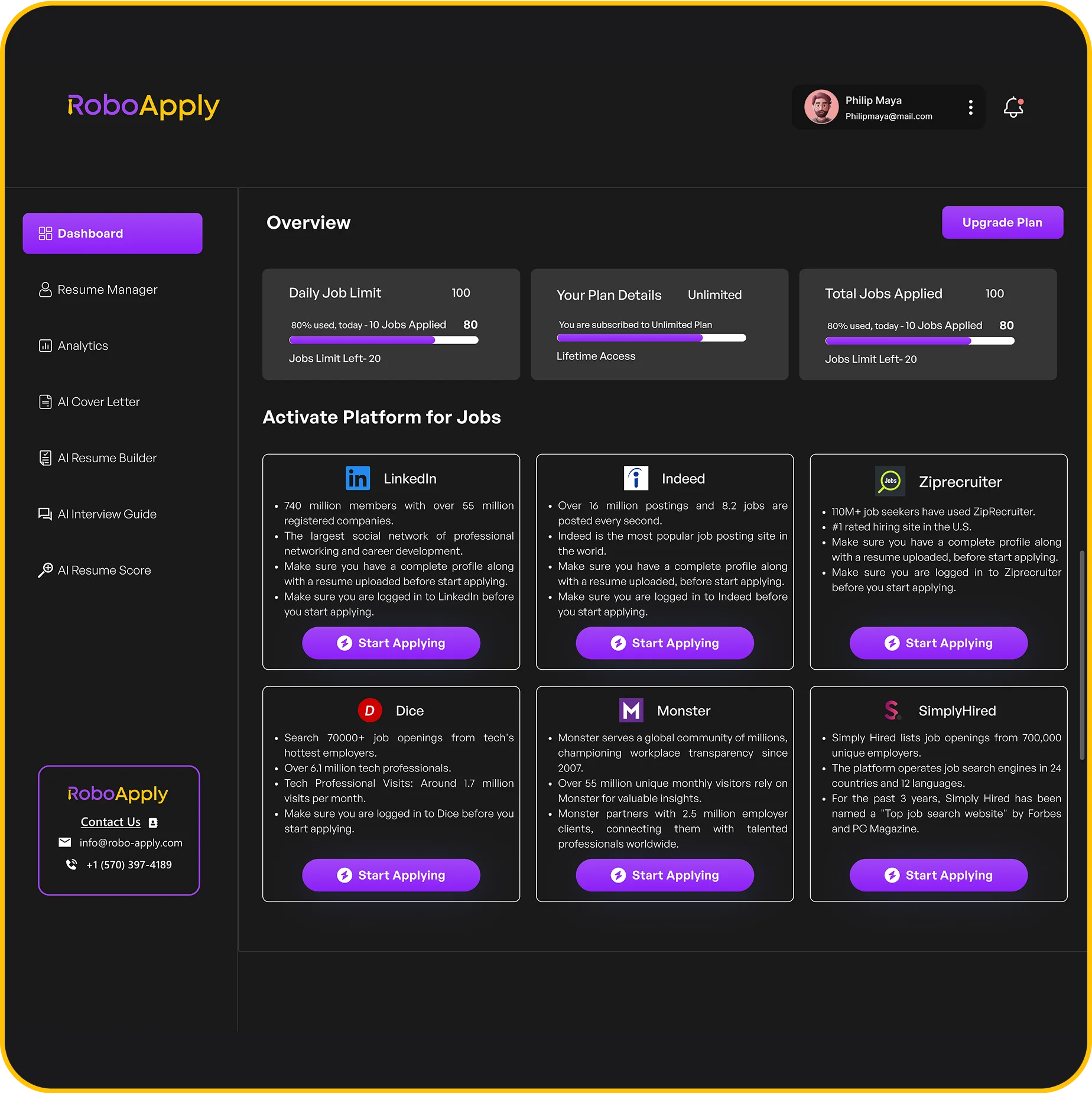
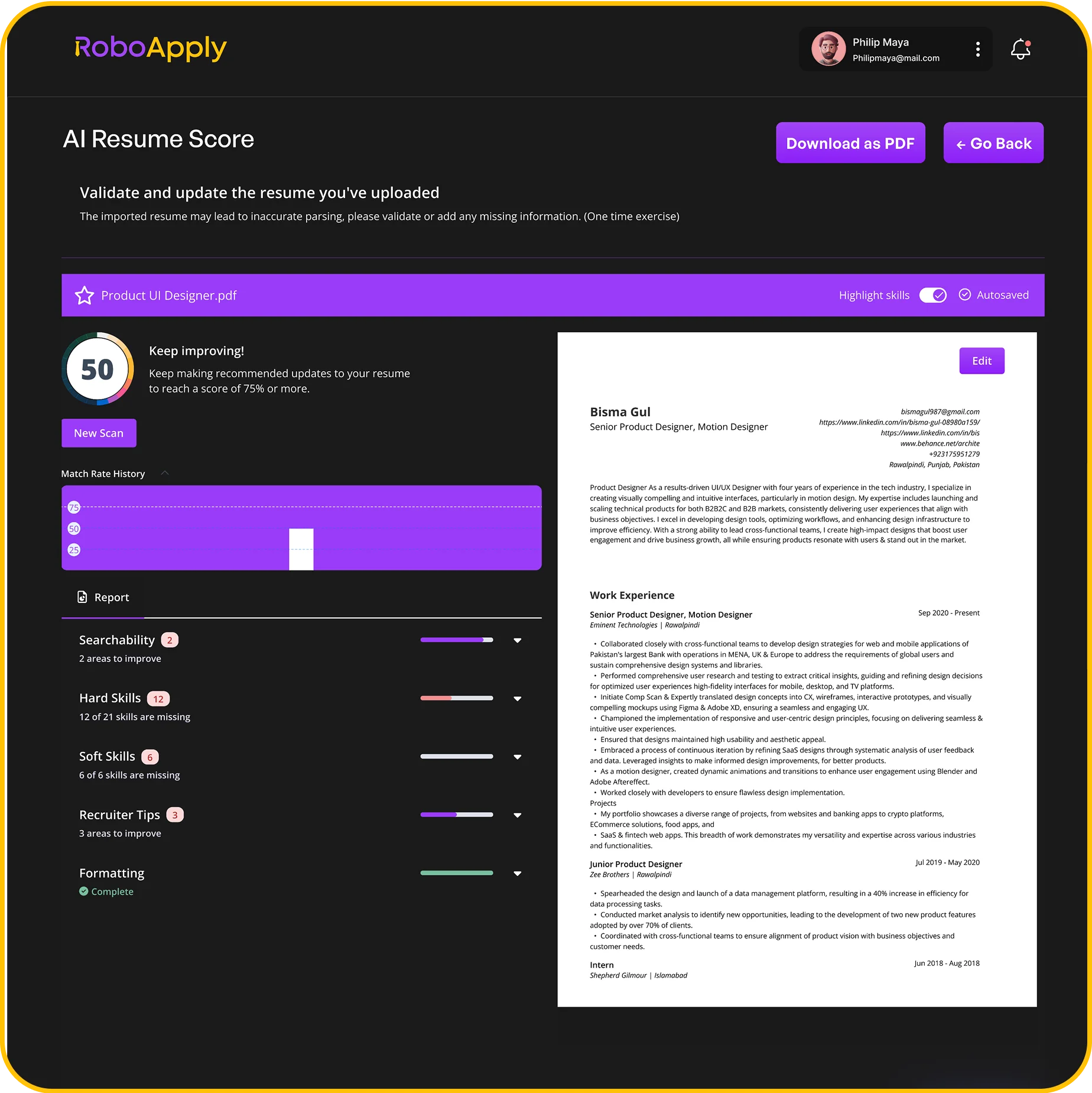
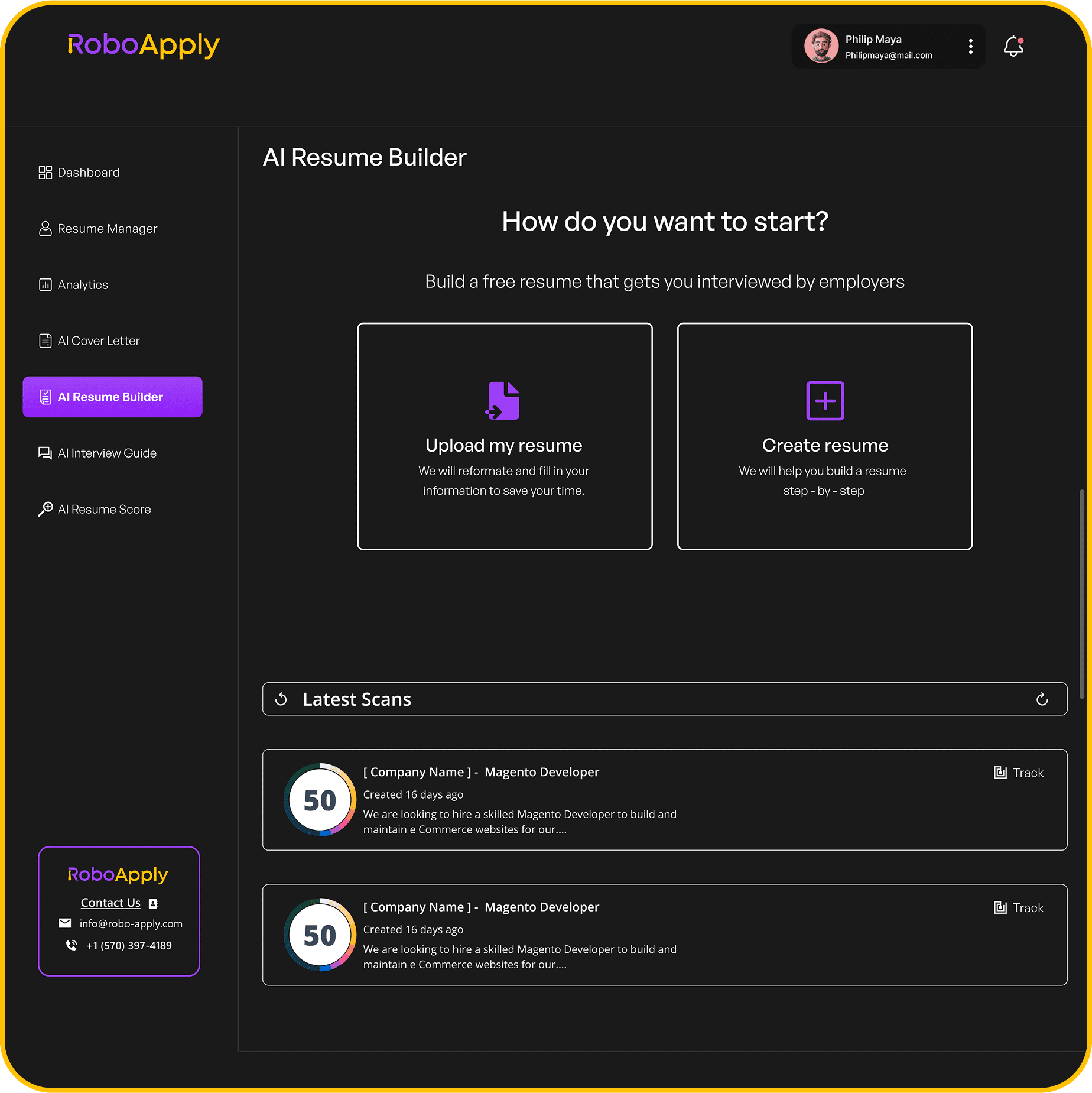
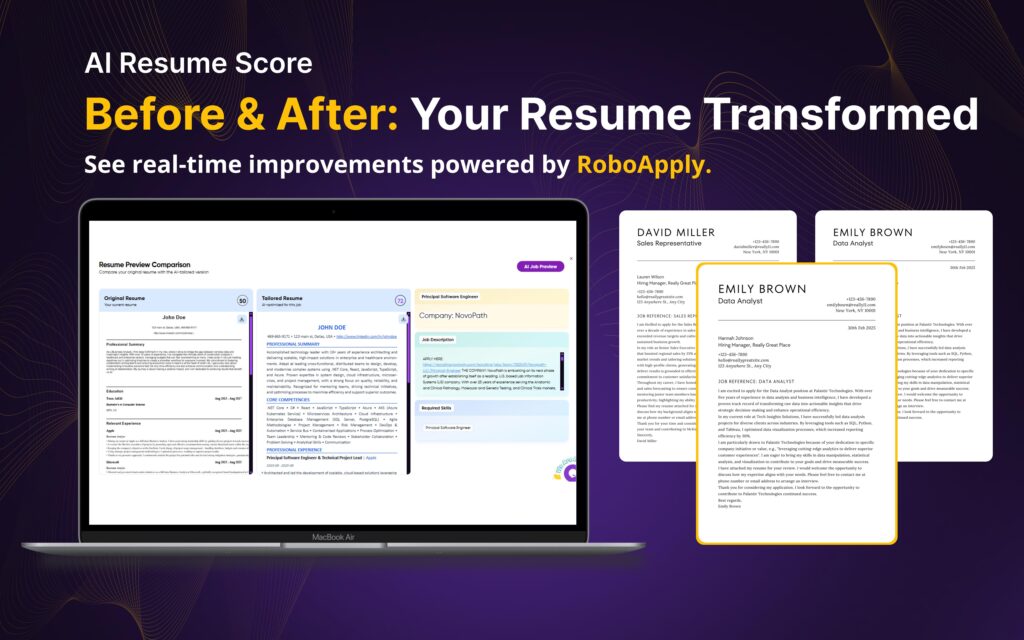
RoboApply’s AI Resume Builder helps you create optimized resumes for Indeed and other platforms. The system tailors your experience to specific job requirements automatically. You maintain one master resume while generating customized versions effortlessly.
The AI Auto Apply feature submits applications to hundreds of positions matching your profile. Your Indeed resume gets leveraged across multiple opportunities simultaneously. You’re not manually updating and applying repeatedly.
Interview Copilot prepares you to discuss resume contents confidently. You’ll practice explaining employment gaps, career transitions, or skill development. The tool helps you present your background clearly during interviews.
The Analytics dashboard tracks which resume versions generate most responses. You’ll see patterns in what works. This data helps you refine your Indeed resume for better results.
Frequently Asked Questions
How often should I edit my Indeed resume?
Update your Indeed resume quarterly or whenever you gain new skills, complete major projects, change jobs, or earn certifications for optimal visibility.
Can I have multiple resumes on Indeed?
Yes, Indeed allows multiple resumes. Create different versions targeting specific roles or industries. Label each clearly to avoid confusion during applications.
Do edits to Indeed resume update past applications?
No, editing your Indeed resume only affects future applications. Previously submitted applications retain the original resume version you used when applying.
How long does Indeed store my resume?
Indeed stores resumes indefinitely while your account remains active. They don’t delete resumes automatically. Remove outdated versions manually to avoid confusion.
Should I edit my Indeed resume on mobile or desktop?
Desktop editing offers better formatting control and easier navigation. Mobile works for quick updates. Use desktop for major revisions and mobile for minor changes.