The RoboApply vs Jobscan debate matters because picking the wrong tool wastes your time and money. Both platforms promise to help you land interviews faster, but they work in totally different ways.
RoboApply automates your entire job application process. It applies to hundreds of positions for you and creates custom resumes for each job. Jobscan focuses on making your existing resume pass those ATS systems that screen applications before humans ever see them.
Your choice depends on how you search for jobs. Applying to tons of positions weekly and need automation? One tool fits better. Targeting a few specific roles and want every application perfect? The other makes more sense.
What RoboApply Actually Does
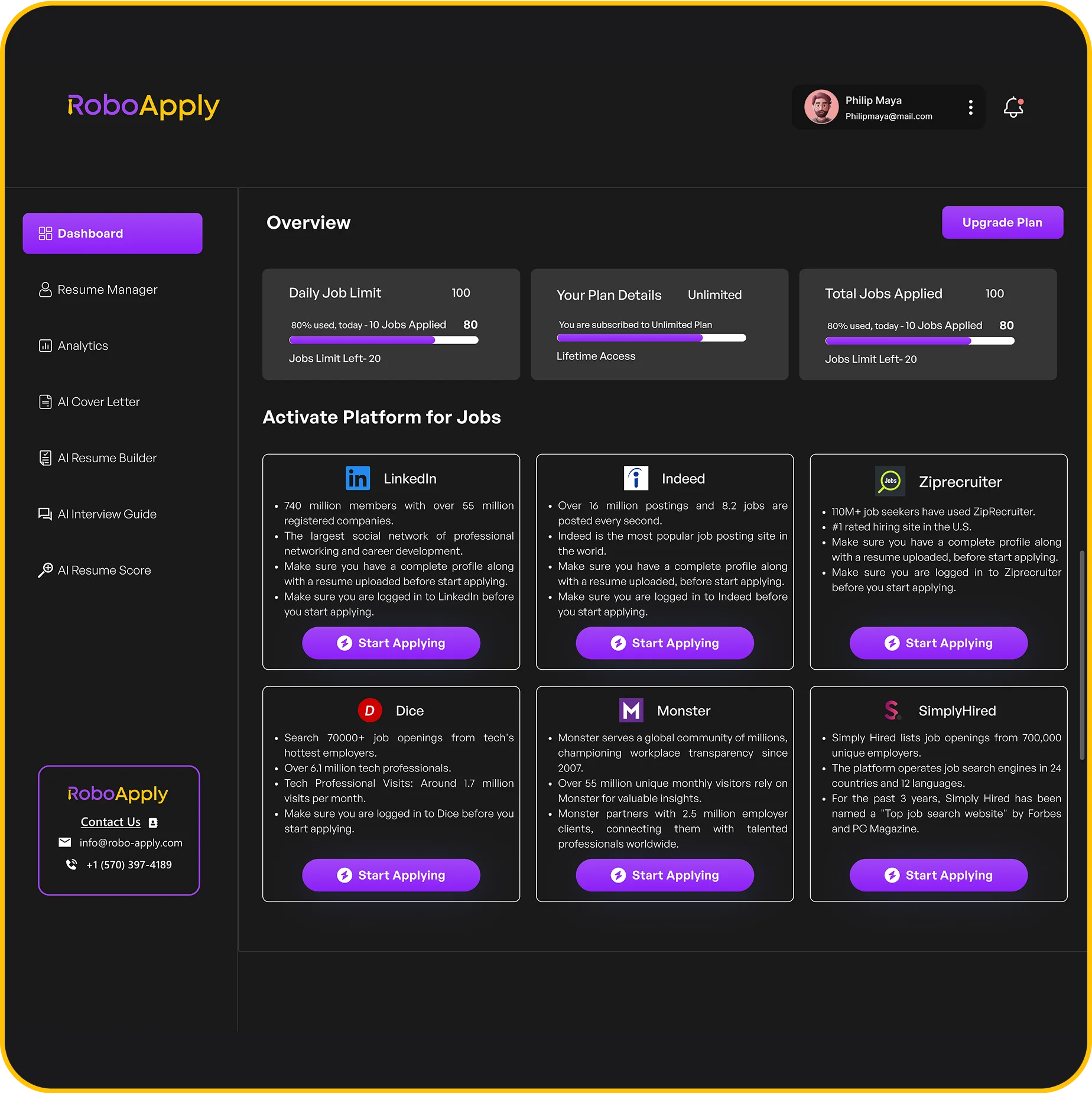
RoboApply handles job applications from start to finish without you lifting a finger. The platform goes beyond simple resume help and actually submits applications for you across major job boards.
How the Automation Works
The system runs all day, every day once you set it up. Here’s what happens:
- Set your preferences once for location, industry, role type, and salary range
- AI searches LinkedIn, Indeed, ZipRecruiter, and other major job sites automatically
- System finds positions matching what you want
- Applications get submitted for you without any manual work
- Everything happens while you sleep, work, or do literally anything else
Customization for Each Application
Every application gets personalized automatically. The AI reads each job description and tweaks your resume to match what they’re asking for. It adds relevant keywords, adjusts how your experience is described, and reformats everything for that specific employer.
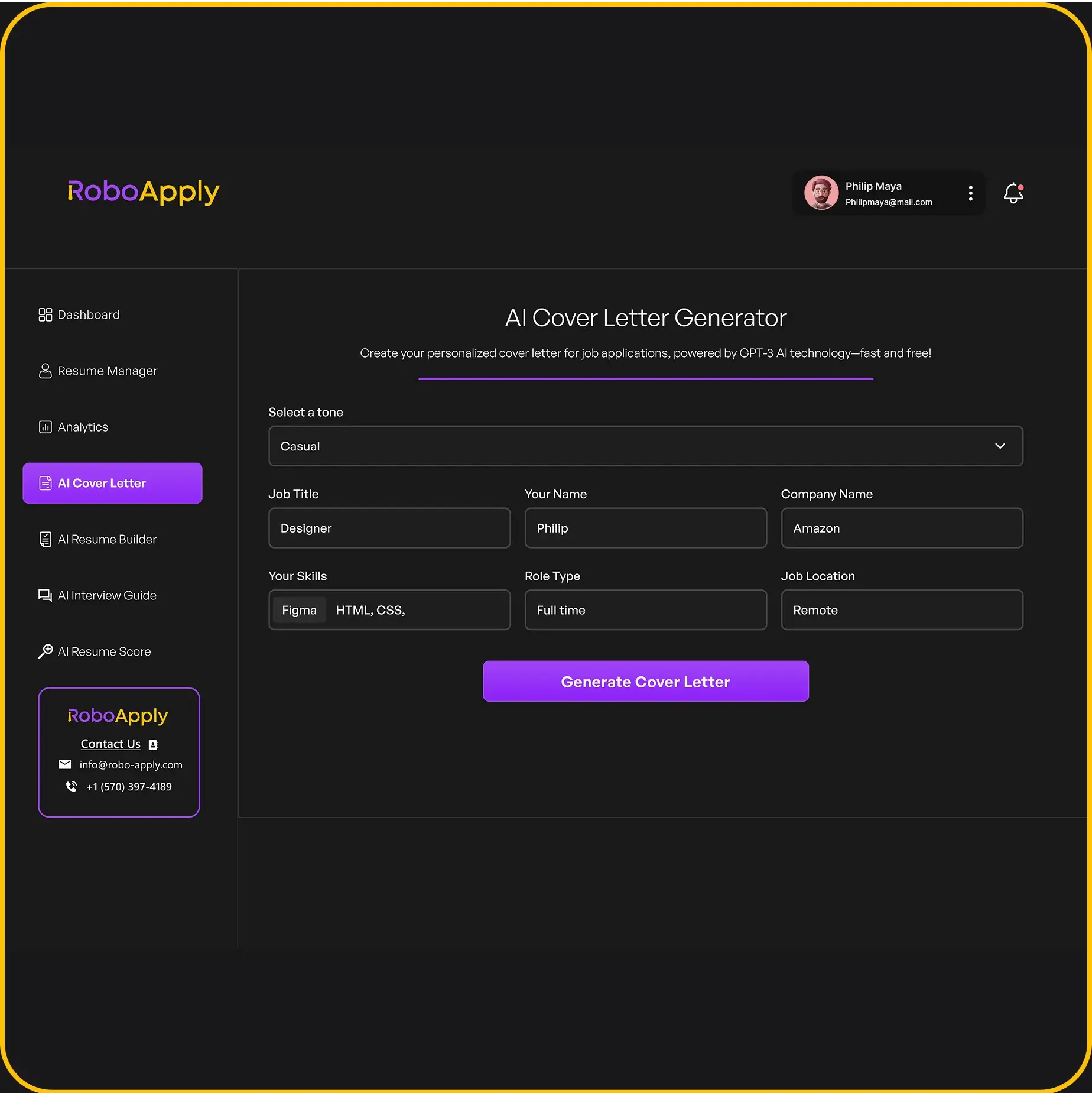
Cover letters get written automatically too. No generic templates that recruiters spot in two seconds. The system writes personalized letters based on the job posting and your background.
Additional Features Included
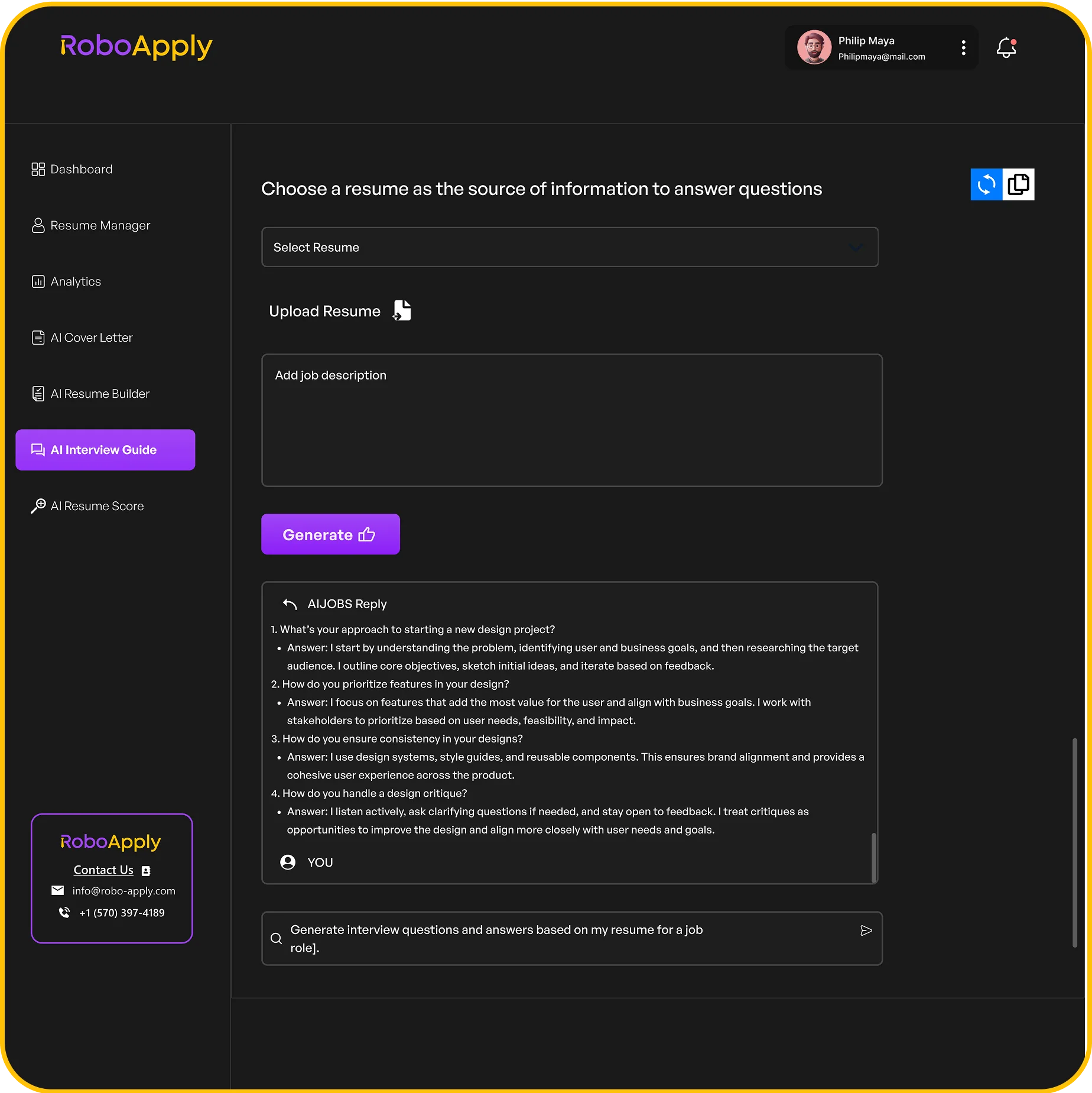
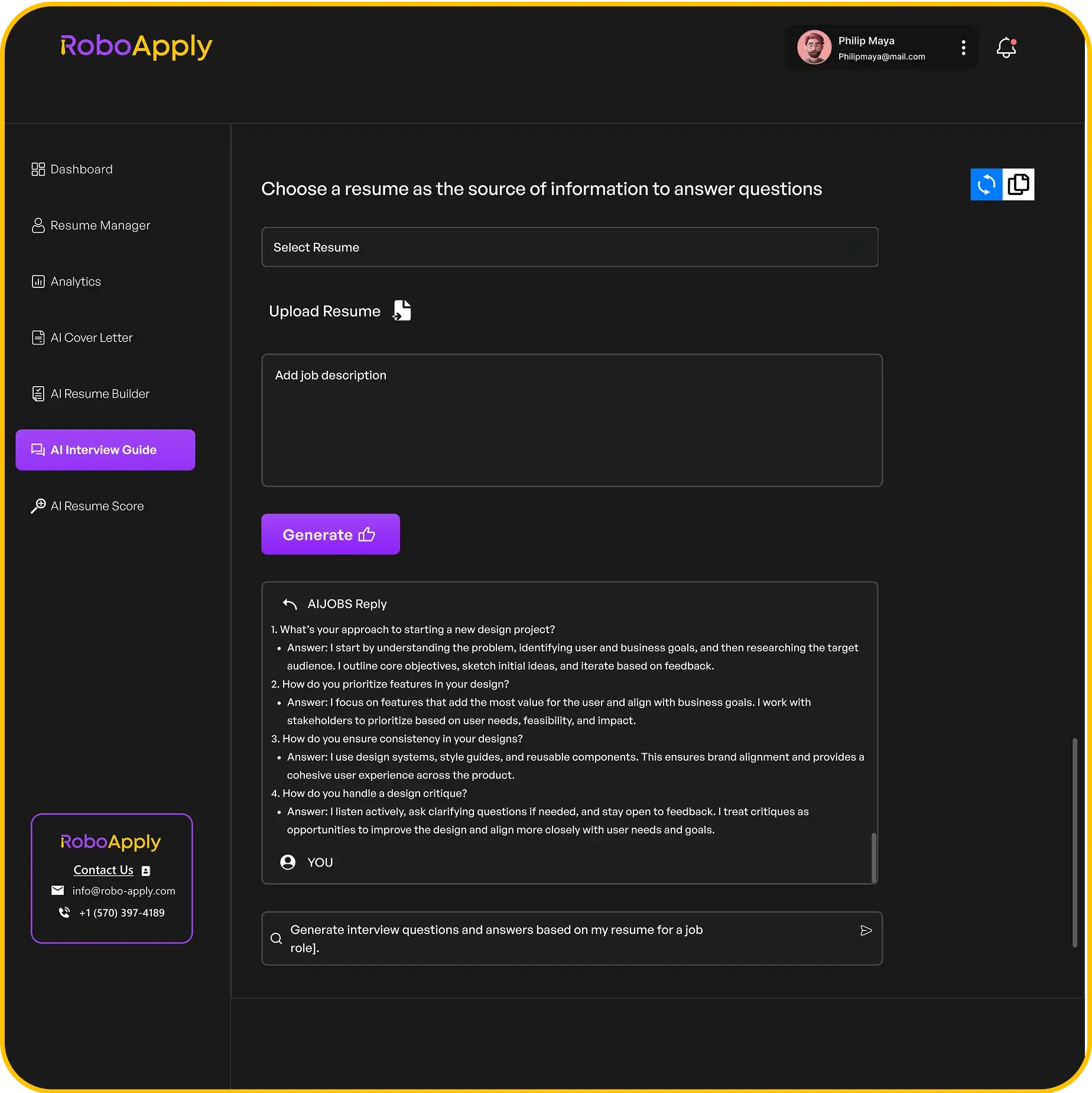
Interview help comes built in. The Interview Copilot gives you real-time answers during video interviews. It listens to questions and suggests responses based on what you know and what the role needs.
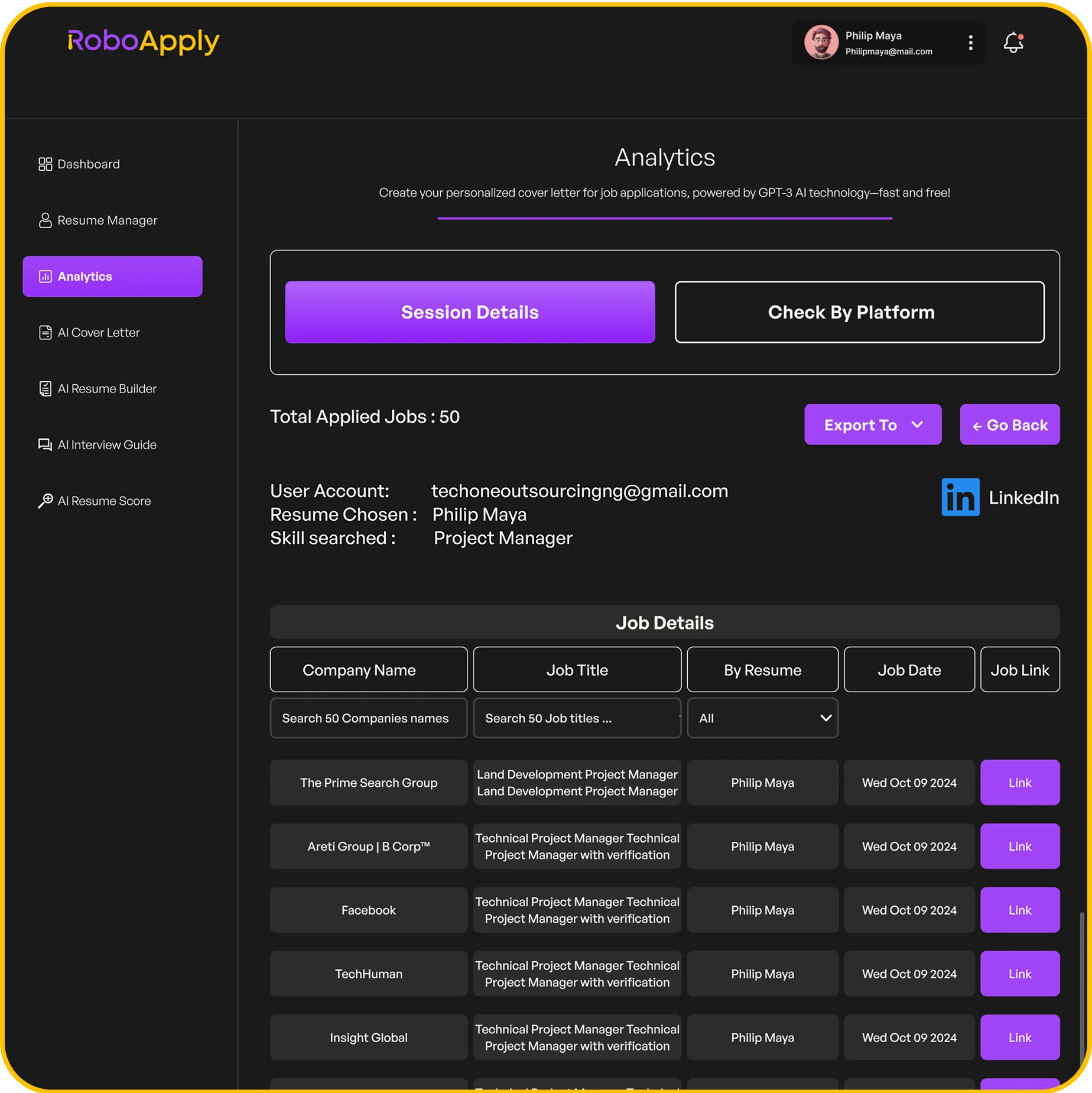
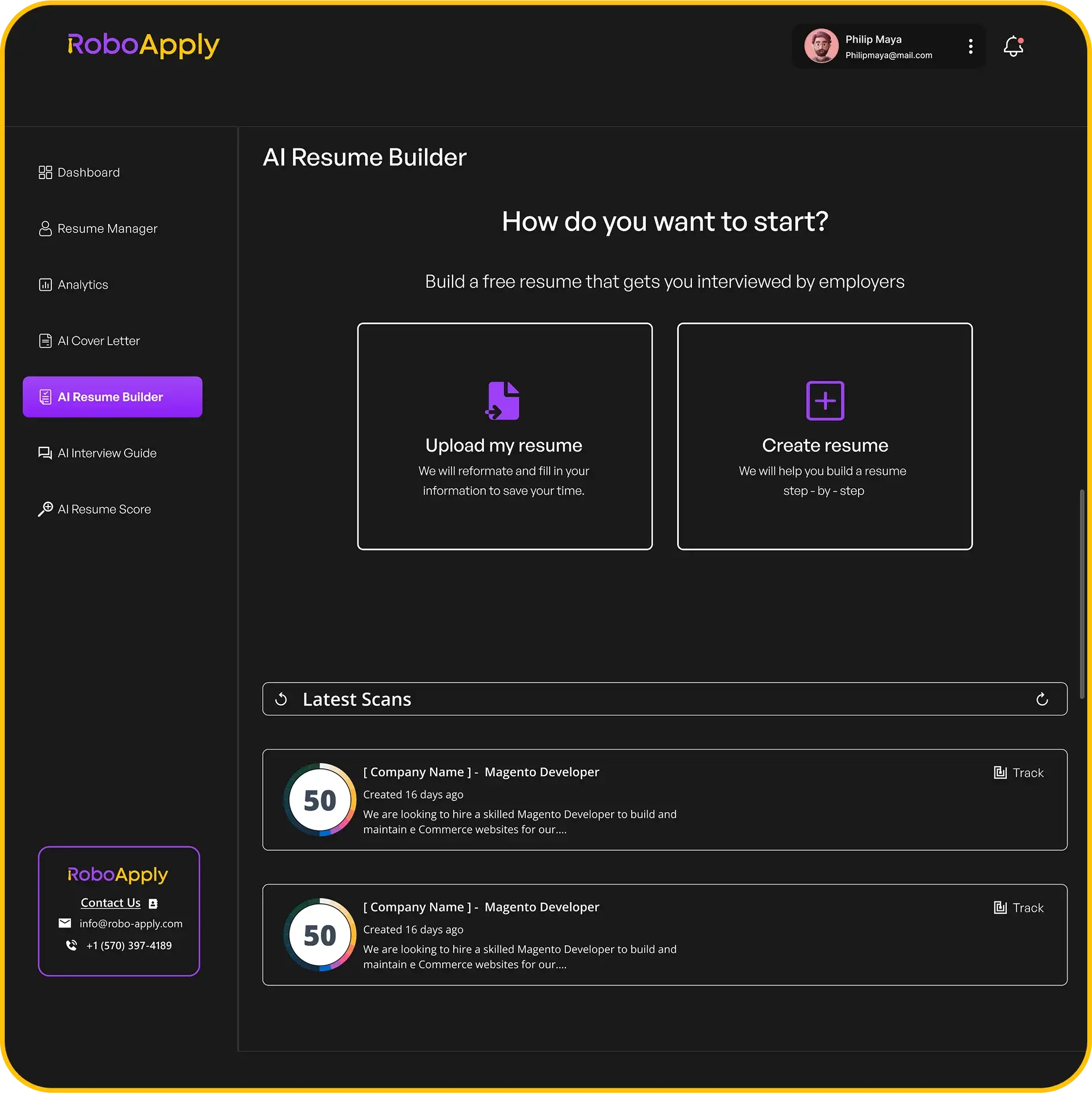
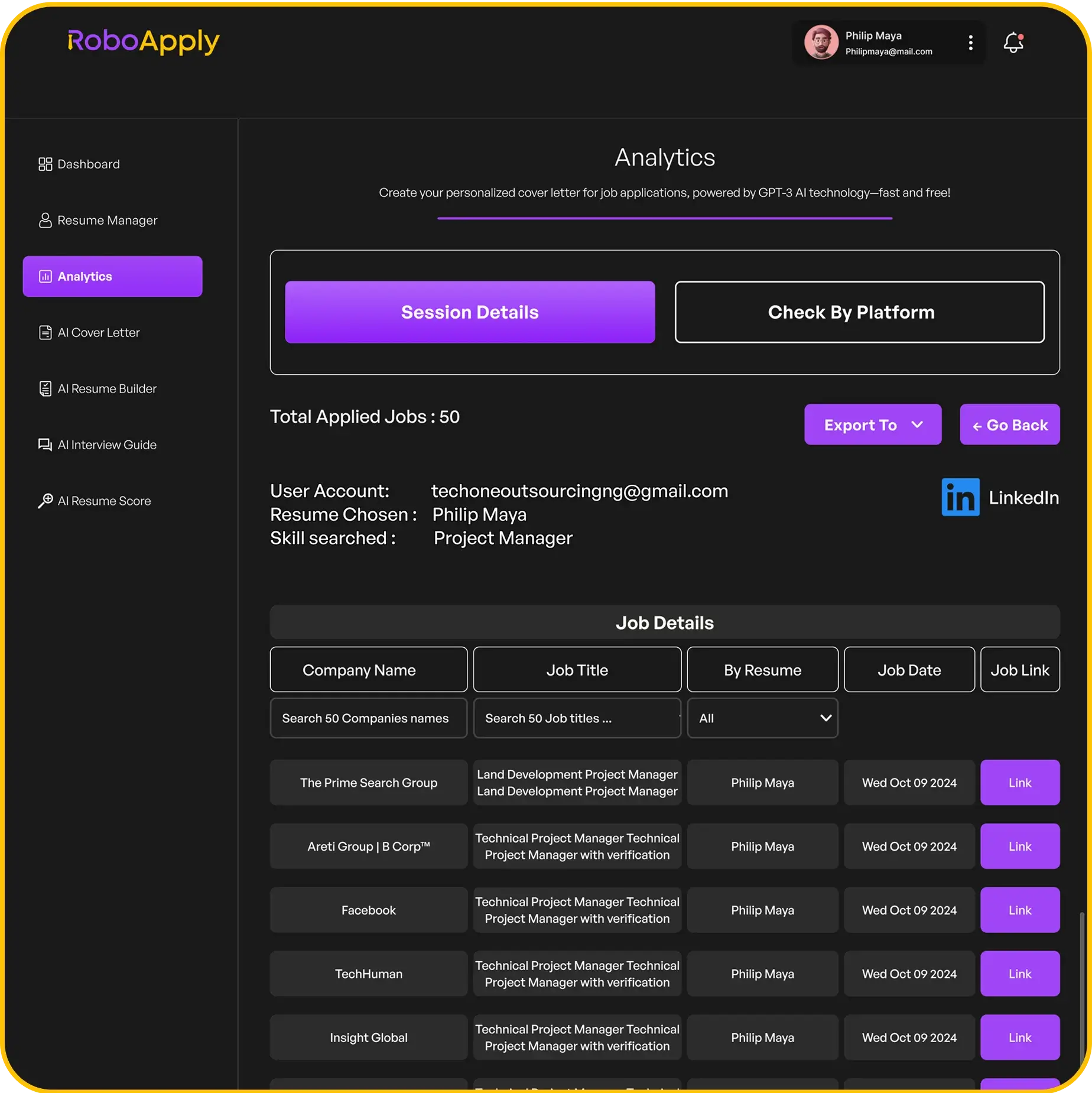
Everything gets tracked in one dashboard. Every application submitted, which companies responded, interview schedules, rejection notices. All your job search stuff lives in one spot instead of buried in emails and browser tabs.
What Jobscan Actually Does
Jobscan specializes in making your resume work with ATS systems. You know those automated screening tools companies use? Jobscan helps you beat them by showing exactly what needs fixing.
The Core Match Score Feature
The match score is the main thing here. Upload your resume and paste a job description. Jobscan compares them and spits out a percentage. Higher scores mean better odds of getting past the robots and reaching actual humans.
The breakdown shows exactly what’s wrong:
- Which keywords from the job posting are missing from your resume
- Which hard skills need to get added or emphasized
- Which soft skills aren’t showing up enough
- What relevant experience needs better positioning
- Where your formatting might mess up ATS parsing
How the Optimization Process Works
You get suggestions with actual reasons. Jobscan doesn’t just say “add this keyword.” It explains why certain terms matter and where to naturally work them into your resume without sounding robotic.
ATS simulation shows what recruiters actually see. Many companies use systems that parse resumes into databases. Jobscan shows how these systems read your resume and where your formatting might screw things up.
Additional Tools Available
LinkedIn profile optimization comes with higher plans. Same matching tech works for your profile. Compare it against job descriptions so recruiters find you in searches.
Cover letter checking helps too. See if your letter includes important keywords and matches the job description’s language. The tool points out missing pieces that could make your letter stronger.

Key Differences Between RoboApply vs Jobscan
The RoboApply vs Jobscan comparison shows completely different approaches to job hunting. Understanding these differences helps you pick the right tool for your situation.
Automation Level
- RoboApply: Automates actual applications and submits them for you across job boards with zero manual work
- Jobscan: Requires you to apply manually after it optimizes your resume for each position
Application Volume Capacity
- RoboApply: Handles high volume with users applying to 100+ jobs daily depending on their plan
- Jobscan: Fits better for lower volume like 5-10 carefully picked applications weekly
Time Investment Required
- RoboApply: Needs setup time upfront, then daily time drops to almost nothing
- Jobscan: Takes 15-30 minutes per application to analyze and fix your resume for each posting
Control and Customization
- RoboApply: AI customizes everything without asking you first
- Jobscan: Shows you what to change so you control every single word
Feature Scope
- RoboApply: Includes resume building, cover letters, applications, interview help, and tracking
- Jobscan: Does one thing well – resume optimization for ATS compatibility
Pricing Reality Check
Cost often decides the RoboApply vs Jobscan question. Here’s what you actually pay and what you get for your money.
RoboApply Pricing Breakdown
The pricing structure offers options for different application volumes:
- Free Plan: 3 daily applications, 60 credits, resume scoring, 1 resume profile
- Basic Plan: $14 monthly with 20 daily applications and 4,000 credits
- Standard Plan: $95 monthly with 100 daily applications and 30,000 credits (most popular)
- Premium Plan: $195 monthly with 500 daily applications and 100,000 credits
All paid plans include a 3-day free trial plus a 90-day money-back guarantee. No interview in 90 days? Full refund.
Jobscan Pricing Breakdown
The pricing focuses on resume scanning limits:
- Free Version: 5 resume scans monthly with basic ATS checking
- Premium: Around $50 monthly with unlimited scans, cover letter optimization, LinkedIn help
- Executive: About $100 monthly adding priority support and advanced features
Cost Per Application Reality
Here’s where things get interesting. On RoboApply’s Standard Plan at 100 applications daily, you’re paying roughly 32 cents per application. On Jobscan Premium applying to 20 jobs monthly, you’re paying about $2.50 per application just for the optimization tool. Then you still spend time applying manually to each one.
Who Should Use Each Platform
Your situation determines which tool works better. Both platforms serve different job seekers with different needs and strategies.
Best Candidates for RoboApply
These job seekers get the most value from automation:
- Recent graduates applying to hundreds of entry-level jobs
- Career changers exploring new industries and need broad exposure
- Unemployed folks who need something fast and can’t waste time
- People with full-time jobs who can’t spend hours applying manually
- Anyone in competitive markets where volume matters
Best Candidates for Jobscan
These professionals benefit more from precision optimization:
- Experienced professionals targeting specific senior roles
- People with unique skills applying to niche positions
- Job seekers with employment gaps who need strategic positioning
- Anyone who prefers 5 perfect applications over 50 decent ones
- Candidates concerned about controlling exactly what goes out under their name
Real Results People Get
Performance matters more than features. Here’s what users actually experience with each platform.
RoboApply User Outcomes
Users report solid numbers:
- Submit 50-300 applications weekly depending on their plan
- Entry-level positions see 2-5% interview rates
- Experienced folks report 5-10% in their fields
- Less than 10 minutes daily managing everything
- Wake up to applications submitted overnight automatically
Jobscan User Outcomes
The optimization approach shows different results:
- Resumes scoring above 80% match get noticeably more responses
- Each application takes 15-30 minutes to optimize properly
- Users get better at it over time
- Success depends heavily on manually applying after optimization
- Cost per application increases with lower monthly volumes
Common Complaints About Each Tool
Every platform has weaknesses. Understanding these helps with the RoboApply vs Jobscan choice.
RoboApply Limitations
Users report these concerns:
- Automation sometimes misses specific requirements in job postings
- AI might apply to jobs where you don’t fully meet every qualification
- Some worry automated applications don’t show personality
- Not every job board is supported
- Learning curve for understanding credit usage
Jobscan Limitations
The manual approach has downsides:
- Work takes forever, limiting how many jobs you can apply to
- Match scores can mislead you about actual chances
- Some users stuff keywords unnaturally just to boost scores
- Platform doesn’t help after you submit applications
- Cost adds up during extended job searches
Making Your Choice
Pick the tool that matches your job search strategy and personal preferences.
Choose RoboApply If You Need
Volume and automation matter most to you:
- Applying to lots of positions quickly
- Saving massive amounts of time
- Trusting automation to handle applications
- Getting results through sheer volume
- Affordable per-application costs
Choose Jobscan If You Need
Precision and control matter most to you:
- Targeting specific roles carefully
- Controlling every application detail
- Lower monthly costs upfront
- Manual review of everything
- Perfect optimization for each role
Using Both Strategically
You can actually combine them. Use RoboApply for broad automated applications to roles you qualify for. Use Jobscan to carefully craft applications for dream jobs you really want. This hybrid approach gives you volume plus precision where it matters most.
Learn more about effective job search strategies from Harvard Business Review.

Simplifying Your Job Search With RoboApply
RoboApply handles everything about job searching in one platform. Resume creation to automated applications to interview prep all work together seamlessly.
Automated Application Features
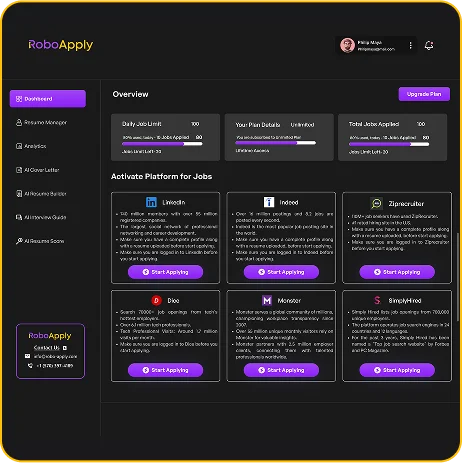
The AI Auto Apply feature searches LinkedIn, Indeed, ZipRecruiter, Monster, SimplyHired, and Dice automatically. Finds matching positions and submits customized applications. You wake up to dozens of new applications submitted overnight.
AI Tailored Apply makes sure every resume matches the job description. Reads requirements and adjusts automatically. Keywords get added naturally. Experience descriptions get reformatted. ATS compatibility stays optimized without you thinking about it.
Resume and Cover Letter Tools
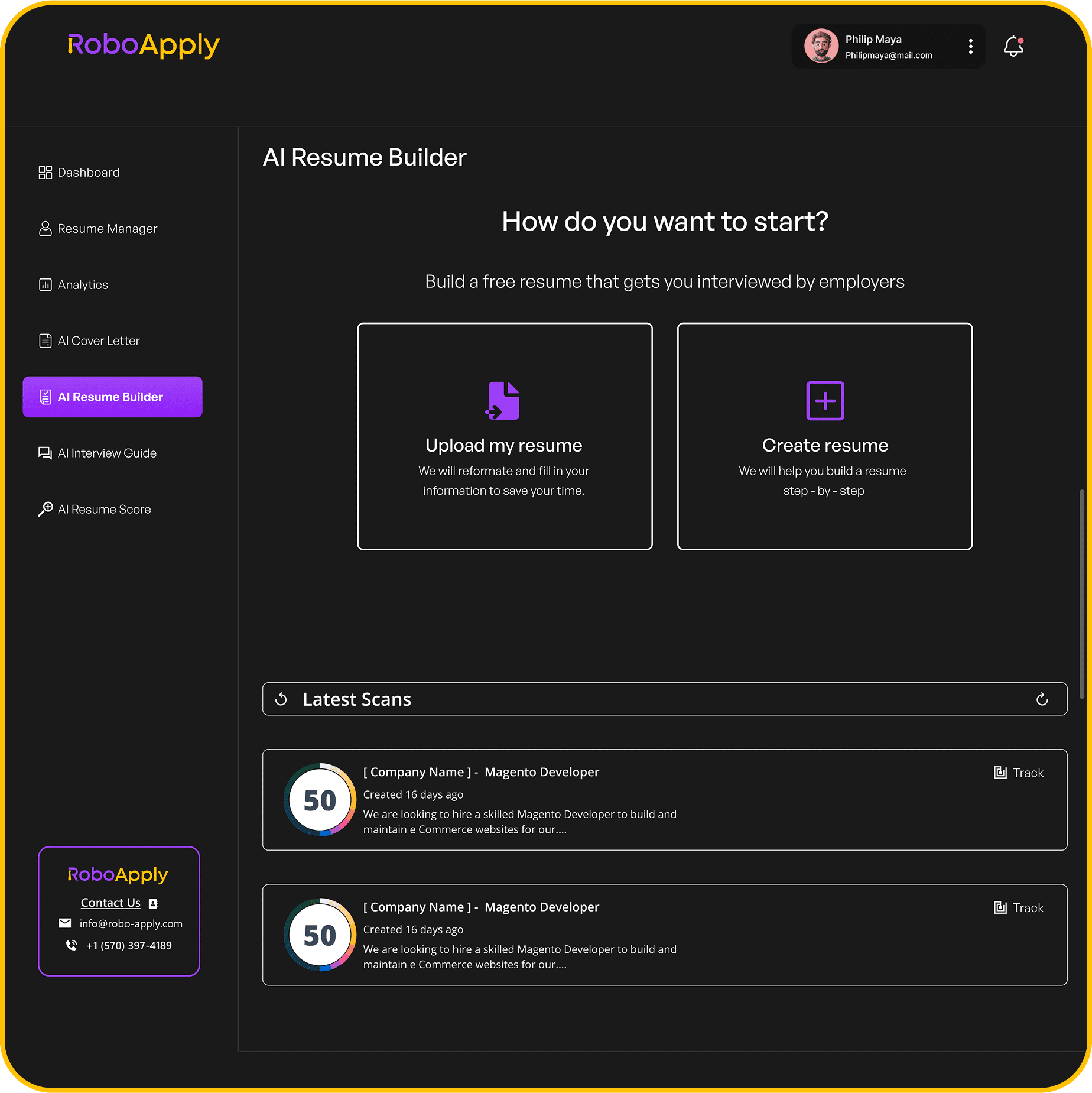
The Resume Builder creates professional resumes fast. Pick from 8 ATS-friendly templates. AI writes content based on your background. Everything connects with the automated application system.
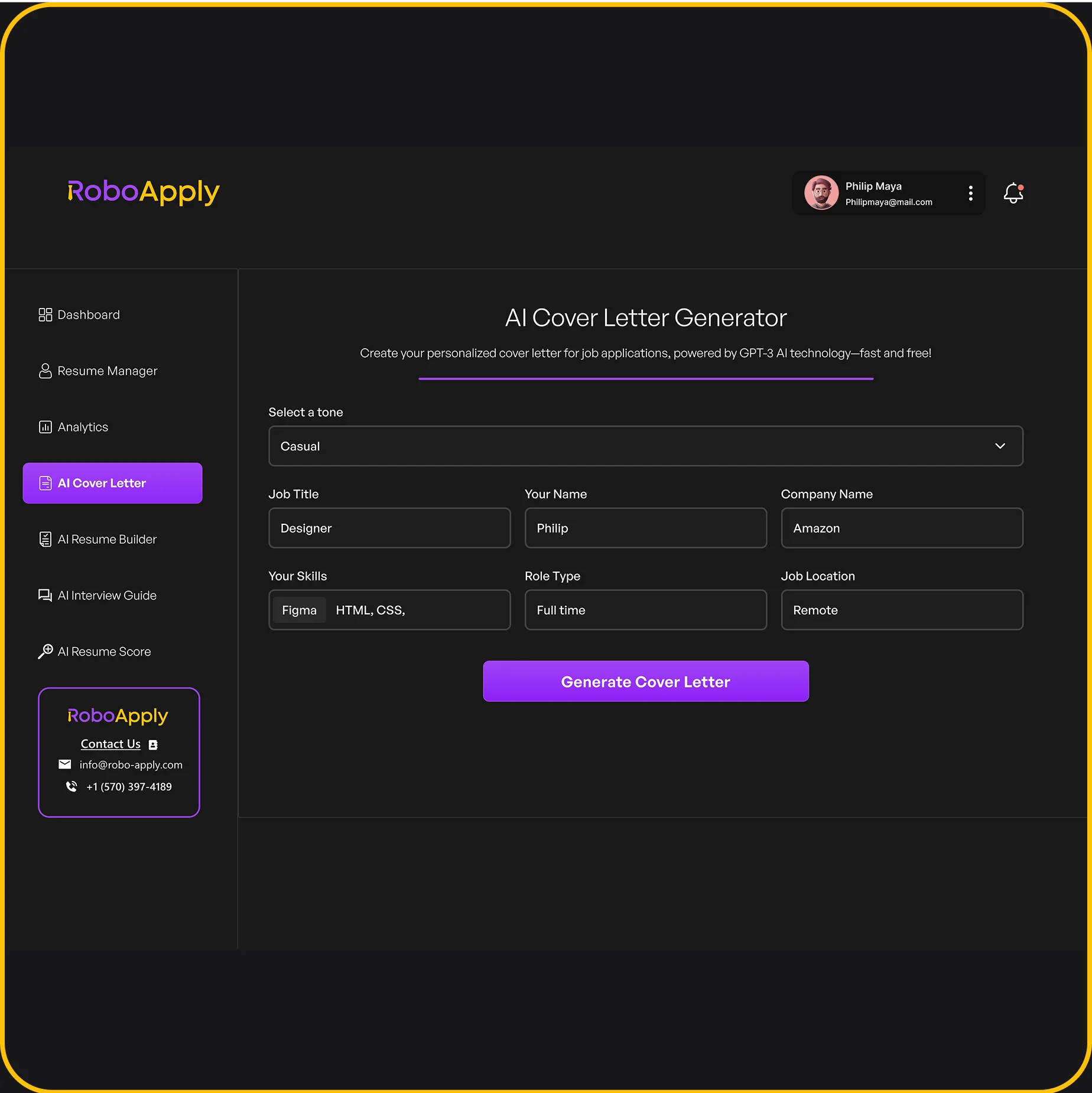
AI Cover Letter generation writes personalized letters for every application. Analyzes job descriptions and creates customized letters matching the role and company. No generic garbage that gets ignored.
Analysis and Interview Support
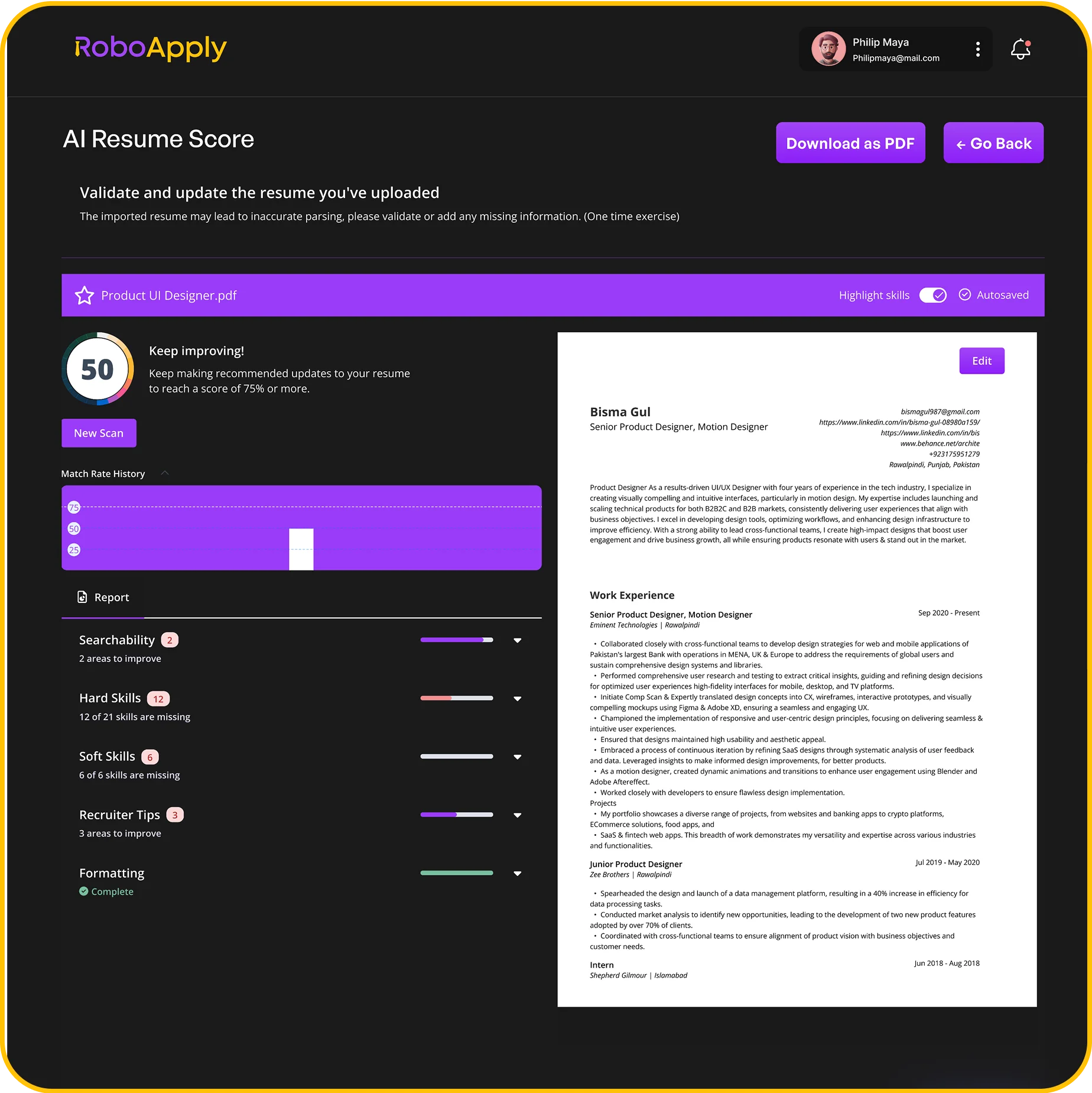
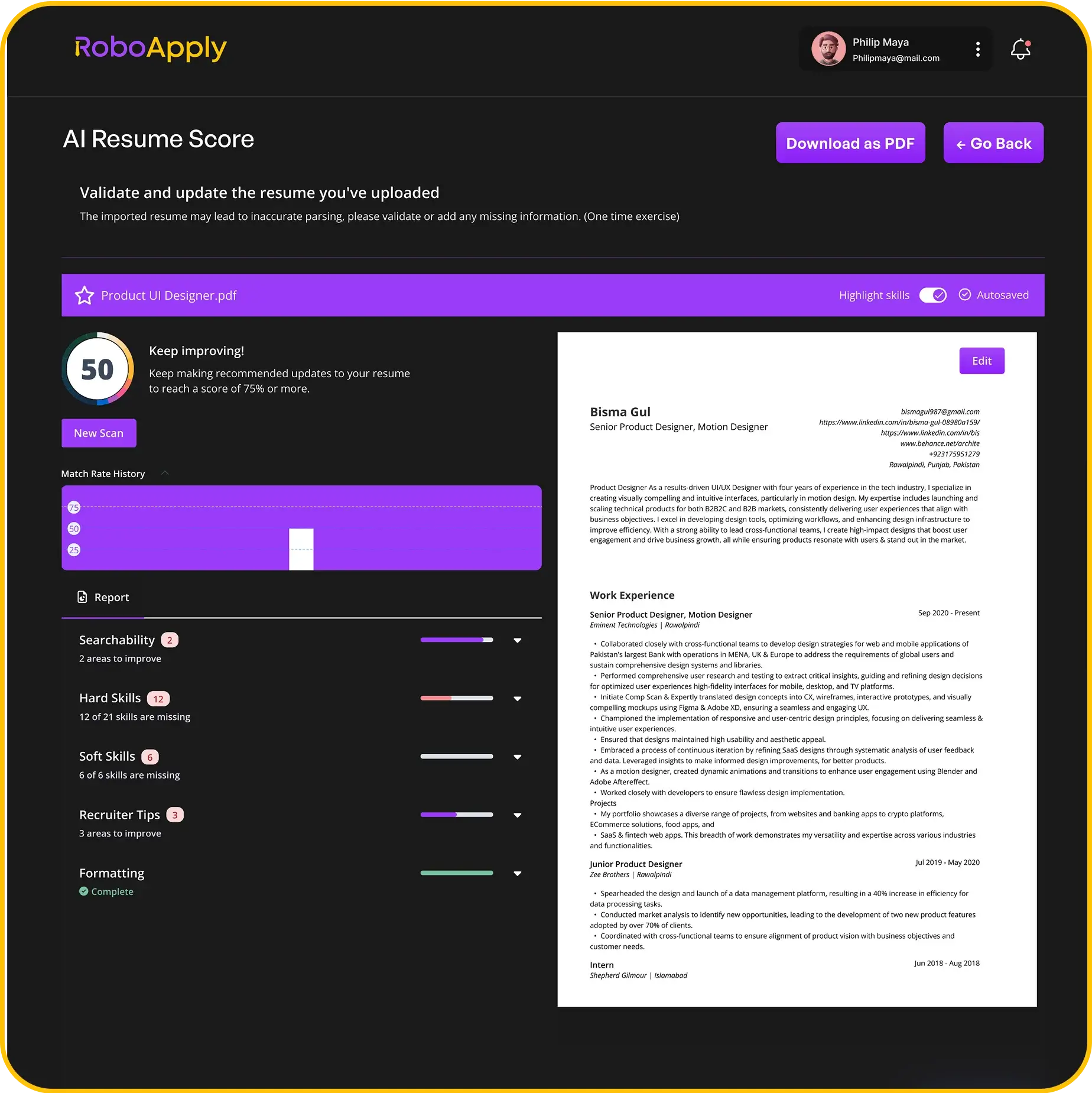
Resume Score analysis shows exactly how recruiters see your application. Upload your resume and get instant feedback on what’s strong, what’s weak, and what needs fixing.
Interview Copilot gives real-time support during video interviews. Listens to questions and suggests solid answers based on your background and the role you want.
Tracking Everything
The dashboard tracks every application. Which companies you contacted, application status, interview schedules, responses. Export your history anytime for your records.
Start with RoboApply’s free trial to test automated applications. The 90-day money-back guarantee means zero risk. Get an interview within 90 days or get your money back.
Get additional job search tips from The Balance Careers.
Frequently Asked Questions
What is the main difference between RoboApply vs Jobscan?
RoboApply automates job applications across multiple platforms while Jobscan optimizes resumes manually for better ATS compatibility scores.
Can I use both RoboApply and Jobscan together?
Yes, optimize your resume with Jobscan then upload it to RoboApply for automated applications across all major job boards.
Which is more cost-effective for high-volume job searching?
RoboApply becomes way more cost-effective with volume since it automates hundreds of applications versus Jobscan’s manual optimization time.
Does RoboApply guarantee interviews like it claims?
RoboApply offers a 90-day money-back guarantee if you don’t get an interview, putting their money where their mouth is.
Is Jobscan better for senior-level positions?
Jobscan works well for senior roles needing carefully crafted applications where manual control and precision matter more than volume.