We’ve answered the most common questions about RoboApply. Can’t find what you need? Contact our support team anytime.
RoboApply is an AI-powered job search automation platform. It applies to hundreds of jobs automatically while you sleep. The platform creates ATS-optimized resumes and cover letters, prepares you for interviews, and manages everything in one place.
You set your preferences once. RoboApply handles the rest. No more manual applications. No more copying and pasting your information. The system works 24/7 to land you interviews.
Learn more about all features or check out our step-by-step guide.
RoboApply works for anyone actively looking for a new job. It’s a strong fit if you’re:
No. RoboApply works across all industries and job types. Whether you’re applying for marketing, finance, healthcare, education, or engineering roles, the platform adjusts your resume and cover letter to fit each job description. It supports applications on LinkedIn, Indeed, ZipRecruiter, Monster, Dice, and Simply Hired, which cover virtually every industry.
Go to roboapply.jobs and click Get Started. You can log in with your Google account. From there, complete your resume profile, set your job preferences, and install the Chrome extension. The how-to-use guide walks you through the full setup in five steps.
No technical skills required. The setup takes a few minutes. You install the Chrome extension, log in with Google, fill in your resume details, and click Start Applying. The platform handles the rest automatically.
Yes. RoboApply offers a 3-Day Trial for $9. It gives you 20 daily job applications, 2,060 one-time credits, resume scoring, unlimited AI cover letters, AI resume builder, AI Interview guide, Job board and access to the application tracker. It’s a low-cost way to test the platform before choosing a monthly plan. See all plan options on the pricing page.
AI Auto Apply runs continuously in the background. It searches LinkedIn, Indeed, ZipRecruiter, and other major job boards. The system finds positions that match your preferences automatically.
For each match, the AI customizes your resume, writes a personalized cover letter, and submits the complete application. This happens 24/7 without your involvement. You wake up to dozens of completed applications already tracked in your dashboard.
AI Tailored Apply lets you customize your resume for a specific job in seconds. You upload your resume, paste the job description, and the AI rewrites your resume to match the role. It aligns your experience and keywords to the job posting, improving your ATS score and increasing your chances of getting an interview call.
You can also use it in single or bulk mode (100 Tailored resumes). Upload a base resume, add a list of job url, Job description and skills and the platform generates tailored versions for each one.
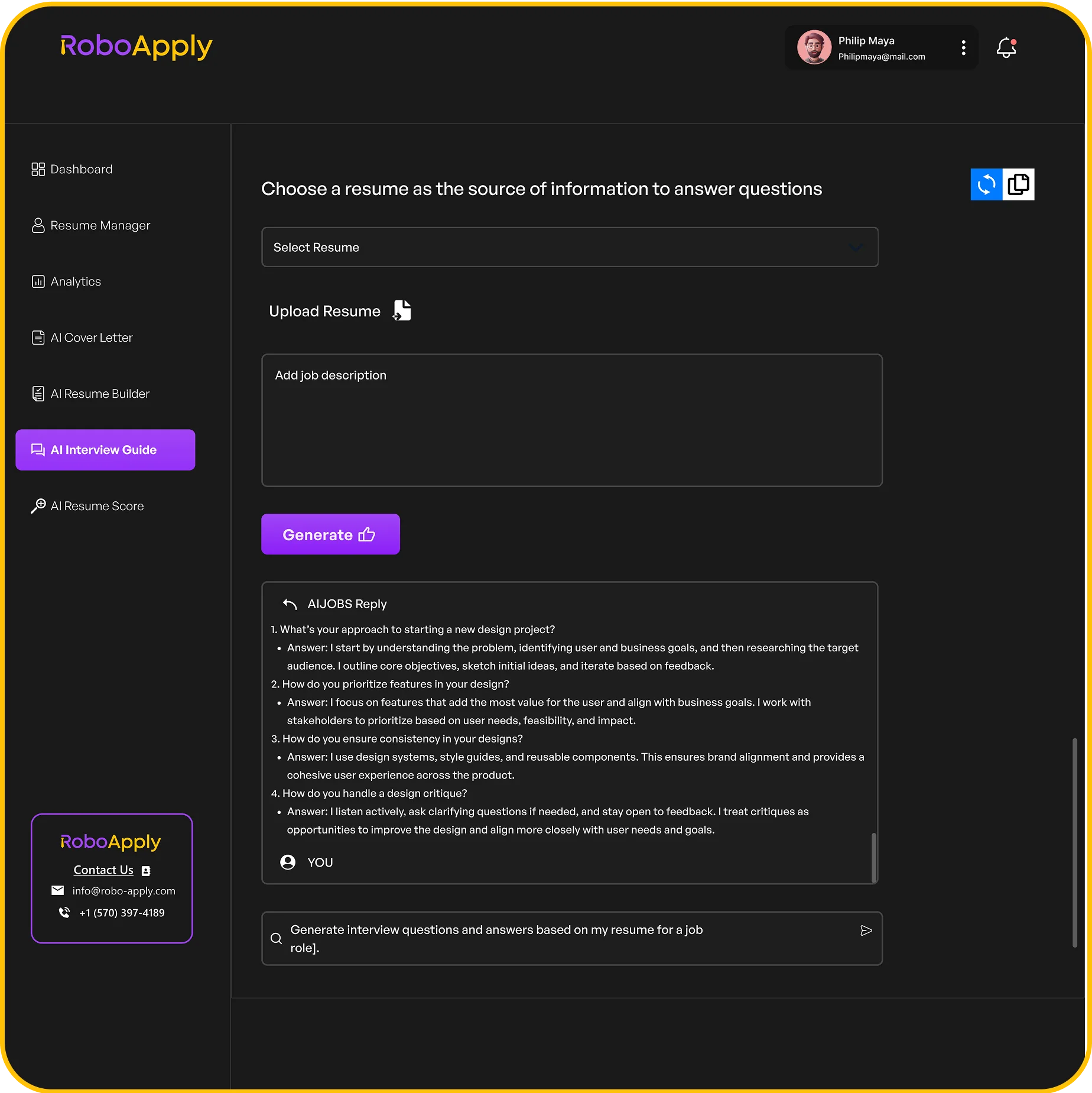
Interview Copilot gives you real-time AI answers during interview practice. It generates role-specific questions, evaluates your responses, and gives instant feedback on your tone, clarity, and delivery. You can run mock interviews anytime and see performance insights before your real interview.
Live Interview Copilot access is included in the Standard and Premium plans.
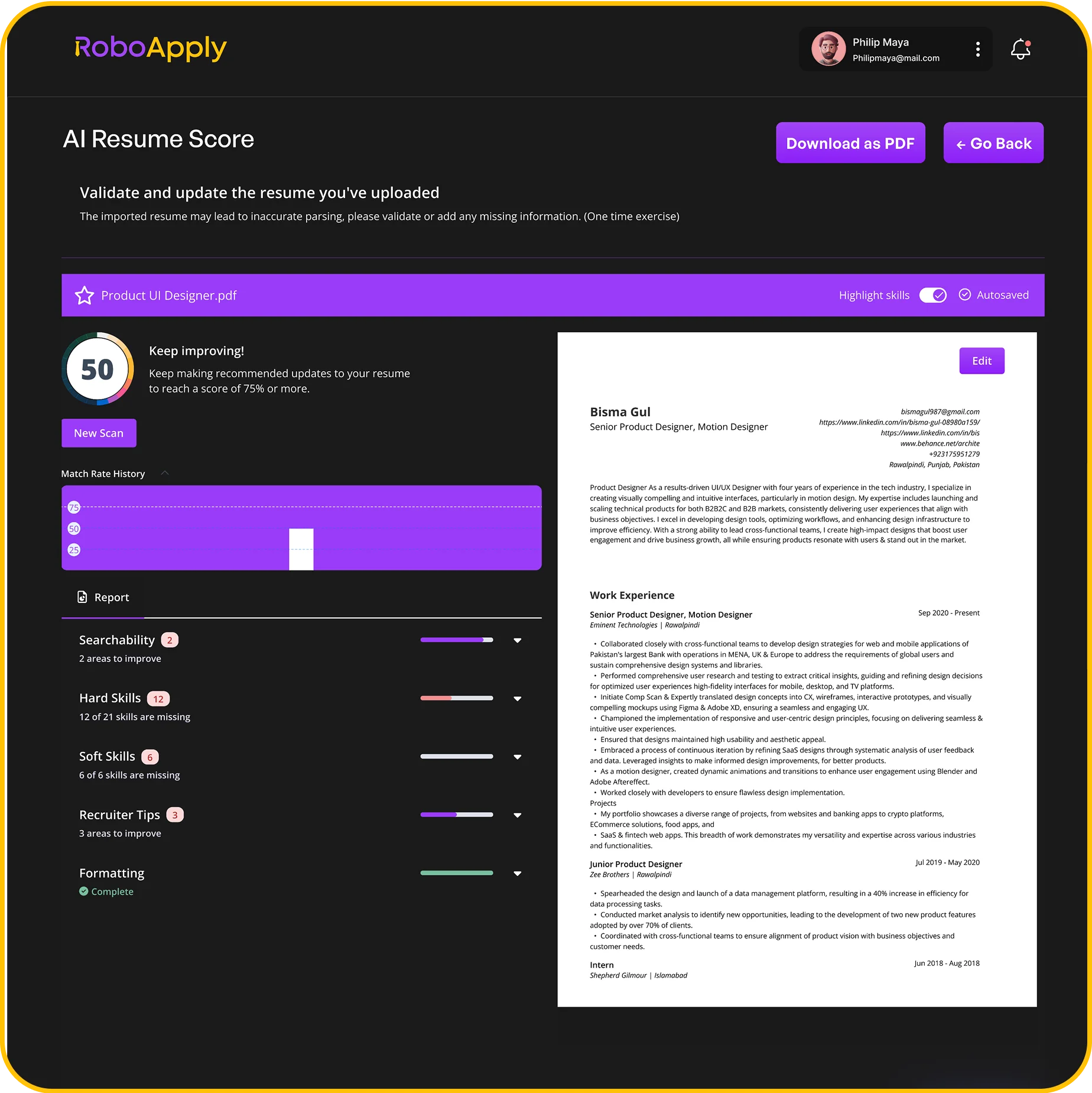
AI Resume Score gives you an instant breakdown of your resume’s strengths and weaknesses. It checks ATS readability, resume score, and skill gaps. You also get specific suggestions to improve bullet points, add missing achievements, and fix tone or clarity issues.
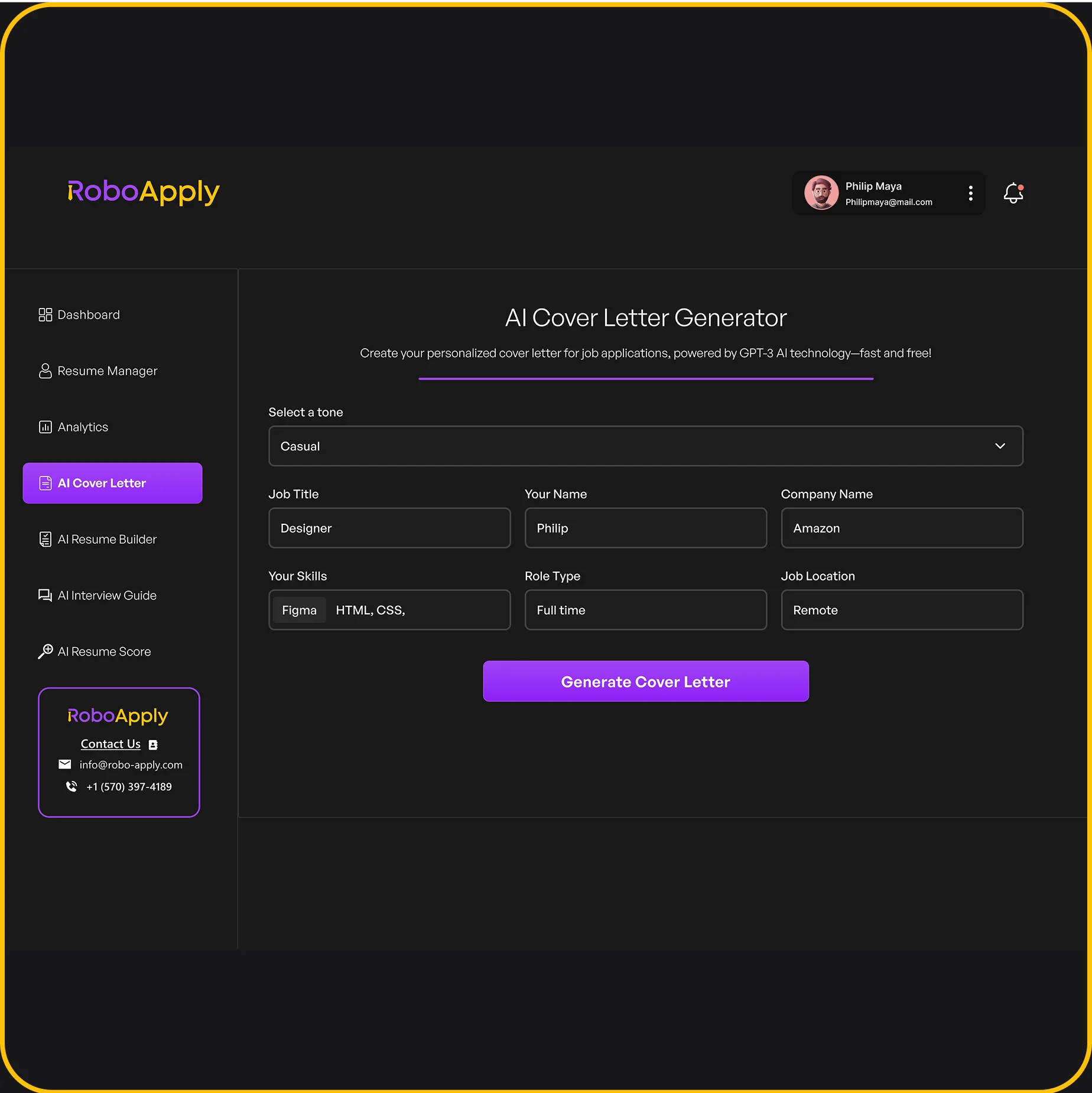
You upload your resume or start fresh, paste the job description, and the AI Cover Letter Generator creates a cover letter aligned to the role. It includes job-specific keywords, pulls in your experience and achievements, and lets you choose a tone – professional, friendly, confident, or executive. You can export to PDF or Word instantly.
Inbox Apply lets you reach hiring managers directly by email, bypassing job boards entirely. The platform finds verified hiring manager contact info, writes AI-personalized outreach messages, and sends them on your behalf. It also tracks every message so you can follow up at the right time.
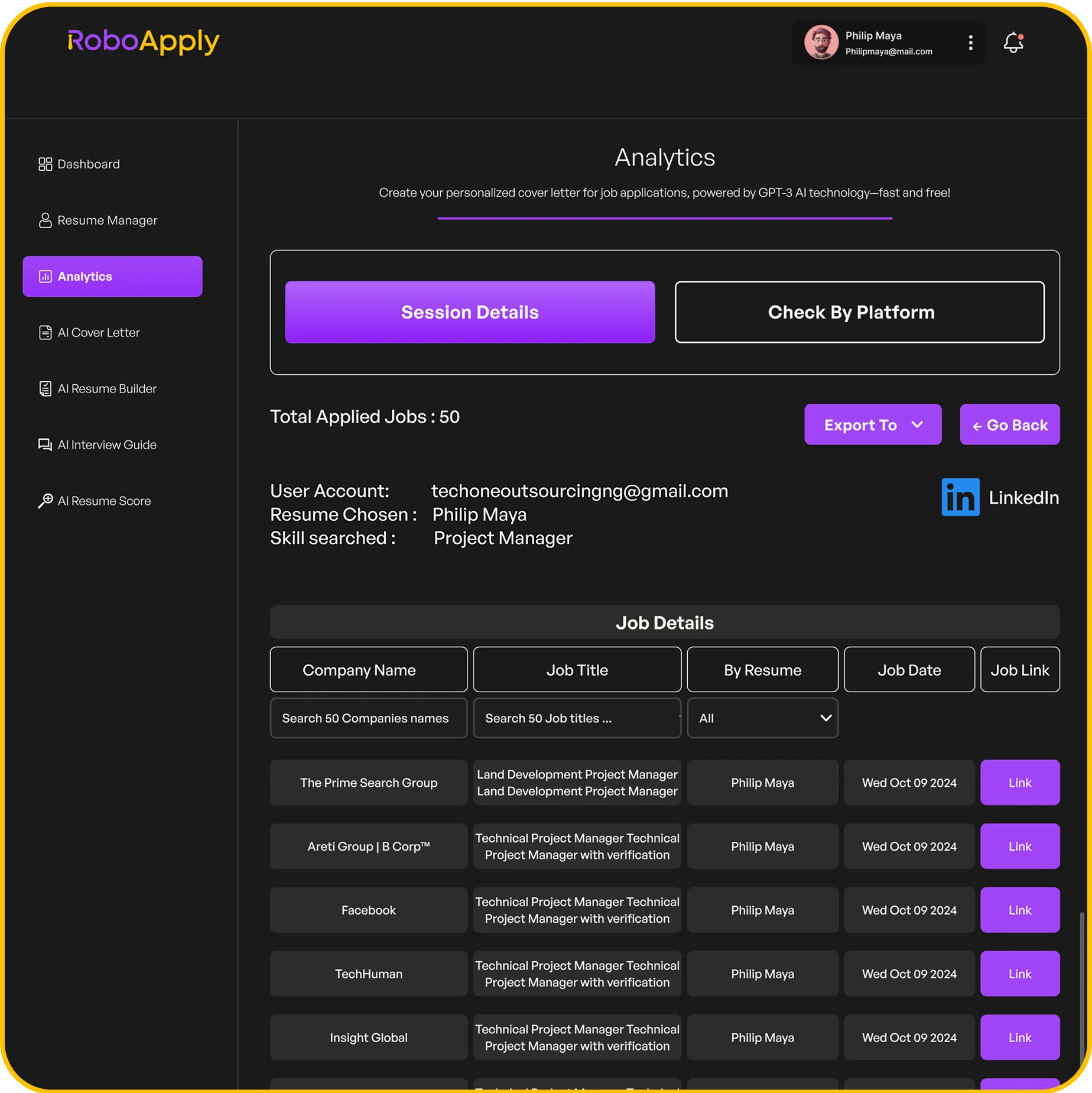
The Analytics dashboard recently called Application history tracks every application you’ve submitted across all job boards. You can monitor response rates, see which platforms are performing best, export your application history, and use the performance insights to adjust your strategy over time.
RoboApply offers several plans to fit different job search needs. Visit roboapply.jobs/pricing for the most current details. Here’s a current breakdown:
3-Day Trial – $9 one-time
Basic Plan – $47/month
Standard Plan – $129/month (Most Popular)
Premium Plan – $389/month
Pay As You Go – $0.01 per credit
Consultation + Job Accelerator – $999.99 (Intro Offer: $499)
Enterprise Plan – Custom pricing, starting at $999/month
All paid monthly plans come with a 90-day money-back guarantee. If you don’t land an interview within 90 days, you get your money back. No questions asked.
Yes. You can cancel your subscription at any time from your account settings. There are no long-term contracts or cancellation fees on monthly plans.
Credits are used for actions that require AI processing. Each job application, tailored resume, interview guide session, cover letter, and resume score uses a set number of credits. Monthly plans include a credit allocation that refreshes each billing cycle. Pay As You Go credits never expire and can be used across all features.
Yes. Annual billing is available for all monthly plans and offers significant savings. The Basic Plan saves $108 per year, the Standard Plan saves $288 per year, and the Premium Plan saves $936 per year when billed annually.
Enterprise is built for recruiters, staffing agencies, and high-volume hiring teams. It includes unlimited applications, unlimited resume profiles, team and seat management, API access, white-label options, and dedicated priority support. Contact the RoboApply team to discuss a custom quote.
Your daily application volume depends on your plan and how specific your job preferences are. Here’s the breakdown by plan:
Broader preferences generate higher volume. Very specific filters, like a single job title in one city, may result in fewer daily submissions.
Results vary based on your industry, role, and preferences. Many users start seeing interview invites within the first one to two weeks. RoboApply backs every paid plan with a 90-day interview guarantee. If you don’t land an interview in that time, you get your money back.
Yes. AI Tailored resume gives you a 4x higher chance of getting interview calls compared to sending a generic resume. AI Auto Apply delivers up to 3x more interview invites. Over 10,000 jobs have been secured through the platform, with a reported 100% return on investment.
No. RoboApply uses advanced AI security to keep your profile safe across all platforms. The system submits applications in a way that doesn’t trigger spam filters or security checks on LinkedIn, Indeed, ZipRecruiter, and other major job boards.
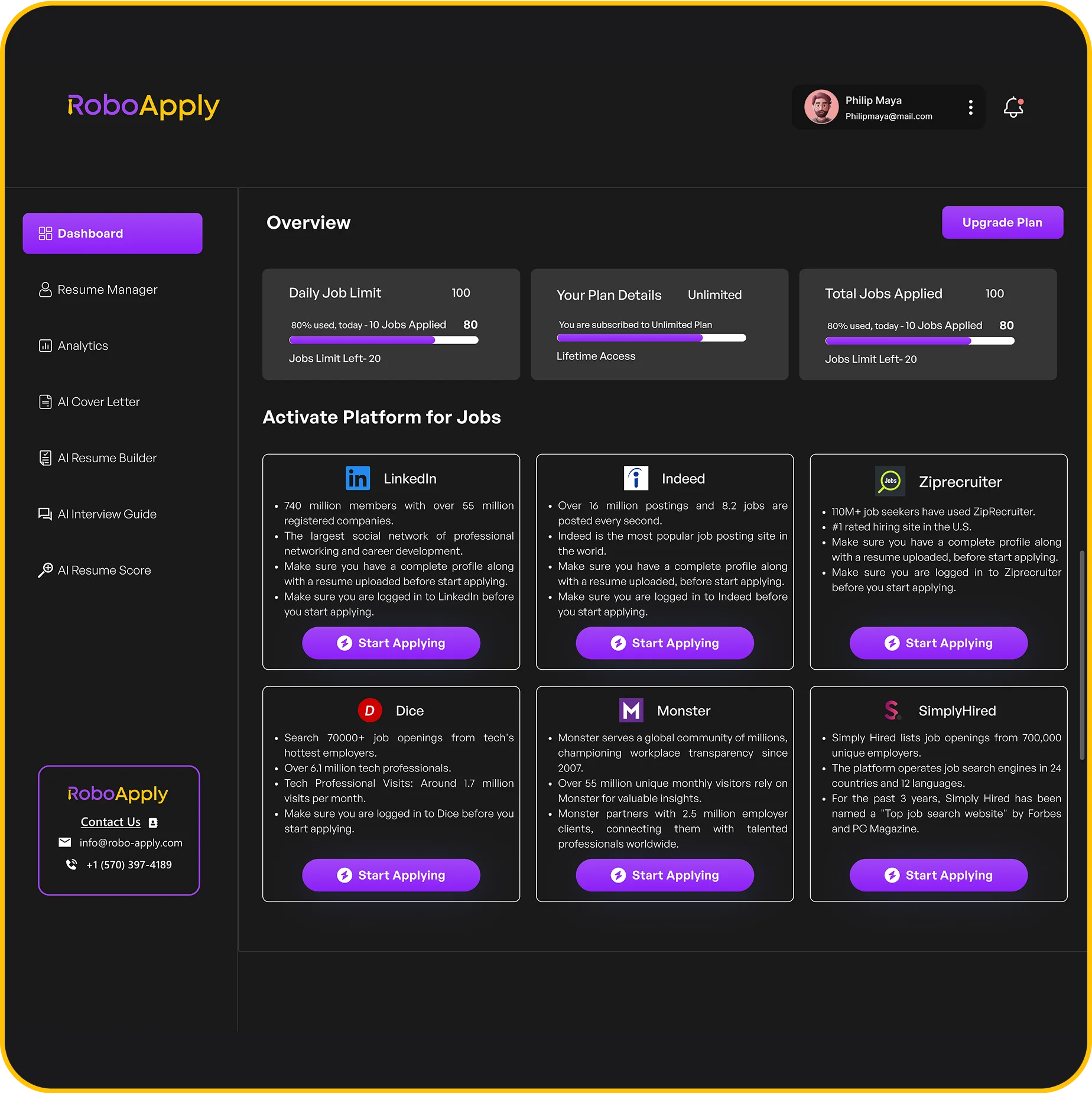
RoboApply works with all major job platforms, including RoboApply Job Board, LinkedIn, Indeed, ZipRecruiter, Monster, Dice, and Simply Hired. Support for additional niche boards is added regularly. One dashboard tracks all your applications regardless of which platform they were submitted to.
Yes. RoboApply uses advanced AI security to protect your profile and personal data. The platform never shares your information with third parties. Your resume data, job preferences, and application history are stored securely within your account.
The core platform is browser-based and accessible on mobile. The Chrome extension, which powers the Auto Apply feature, is currently designed for desktop use on Chrome. For best results, use a desktop or laptop for setup and applying.
Yes on desktop. Once you set up your preferences and activate Auto Apply, the system runs in the background automatically. Mobile users will be able to use autoapply feature where you can close the browser and system still submits the application on your behalf.
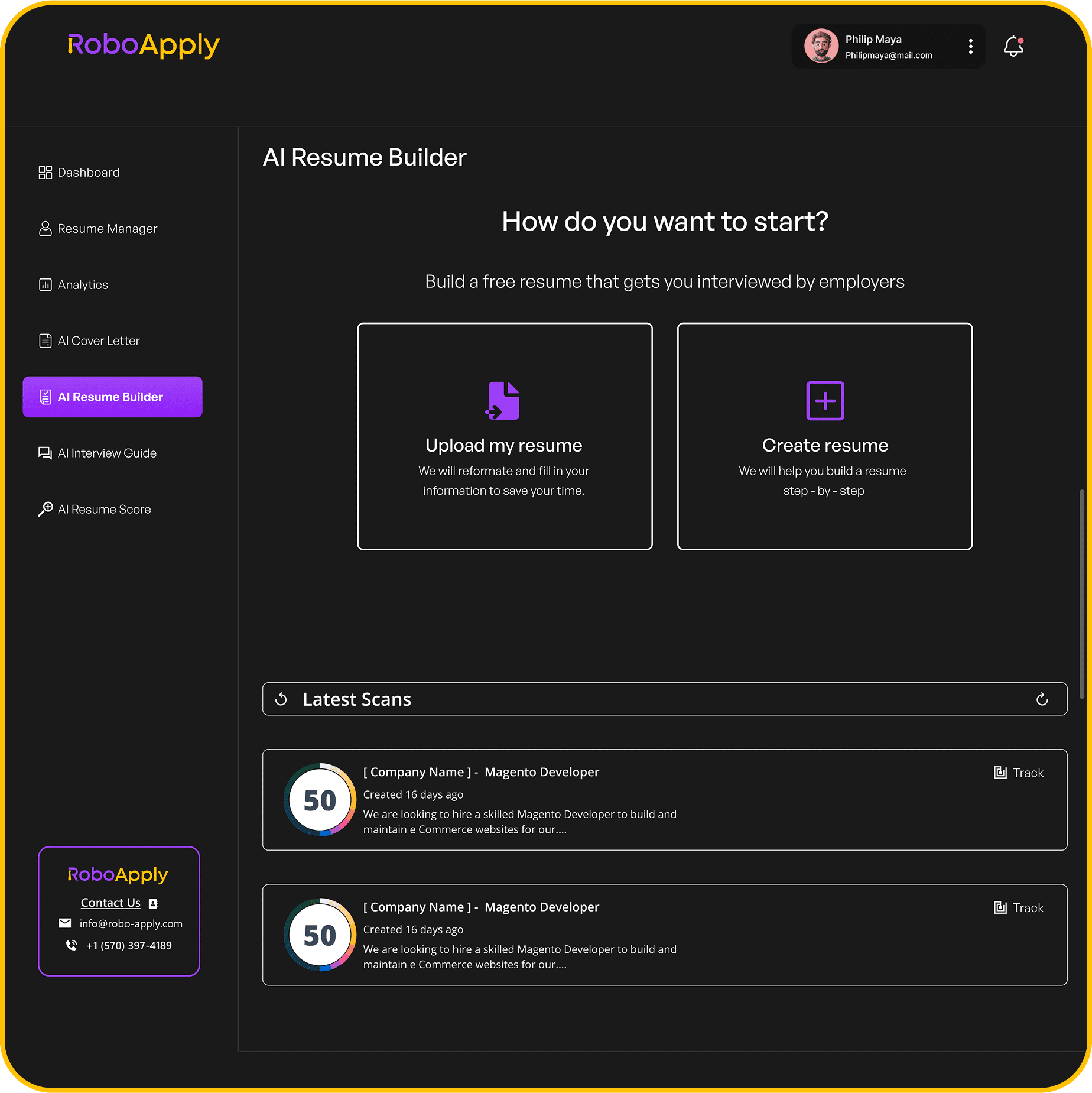
Go to your Create profile tab in your RoboApply dashboard. You can upload your resume in PDF or DOCX format. The platform parses your information automatically and uses it to fill applications and generate customized versions for each job. Learn more about the AI Resume Builder.
Yes, depending on your plan. The Basic Plan supports 1 resume profile. The Standard Plan supports up to 5 resume profiles. The Premium Plan supports up to 10 resume profiles. Multiple profiles are useful if you’re applying to different types of roles or industries.
First, check that your resume profile is complete. Incomplete profiles are the most common cause of submission failures. Make sure you logged in to your preferred Job board, Download extension. Also verify that your job preferences aren’t too restrictive.
If the issue continues, contact the RoboApply support team. They respond within 24 hours and will troubleshoot and resolve the problem quickly.
Yes. You can pause Auto Apply at any time from your dashboard. Your preferences and credits stay saved, and you can resume whenever you’re ready.
Log in to your RoboApply account, go to create profile, and update your job title, location, salary range, or any other filters. Changes take effect immediately and apply to all future automated submissions.
Visit roboapply.jobs/contact to reach the support team. You can also check the FAQ page for quick answers. The team responds within 24 hours on business days.