


What if your creative talent isn’t enough to break into the motion graphics industry next year? With 6,700 annual motion graphics designer job openings projected through 2033 and rising competition, today’s designers need more than technical skills to stand out. This guide reveals what hiring managers actually want in 2025 candidates—and how to deliver it.
The demand for dynamic visual content has exploded. Brands now spend over 30% of marketing budgets on video production, creating urgent needs for designers who blend artistry with technical precision. While the median salary approaches six figures, landing these roles requires strategic preparation.
You’ll need a portfolio showcasing industry-specific expertise, whether in advertising, gaming, or interactive media. Tools like RoboApply’s resume builder help structure achievements recruiters prioritize, while networking tactics unlock hidden opportunities. We’ll break down each step to position you ahead of 83% of applicants who rely on outdated methods.
Key Takeaways
- Median salaries near $100,000 with steady industry growth through 2033
- Video content demand makes motion design skills critical across sectors
- Portfolios must demonstrate technical versatility and niche specialization
- Modern job searches require optimized tools for resumes and applications
- Career paths span film, social media, AR development, and beyond
- Emerging trends favor designers who master interactive storytelling
- Strategic networking accelerates job placement in competitive markets
Crafting a Standout Resume for Motion Graphics Designer Positions
Your resume acts as the first frame in your career storyboard. With 74% of professionals in this field holding degrees, your document must balance education with tangible results. Start by listing core software expertise like Adobe After Effects and Cinema 4D, but pair each tool with specific project outcomes.
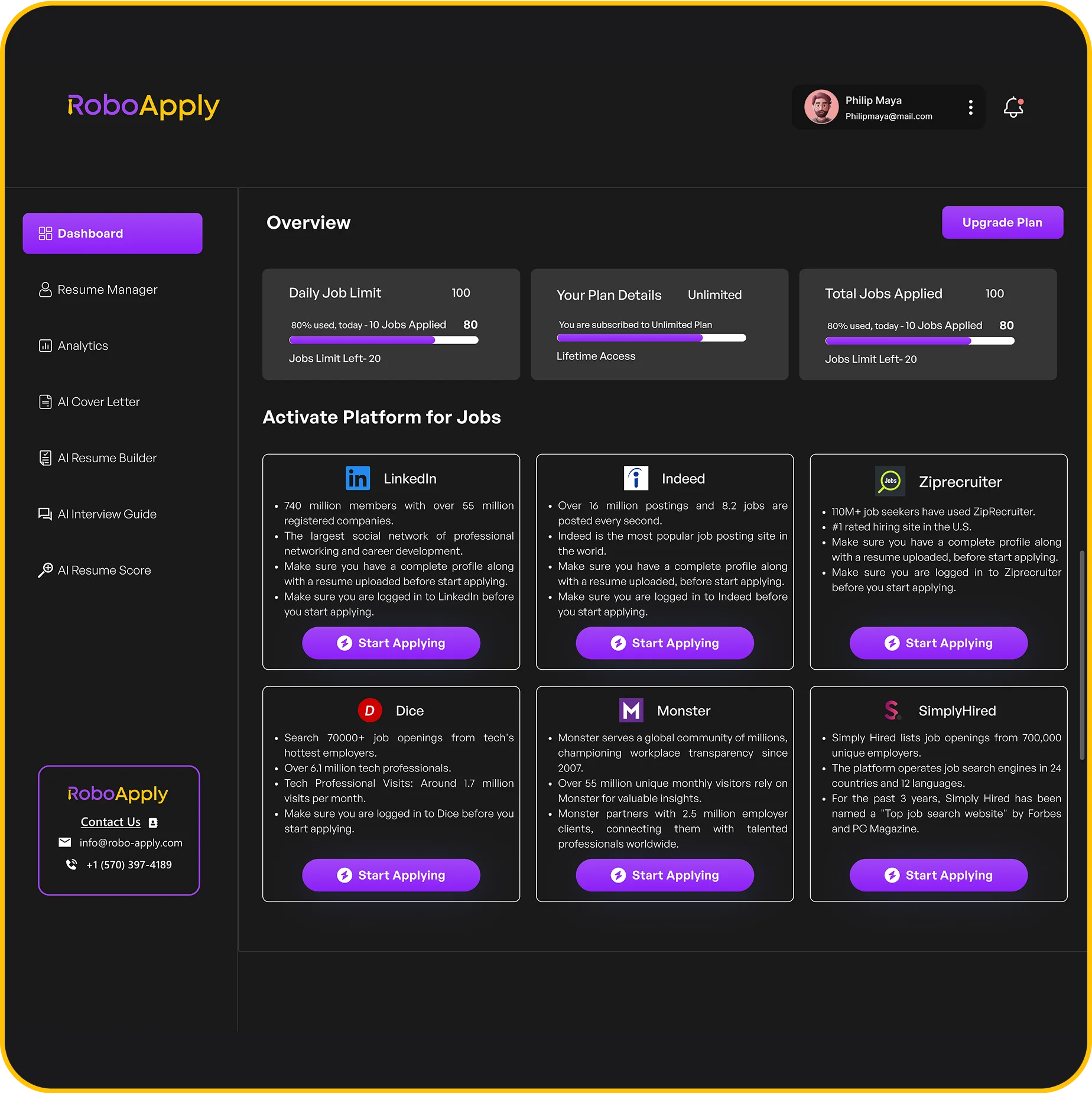
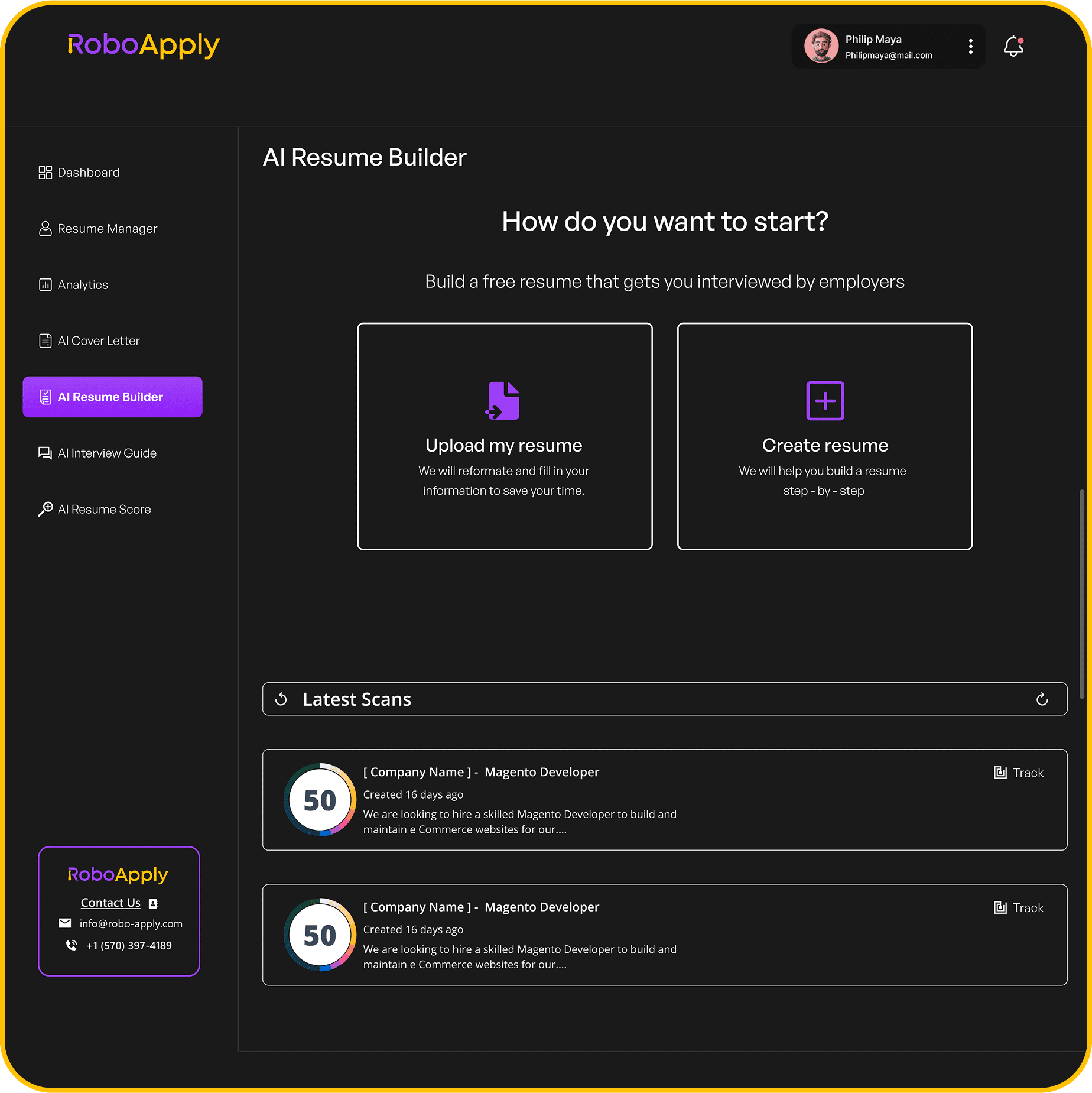
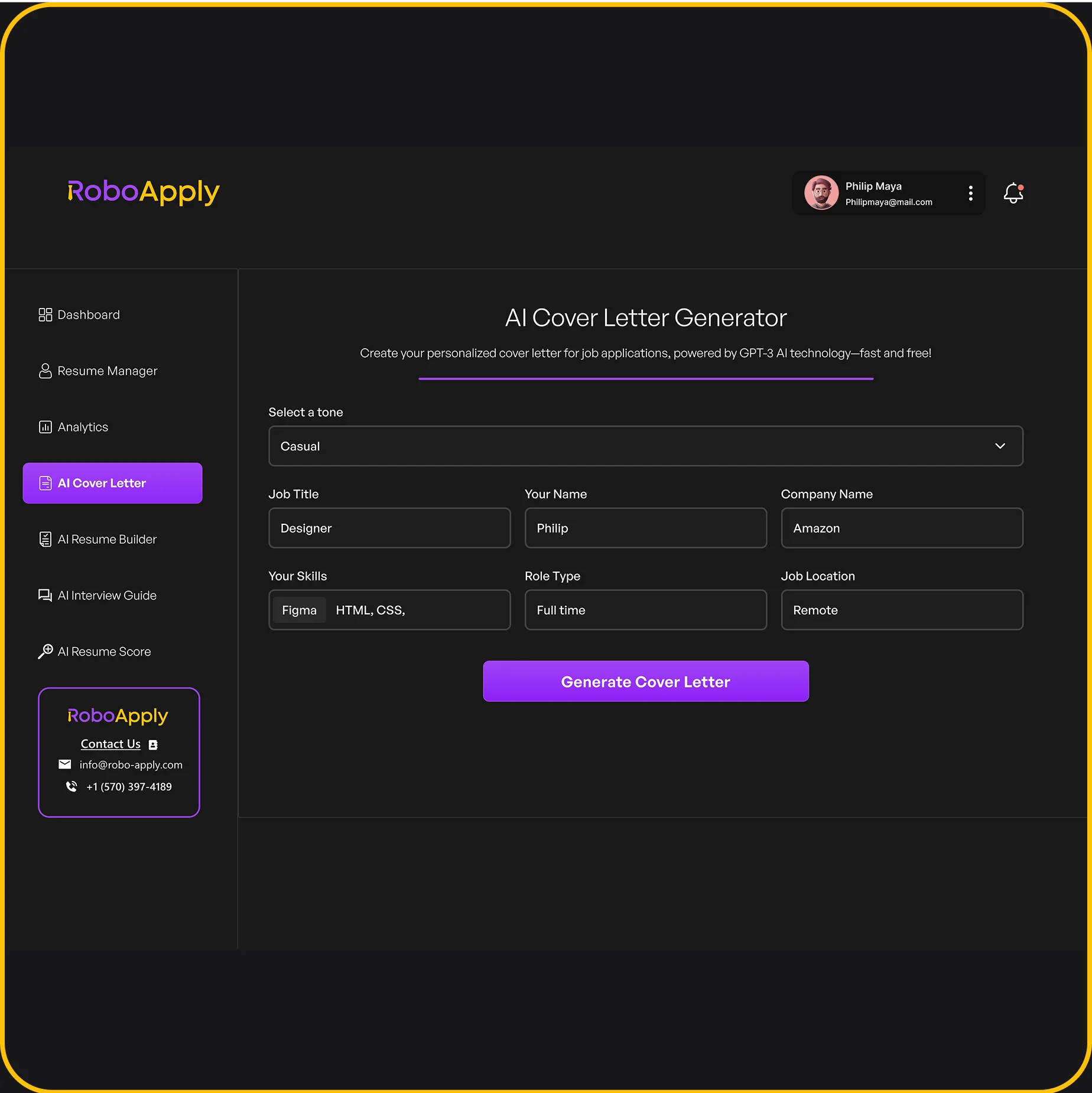
Utilize RoboApply’s AI Resume and Cover Letter Builder
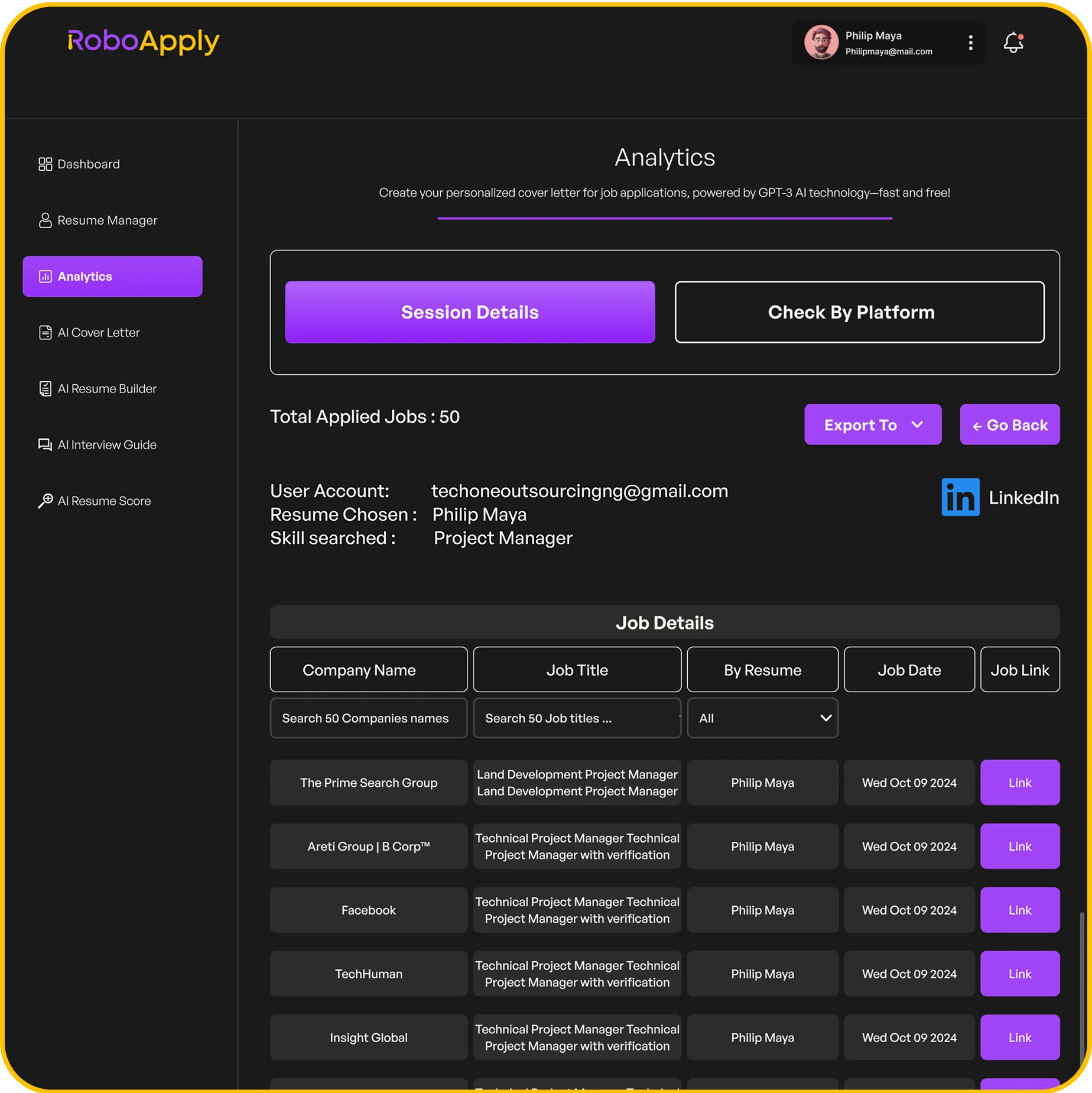
RoboApply’s AI resume builder transforms bullet points into compelling narratives. Input raw data like “Created 50+ explainer videos,” and the tool generates achievements such as: “Produced 54 animated campaigns boosting client retention by 22%.” Its industry-specific templates ensure you highlight motion design fundamentals while leaving room for creative flair.
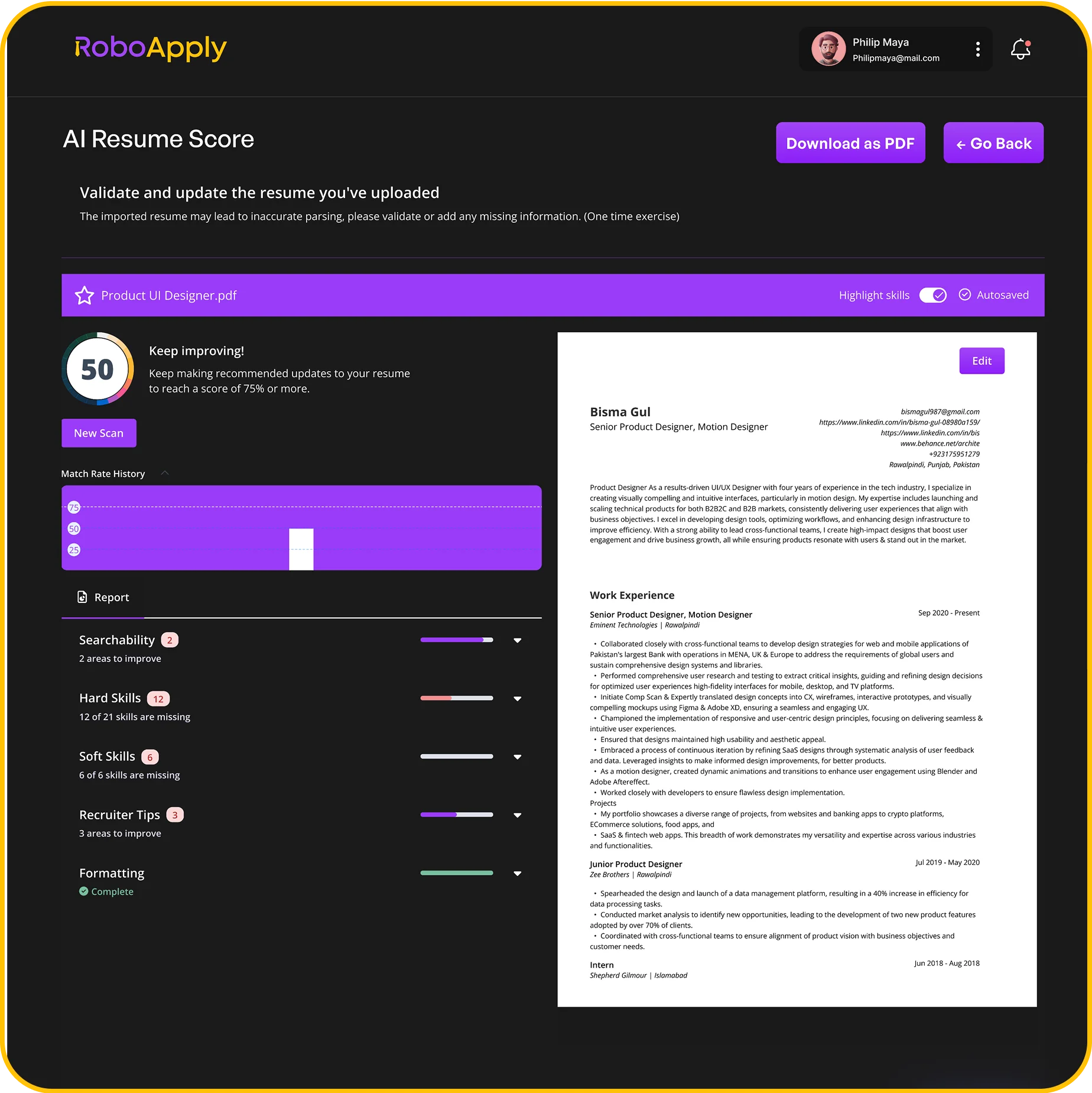
Optimize Your Resume for Applicant Tracking Systems
ATS software scans for exact keyword matches. Use phrases from job descriptions like “3D animation workflows” or “brand consistency management.” RoboApply’s optimizer identifies missing terms and suggests formatting tweaks—like replacing fancy icons with standard section headers. Always include portfolio links using proven motion graphics resume templates for maximum visibility.
Quantify everything. Instead of “Improved video quality,” write “Enhanced 360+ assets, achieving 98% client approval.” This approach shows employers your capacity to deliver measurable impact through design work.
Developing Essential Motion Graphics Skills for 2025
The tools change, but mastery remains timeless. As brands demand richer visual storytelling, your technical adaptability becomes career currency. Start by grounding your work in core animation principles that transcend software updates – precise timing, dynamic spacing, and intentional easing create professional polish.

Enhancing Your Animation Techniques
Transform static ideas into flowing narratives through deliberate practice. Study how anticipation builds viewer engagement in logo reveals, or how squash-and-stretch adds personality to UI elements. “Great animation feels inevitable, not accidental,” notes Pixar’s Tony DeRose. Apply these concepts daily through:
- 30-minute speed challenges creating loading icons
- Reverse-engineering award-winning explainer videos
- Collaborative projects with sound designers for multisensory impact
Mastering Industry-Standard Software Tools
Adobe After Effects remains the Swiss Army knife for 2D workflows, while Cinema 4D dominates 3D motion design. Prioritize these skills:
- Advanced compositing with null objects and expressions
- Procedural modeling for scalable assets
- Real-time rendering through Octane or Redshift
Platforms like School of Motion offer project-based courses simulating client briefs. Pair software training with optimization tactics – when crafting resumes, highlight render time reductions or cross-platform compatibility wins. Stay updated through Adobe MAX keynotes and C4D Basecamp workshops to anticipate 2025’s interactive AR demands.
Building an Impressive Portfolio and Demo Reel
Your creative assets become your career currency in this visual industry. Treat every piece as evidence of problem-solving prowess, not just artistic ability. Start by auditing existing projects—only include work that reflects your current skill level and target roles.
Showcasing Your Best Work with Case Studies
Transform finished pieces into storytelling opportunities. For each project, create a 3-part narrative:
- Challenge: “Client needed explainer videos for 12 product features in 6 weeks”
- Process: Style frames showing color palette evolution
- Impact: 40% faster viewer comprehension per analytics
Include early sketches and client feedback excerpts. This approach demonstrates how you translate briefs into results. Platforms like VANAS offer templates for organizing case studies effectively.
Designing a Dynamic, Concise Demo Reel
Edit like your career depends on it—because it does. Open with your strongest 3-second sequence. Follow this formula:
- Branded intro (2 seconds)
- Top 3 projects (18 seconds)
- Contact overlay (5 seconds)
Sync transitions to music beats using precise audio markers. Test compression settings to maintain quality under 20MB—H.264 at 10Mbps works for most platforms. Update quarterly using fresh client projects that showcase emerging techniques.
Remember: portfolios need breathing room. Remove older pieces when adding new work, keeping total projects under 15. Mobile optimization matters—40% of hiring managers review materials on phones. Test load times and navigation monthly.
Networking Strategies to Expand Your Opportunities
Your next career breakthrough might come from a conversation, not just your portfolio. In motion graphics, 68% of hires happen through referrals—making genuine connections your secret weapon. Start by engaging daily with five industry professionals’ posts, adding thoughtful comments that showcase your expertise.
Engaging Through Social Media Platforms
Transform Instagram into your visual resume. Post bite-sized project breakdowns showing before/after effects with captions like: “Reduced render times 40% using multipass composting—DM me for workflow tips.” Use hashtags #MotionDesignTips and #AnimationCommunity to join trending conversations. Tag relevant studios when sharing work inspired by their style—many creative directors monitor these mentions.
Leveraging Internal Job Boards and Community Links
Join niche platforms like School of Motion’s event calendar for vetted opportunities. Follow these steps:
- Bookmark three industry-specific job boards
- Set Google Alerts for “motion designer needed”
- Share social media management insights to demonstrate cross-platform skills
Attend virtual meetups with prepared questions about emerging tools—your curiosity makes you memorable. When connecting on LinkedIn, reference specific work from their profile: “Your character rigging tutorial saved my last project!” builds rapport faster than generic requests.
How to Land a Motion Graphics Designer Job in 2025
Choosing your professional environment shapes creative output and career growth. Three primary routes dominate the field: corporate teams, agency rosters, and independent ventures. Corporate roles offer stability with predictable projects, while agencies provide variety across brands. Freelancing demands business savvy but grants schedule freedom.
Identify organizations needing your specialty. Entertainment studios seek cinematic flair, while tech firms prioritize UI animations. Nonprofits often need explainer videos for campaigns. Use LinkedIn’s Company Pages to track teams expanding their visual departments.
Move beyond job boards. Follow creative directors on Behance and comment thoughtfully on their posts. Join niche platforms like Motionographer Jobs for curated listings. “My last two contracts came from Twitter conversations,” shares Emmy-winning animator Lisa Chen.
Time applications strategically. Broadcast studios hire before fall TV seasons, while e-commerce brands ramp up holiday content in Q2. Tailor portfolios to each opportunity—show social media snippets for digital roles, but highlight 3D modeling for gaming positions.
Negotiate confidently using industry benchmarks. Full-time roles average $85k-$110k, while freelancers charge $75-$150/hour. Always request project scope details before quoting rates. Document feedback from each application to refine your approach continuously.
Acing the Interview: Tips and Tools for Success
The final test of your professional readiness happens face-to-face. Creative roles demand both technical expertise and the ability to articulate vision. Prepare with tools that simulate real-world scenarios while refining how you present ideas.
Practice with RoboApply’s Interview Coach
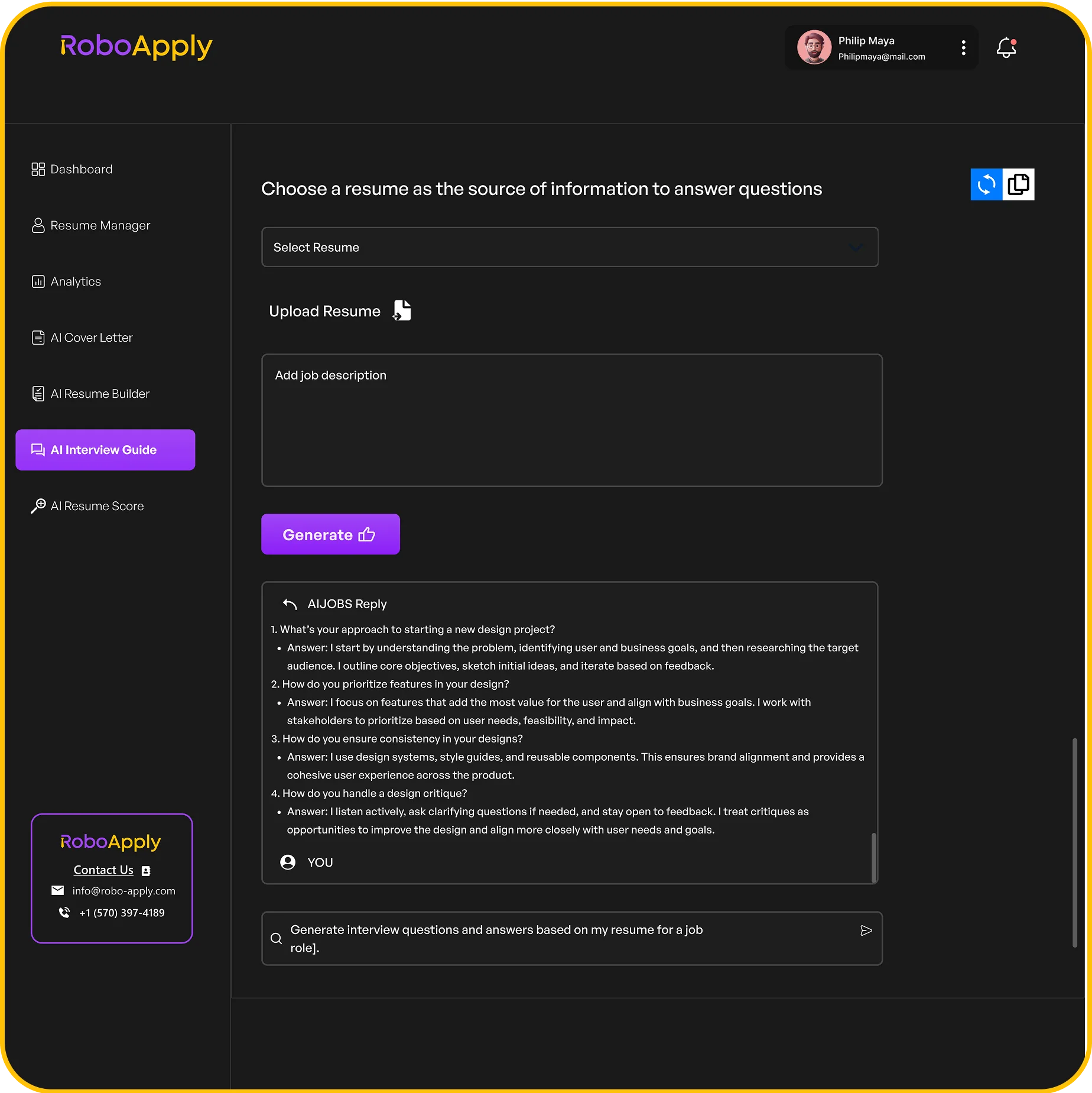
RoboApply’s interview simulator analyzes responses using industry-specific rubrics. Record mock sessions covering common questions like “Walk us through your design process.” The AI provides feedback on pacing, clarity, and keyword usage. Practice explaining complex motion techniques in simple terms—a critical skill when addressing mixed teams of creatives and executives.
Communicating Your Creative Process Clearly
Structure answers using the STAR method: Situation, Task, Action, Result. For example: “Our client needed 3D product visuals (Situation). I led motion design (Task), developed procedural textures (Action), cutting production time 30% (Result).” Highlight collaborative moments to demonstrate team compatibility.
Use visual aids during virtual calls—share screen snippets of key projects. Balance technical terms with plain language when discussing software skills. Creative directors value designers who make complex work accessible to non-specialists.
FAQ
What’s the most important element in a motion graphics designer resume?
Prioritize visual impact and technical clarity. Include a link to your portfolio, list software proficiency (e.g., Adobe After Effects, Cinema 4D), and quantify achievements like project reach or client results. Use RoboApply’s AI tools to align your resume with job descriptions while maintaining originality.
Which software skills will employers prioritize in 2025?
Master Adobe Creative Suite (After Effects, Premiere Pro), 3D tools like Blender or Maya, and prototyping platforms like Figma. Emerging demand exists for real-time animation in Unreal Engine and VR/AR design tools. Stay updated through platforms like LinkedIn Learning or Skillshare courses.
How long should my demo reel be to impress hiring managers?
Keep it under 90 seconds. Open with your strongest work, showcase diversity in styles (2D/3D, explainer videos, title sequences), and end with contact details. Include 2-3 case studies on your website explaining your creative decisions and client collaboration process.
What networking strategies work best for remote opportunities?
Engage daily on LinkedIn by commenting on industry posts and sharing time-lapse design videos. Join Slack/Discord groups like Motion Hatch. Use RoboApply’s community links to find unlisted roles at studios like Buck or Giant Ant.
How do I explain my creative process during interviews?
Structure answers using the STAR method: Situation (client brief), Task (project goals), Action (your design choices), Result (metrics or feedback). Practice with RoboApply’s Interview Coach to refine storytelling and reduce filler words like “um” by 70%.
Should I include freelance projects in my portfolio?
Yes, if they demonstrate problem-solving. For example, show how you adapted a startup’s brand into motion graphics under tight deadlines. Specify your role in team projects and include client testimonials to build credibility.
How often should I update my portfolio as a junior designer?
Refresh it every 3-6 months. Replace older pieces with projects using current techniques, like AI-assisted animation in Adobe Character Animator. Analyze Behance trends weekly and incorporate 1-2 new styles quarterly to stay competitive.