

How does a good cover letter look in format and structure? A good cover letter looks professional and clean with standard business letter formatting. It includes your contact information at the top, a professional greeting, three to five focused paragraphs, and a formal closing. Use readable fonts like Arial or Times New Roman in 11-12 point size with one-inch margins. Keep everything to one page maximum.
Your cover letter should look easy to scan quickly. Hiring managers spend seconds reviewing applications. Dense paragraphs with tiny fonts get skipped. Clean formatting with white space gets read.
The visual layout matters just as much as the words you write. A professional appearance signals attention to detail. Sloppy formatting suggests careless work habits. First impressions count.
A good cover letter looks organized from top to bottom. Header with contact details. Professional greeting using their name. Opening paragraph stating the position. Middle paragraphs proving your qualifications. Closing paragraph requesting an interview. Professional sign-off with your name.
Visual Format of a Good Cover Letter
How does a good cover letter look structurally? It follows standard business letter format that hiring managers expect. This familiar structure makes your letter easy to read and professional to review.
Your header goes at the very top. List your full name, phone number, email address, and location. Add the date one line below. Then include the hiring manager’s name, title, company name, and company address.
The greeting comes next. Use “Dear [Hiring Manager Name]” when possible. Skip generic greetings like “To Whom It May Concern.” Those look lazy and outdated.
Your content fills the middle section in three to five paragraphs. Opening paragraph states the position and one qualification. Middle paragraphs prove you can do the job. Closing paragraph requests an interview.
Sign off professionally with “Sincerely” or “Best regards.” Type your full name below. If printing, leave space for your handwritten signature.
Header and Contact Information Format
Your header needs complete contact information formatted clearly. This appears at the top before anything else.
Your Information:
- Full name on first line
- Phone number on second line
- Email address on third line
- City and state on fourth line
Date:
- Add one blank line after your information
- Type the current date
Company Information:
- Add one blank line after date
- Hiring manager’s full name
- Their job title
- Company name
- Company address
This standard format looks professional and provides everything needed to contact you. Don’t get creative with unusual layouts. Stick with what works.
Font and Spacing Requirements
How does a good cover letter look in terms of fonts and spacing? Professional and readable without any fancy styling.
Use standard business fonts only. Arial, Calibri, or Times New Roman work best. Set the size to 11 or 12 points. Nothing smaller or larger.
Single-space all paragraphs for a clean look. Add one blank line between paragraphs for separation. This creates white space that helps readability.
Set margins to one inch on all four sides. This standard spacing keeps your letter to one page even with substantial content.
Left-align all text throughout the letter. Don’t center anything except maybe your name in the header. Don’t justify text either. Left alignment reads most naturally.
Avoid these common formatting mistakes:
- Colored fonts or backgrounds
- Multiple font types mixed together
- Tiny fonts to fit more content
- Zero spacing between paragraphs
- Graphics, logos, or images
- Unusual margins or layouts
Professional formatting shows you understand business communication standards. Hiring managers notice good formatting immediately.

How Does a Good Cover Letter Look in Content Structure
Beyond visual formatting, how does a good cover letter look content-wise? It follows a clear three-part structure that builds your case logically.
Your opening paragraph hooks attention fast. State which position you want. Show one strong qualification immediately. Maybe mention how you found the role or who referred you.
Your middle section proves your qualifications through specific examples. Pick two or three key requirements from the posting. Show how your experience matches each one with concrete achievements and numbers.
Your closing drives toward action. Express continued interest. Request an interview directly. Thank them for considering your application. Provide your contact information again for convenience.
This structure keeps everything organized and scannable. Each section has a clear purpose. Nothing feels random or disjointed.
Opening Paragraph That Grabs Attention
How does a good cover letter look in the opening? Direct and compelling from the first sentence.
State the exact job title you want. Copy it word for word from the posting. This helps with applicant tracking systems and shows precision.
Show one major qualification immediately. Connect your strongest skill or achievement to their biggest need. Make them want to keep reading.
Here’s what strong openings look like:
“I’m applying for your Marketing Manager position because my five years running social campaigns directly addresses your need for digital expertise.”
“Your Software Engineer role matches my background building APIs that serve 200K daily users.”
“The Account Director position fits my track record of exceeding sales targets by 40% yearly.”
Each example names the position clearly. Each proves qualification immediately. Each makes the hiring manager want more information.
Weak openings waste precious space:
“I am writing to express my interest in the position posted on your website.” This says nothing useful.
“I am excited to apply for this amazing opportunity.” Generic enthusiasm without substance.
“I believe I would be a great fit for your team.” Weak language that undermines confidence.
Your opening determines if anyone reads paragraph two. Make it count from word one.
Middle Paragraphs That Prove Value
How does a good cover letter look in the middle section? Focused on proving you can do the job through specific examples.
Pick two or three key requirements from the job posting. Address each one with relevant experience and concrete results.
Use actual numbers to quantify achievements. Replace “I managed projects successfully” with “I managed five projects totaling $3M budget and delivered all on schedule.”
Connect every example directly to their stated needs. Don’t just list what you did. Explain how it applies to this specific role.
Here’s what effective middle paragraphs look like:
- First Paragraph – Technical Skills: “At my current company, I built the marketing automation system that increased lead generation by 150%. I used HubSpot and Salesforce, which are the exact tools mentioned in your posting. This system now processes 10K leads monthly with 95% accuracy.”
- Second Paragraph – Soft Skills: “Leading cross-functional teams required strong communication. I coordinated between engineering, sales, and marketing to launch our product two weeks early. This collaboration increased first-month sales by $500K above projections.”
These paragraphs work because they prove claims with specifics. Numbers make achievements believable. The connection to job requirements stays crystal clear.
Avoid these middle paragraph mistakes:
- Repeating your resume word for word
- Vague claims without proof
- Unrelated experience that doesn’t connect
- Long rambling stories without clear points
- Missing the connection to their needs
Every sentence should advance your case for getting hired. Cut everything else completely.
Closing Paragraph That Drives Action
How does a good cover letter look at the end? Confident and action-oriented without being pushy.
Restate your interest in the role briefly. Request an interview directly. Thank them for their time and consideration.
Keep this section short. Three to four sentences maximum. Don’t rehash everything you already covered.
Strong closing examples:
“I’d welcome discussing how my digital marketing experience can support your growth goals. I’m available for an interview anytime this week. Thank you for considering my application.”
“My project management background would benefit your upcoming product launches. I’d appreciate the chance to discuss this role further. Please contact me at [phone] to schedule a conversation.”
“I’m confident my sales expertise matches your team’s needs perfectly. I look forward to discussing how I can help exceed revenue targets. I’m available to meet next week.”
Each closing requests action clearly. Each shows confidence without arrogance. Each provides next steps naturally.
Weak closings to avoid:
“I hope to hear from you soon.” Too passive and uncertain.
“Thank you for taking the time to review my application.” Fine as one sentence but not as your main closing.
“Please feel free to contact me if you have questions.” They don’t need permission to contact you.
Your closing should feel like a natural next step. Not the end of the conversation but the beginning of one.
Common Visual Mistakes That Kill Applications
How does a good cover letter look compared to bad ones? The differences show up immediately in formatting and structure.
Bad cover letters use tiny fonts to cram more content onto one page. This makes them hard to read and looks desperate. Use standard 11-12 point fonts instead.
Bad letters have no white space between paragraphs. Dense text blocks scare readers away. Add blank lines between paragraphs for breathing room.
Bad formatting mixes multiple fonts or uses decorative styles. This looks unprofessional and distracting. Stick with one standard font throughout.
Bad letters exceed one page length. Multi-page cover letters rarely get fully read. Cut content ruthlessly to fit one page properly.
Formatting Elements That Look Professional
How does a good cover letter look in terms of professional polish? Clean, organized, and easy on the eyes.
Consistent spacing throughout the document matters. Same font size everywhere. Same spacing between paragraphs. Same margins all around.
Proper alignment makes scanning easier. Left-aligned text reads naturally. Centered text for your name only. Everything else stays left-aligned.
Clear paragraph breaks separate ideas visually. Each paragraph covers one main point. Blank lines between paragraphs create structure.
Professional elements that improve appearance:
- Clean header with complete contact information
- Professional email address (firstname.lastname format)
- Standard business fonts in readable sizes
- Consistent spacing and alignment throughout
- One-inch margins on all sides
- Single page length maximum
- No spelling or grammar errors anywhere
These details seem small individually. Together they create a polished professional impression that gets you taken seriously.
What Makes a Cover Letter Look Unprofessional
How does a good cover letter look different from unprofessional ones? The mistakes stand out immediately to hiring managers.
Unprofessional letters use casual email addresses. YourNickname123@email.com looks immature. Use firstname.lastname@email.com instead.
Unprofessional formatting includes graphics, logos, or photos. Your face doesn’t belong on a cover letter. Neither does your personal branding logo.
Unprofessional letters use casual language and slang. “Hey there!” as a greeting sounds wrong. “Dear Hiring Manager” stays professional.
Unprofessional styling uses colors, underlines, or italics excessively. Black text on white background works best. Save fancy formatting for design portfolios.
These mistakes signal poor judgment and lack of business sense. Avoid them completely regardless of the company culture or industry.
Examples of Good Cover Letter Appearance
How does a good cover letter look in complete examples? Here’s what hiring managers want to see.
Marketing Role Example Structure:
Header with contact information Professional greeting Opening: “I’m applying for your Digital Marketing Manager position…” Body paragraph 1: Social media campaign achievements with numbers Body paragraph 2: Marketing automation experience and results Closing: Request for interview with availability Professional sign-off and name
Technical Role Example Structure:
Header with contact information Professional greeting Opening: “Your Backend Engineer position matches my experience…” Body paragraph 1: Technical skills and specific technologies Body paragraph 2: Project achievements with measurable impact Closing: Interest in discussing role further Professional sign-off and name
Both examples follow standard formatting. Both use professional language. Both prove qualifications with specifics. Both stay on one page.
The visual layout stays consistent. Contact information at top. Greeting below that. Content in middle. Closing at bottom. Name at end.
Nothing fancy. Nothing creative. Just clear professional formatting that lets your qualifications shine through.

Write Better-Looking Cover Letters Faster
Creating cover letters with perfect formatting takes time when doing it manually. You need to set up the header correctly. Format everything consistently. Keep it to one page. Make it look professional.
Most people spend 20-30 minutes just on formatting before even writing content. Apply to twenty jobs? That’s hours spent just making things look right. Time you could use applying to more positions.
Smart tools handle formatting automatically while you focus on content. You’re not sacrificing quality or professionalism. You’re using technology efficiently.
Automatically Format Cover Letters Correctly
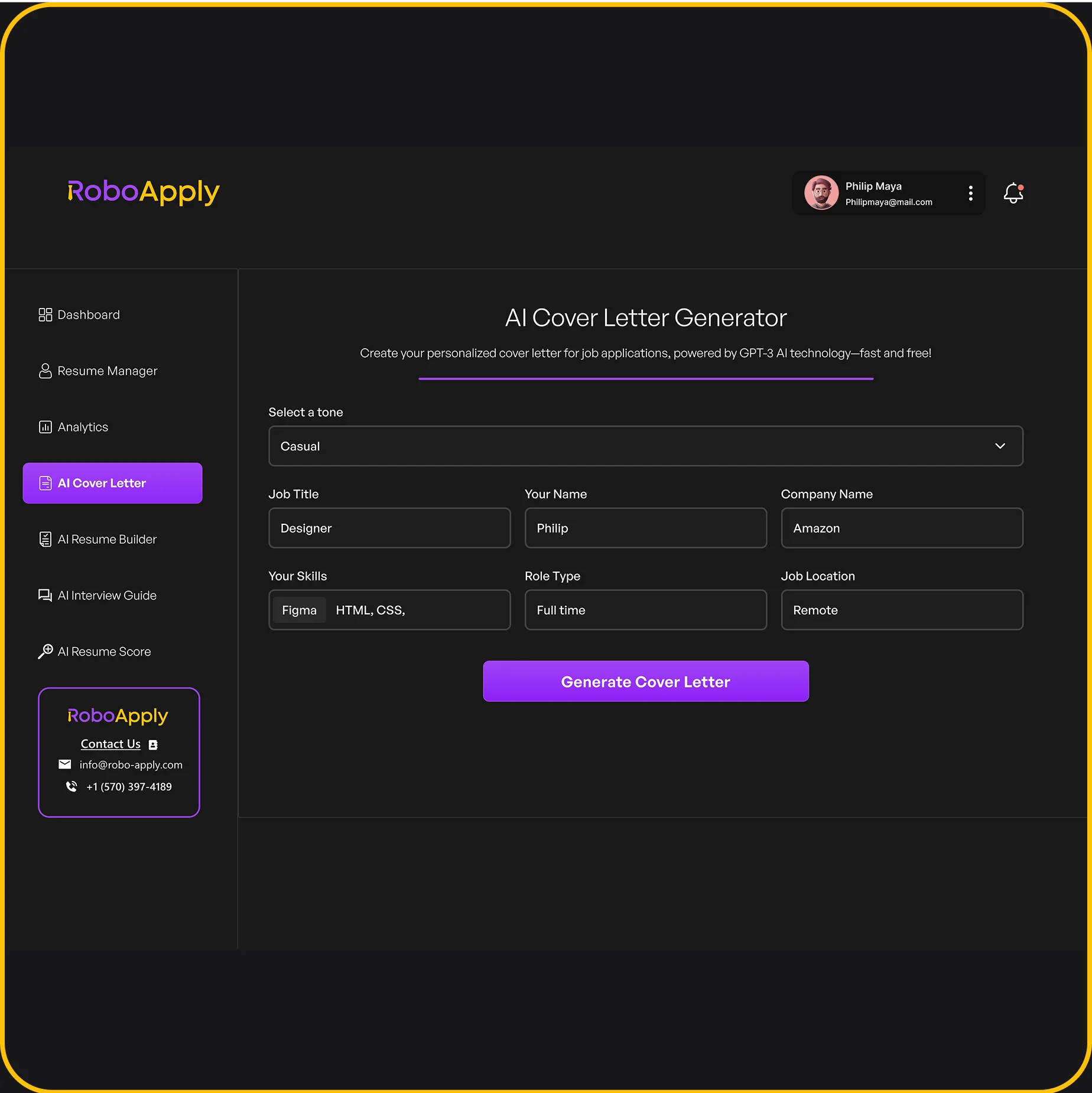
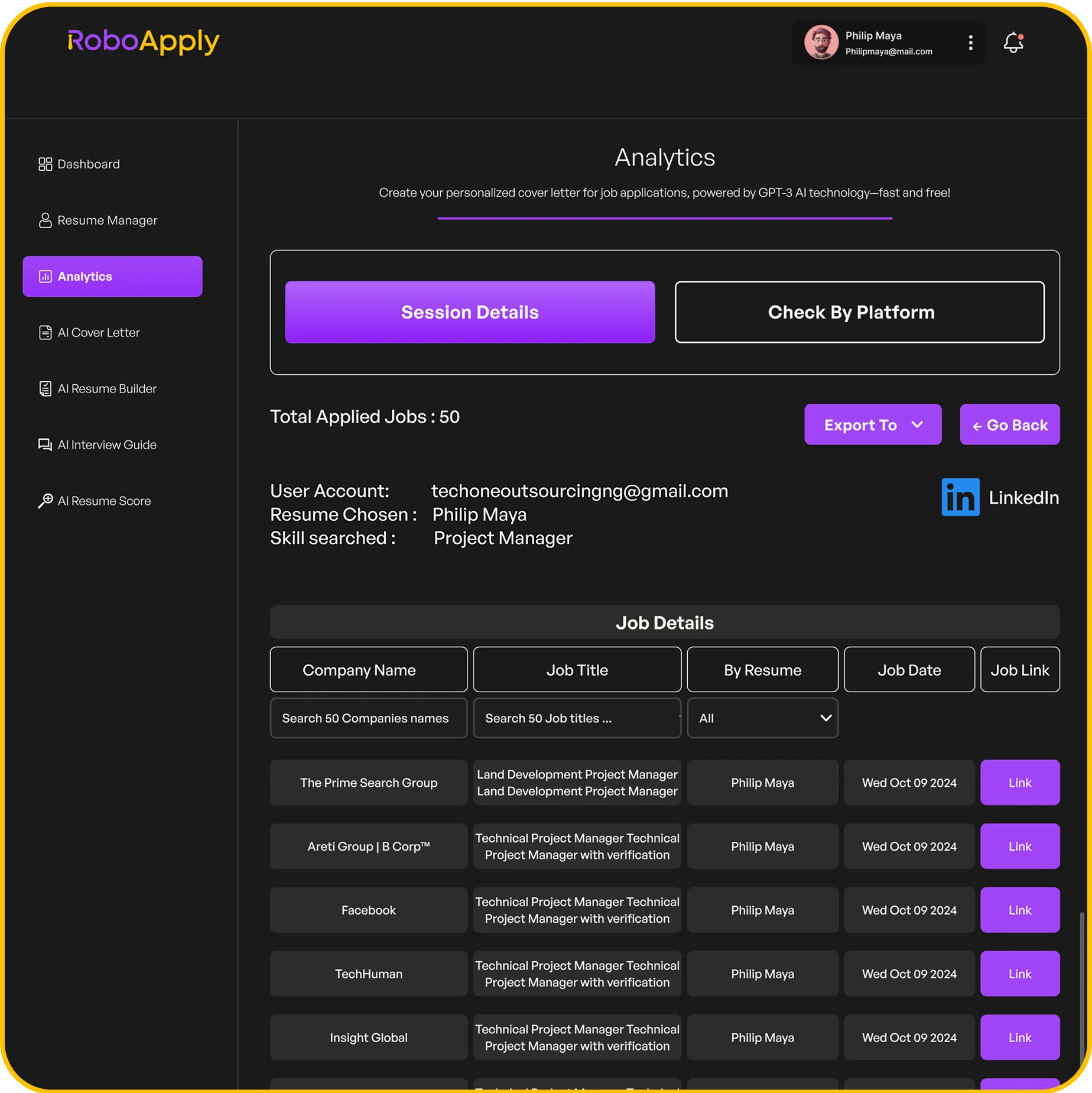
RoboApply’s AI Cover Letter Generator formats everything professionally from the start. The system knows standard business letter structure. It places your contact information correctly. It spaces paragraphs properly. It keeps everything to one page.
The formatting follows hiring manager expectations automatically. Professional fonts in readable sizes. Proper margins and spacing. Clean alignment throughout. All handled without you thinking about it.
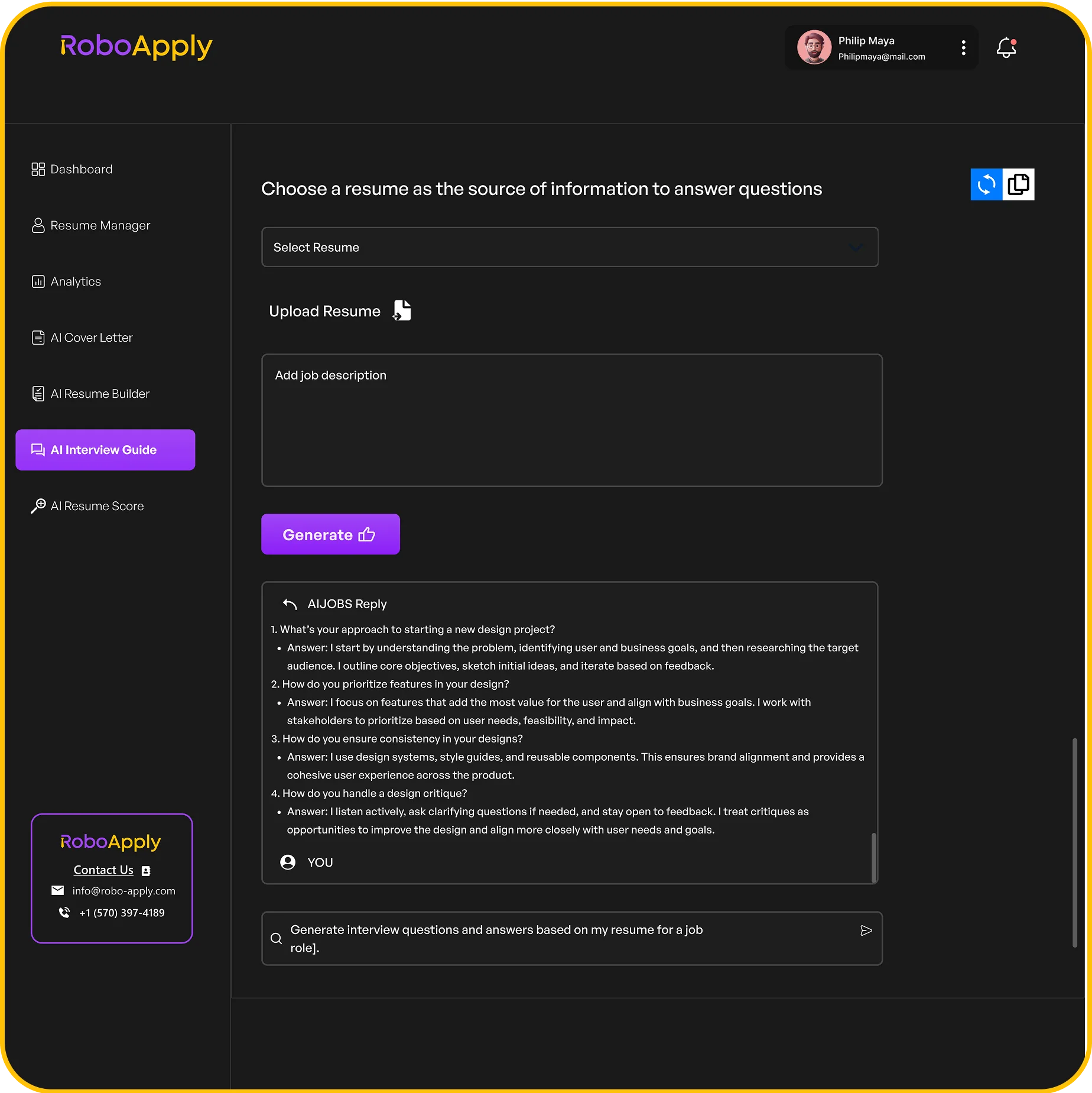
You provide your information and the job details. The system generates a properly formatted letter. You review content and make adjustments. The formatting stays professional throughout.
This saves significant time on every application. No fiddling with margins. No adjusting fonts. No fighting with spacing. Just professional formatting every single time.
Maintain Professional Appearance at Scale
How does a good cover letter look when you’re applying to multiple positions? Consistently professional across every application.
RoboApply’s platform maintains formatting standards automatically. Each letter gets the same professional appearance. The structure stays consistent. The layout looks polished.
The AI Resume Builder ensures your resume matches your cover letter visually. Same fonts. Same styling. Same professional polish. This consistency strengthens your entire application package.
For positions requiring specific formats, AI Tailored Apply adjusts formatting while keeping everything professional. Your cover letter and resume both look right for each unique opportunity.
When scaling up applications, AI Auto Apply handles formatting across all submissions. Every cover letter looks professional. Every application meets standards. All automatically while you focus on interview preparation.
Your Action Plan
How does a good cover letter look to hiring managers? Professional, clean, and easy to read with standard business formatting throughout.
Start with a proper header containing your contact information. Add the date and company information. Use standard fonts in readable sizes.
Structure content in three to five focused paragraphs. Opening states the position. Middle proves qualifications. Closing requests action.
Keep everything to one page maximum. Use proper spacing and margins. Left-align all text. Add blank lines between paragraphs.
Proofread three times minimum. Check for consistent formatting. Verify contact information accuracy. Make sure nothing looks sloppy or rushed.
Start applying with cover letters that look professional and get read by hiring managers. Clean formatting combined with strong content lands interviews. That’s what gets you hired.